
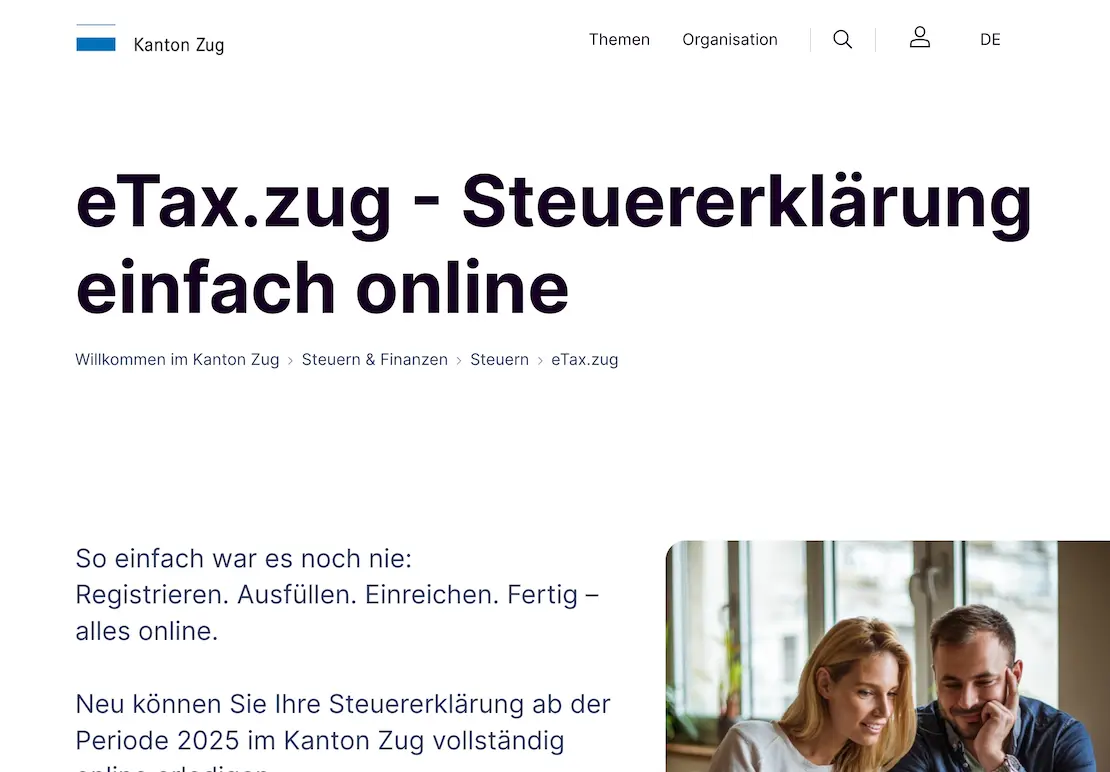
Filing your tax return in the canton of Zug sounds like a long evening. It doesn’t have to be. In this tutorial, I walk you through eTax.zug step by step: persons & household, employment income, and professional expenses.
Before you start
The tax return in the canton of Zug is done entirely online via eTax.zug. You need an AGOV account (formerly: ePortal) to log in. If you don’t have one yet, you can create one at agov.ch. Plan some time for this, as identity verification is required.
The filing deadline is April 30. If you need more time, you can request an extension directly in the eTax system or from the cantonal tax office.
Tip to get started: eTax.zug lets you import values from the previous year. The corresponding symbol is a download icon (arrow pointing down) next to the fields. Click on it to import last year’s value. This saves a lot of time for recurring data.
Section 1: Persons & household
This first section sets up the basic structure of your tax return. What you enter here directly affects which deductions and tax rates apply to you.
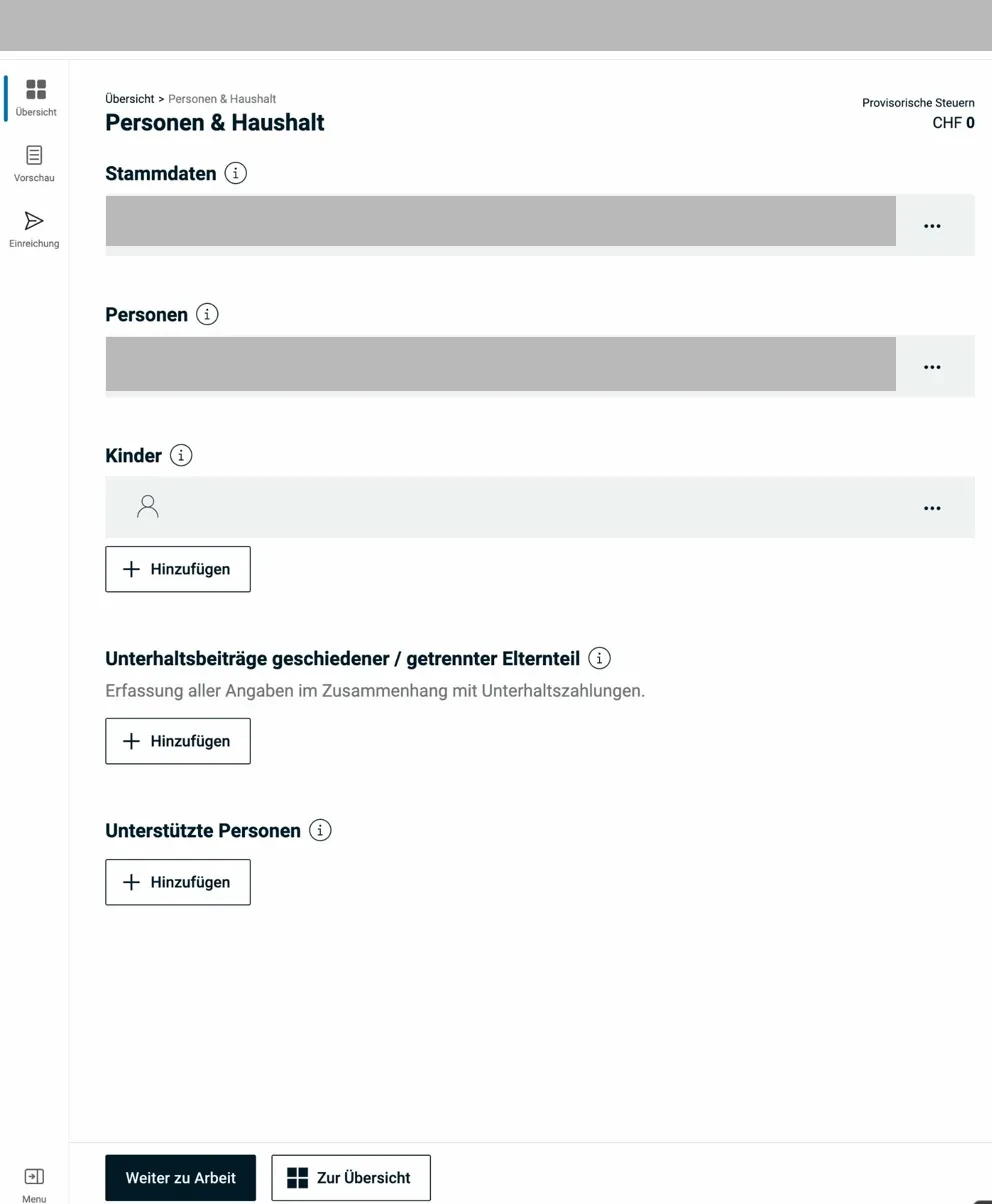
The Persons & household overview page shows the main categories at a glance.
1.1 Personal data (master data)
Most of the basic data (name, address, marital status) is already pre-filled, since eTax.zug pulls from the cantonal resident register. Check it anyway, especially if you moved during the tax year.
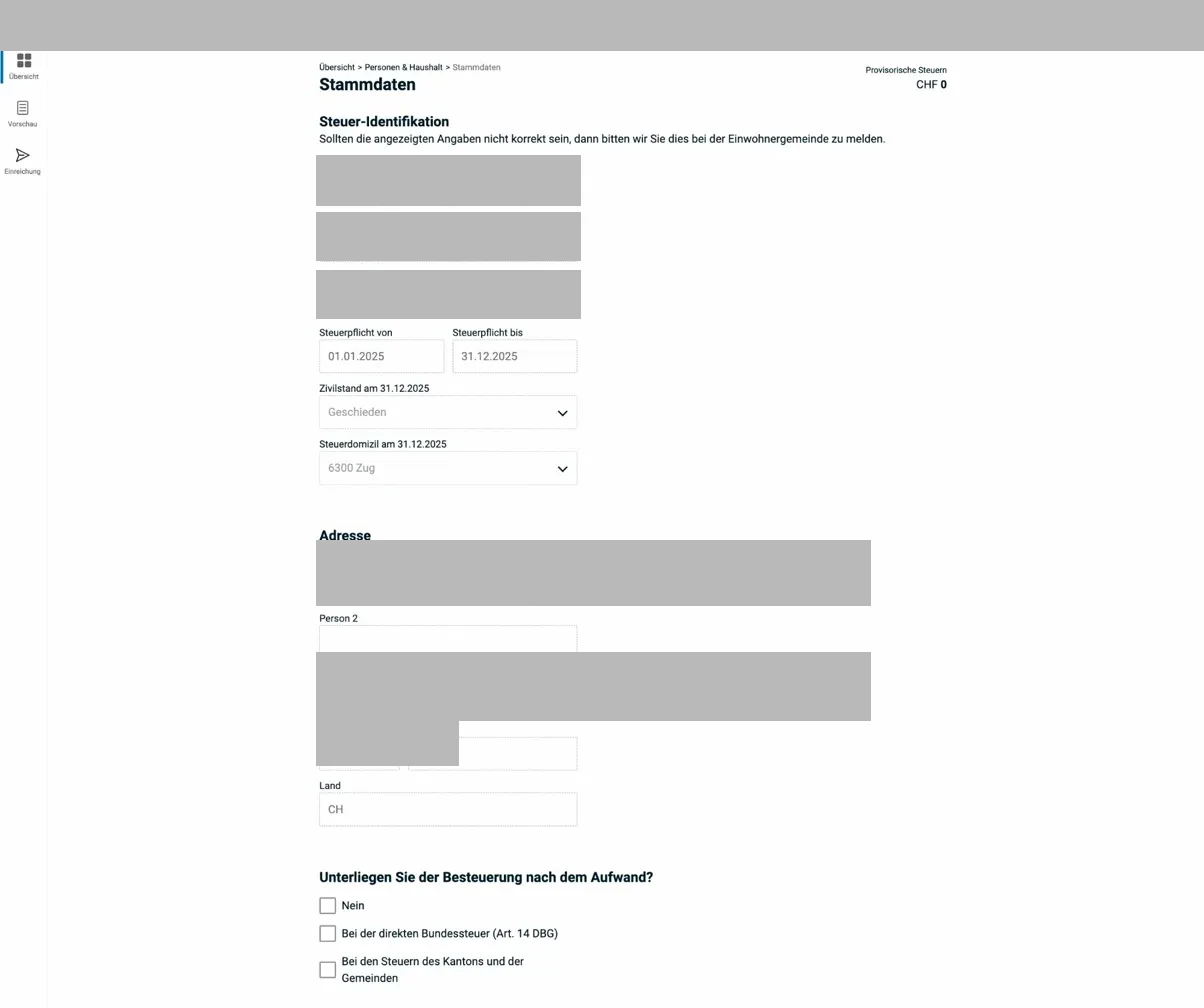
The master data page contains the tax identification numbers (Pers-ID, case number, security code) and your address. These fields are pre-filled and only need to be corrected if something is off.
Further down on the same page, you’ll find the account for tax refunds, your contact details, and a field indicating whether you have a representative (e.g. fiduciary).
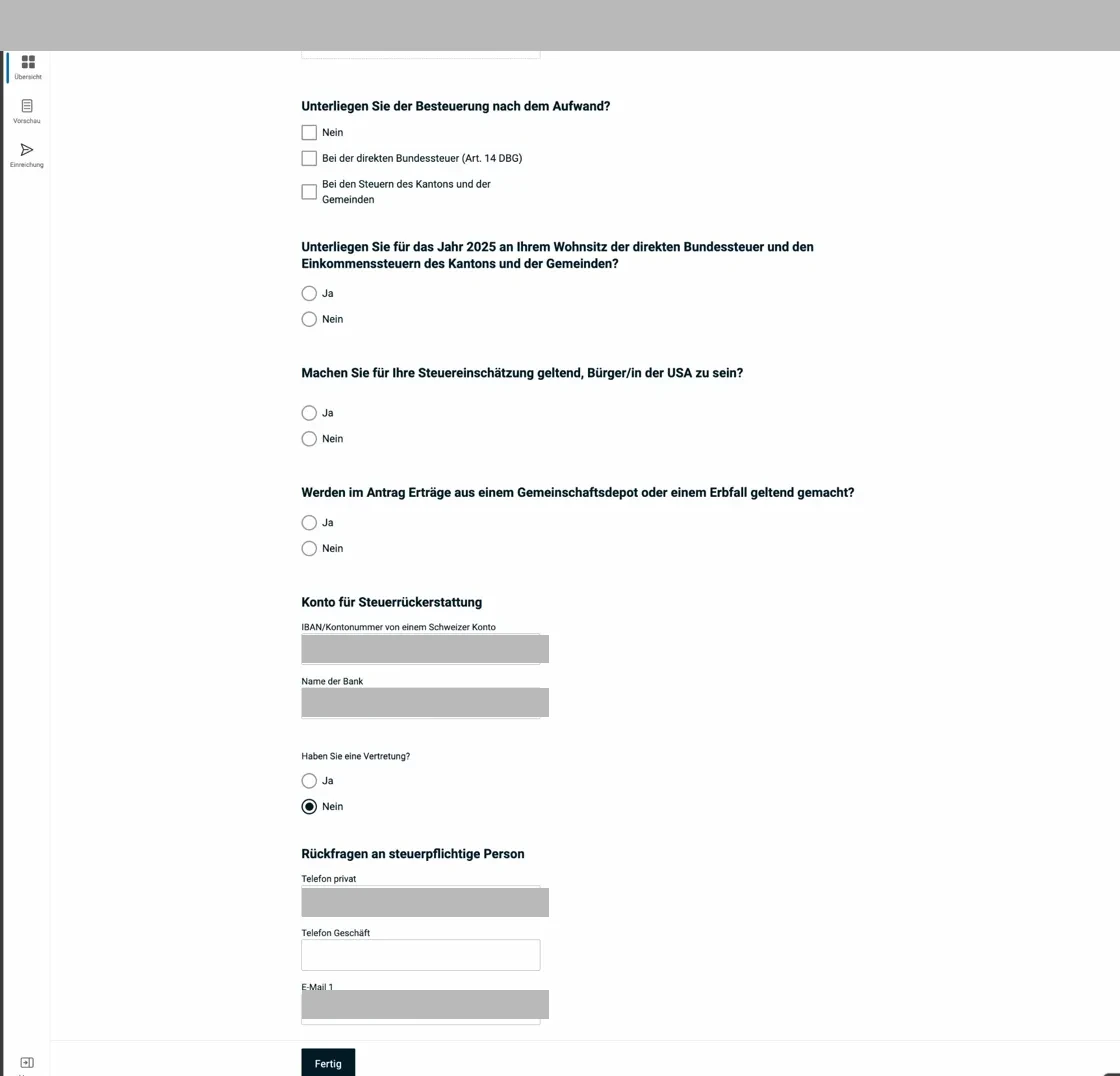
Check the IBAN, bank name, phone, and email. This information is critical for tax refunds.
Denomination: Your religious denomination is tax-relevant because it determines the church tax. If you don’t belong to any recognized church (Roman Catholic, Evangelical Reformed, Christian Catholic), select “Other” and you won’t pay church tax.
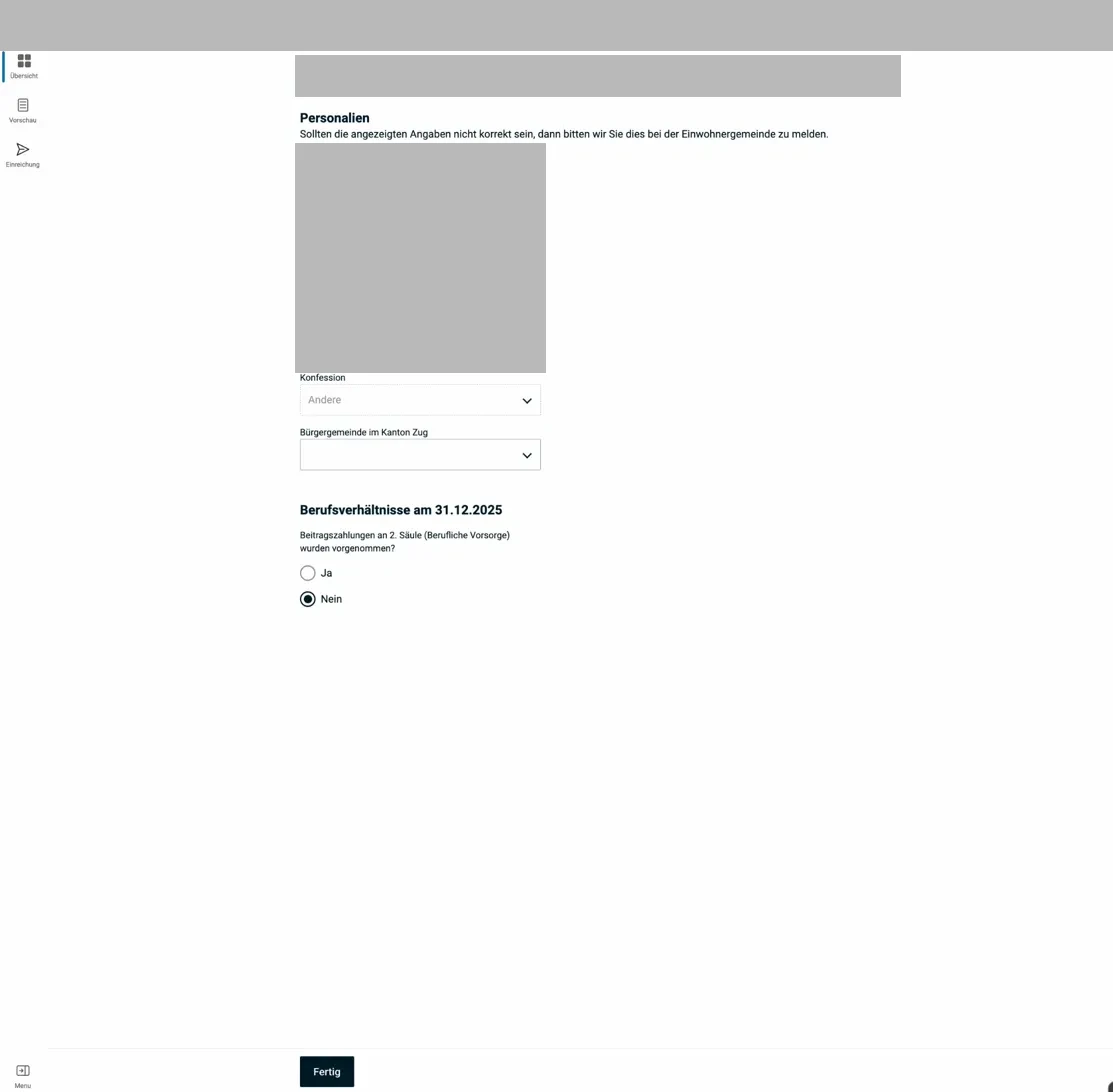
First name, last name, date of birth, AHV number, and denomination are entered here. The AHV number is pre-filled and read-only.
1.2 Children
For each minor child (or child in education up to age 25) living in your household, you can claim a child deduction. In Zug, this deduction is CHF 12'500 per child from taxable income.
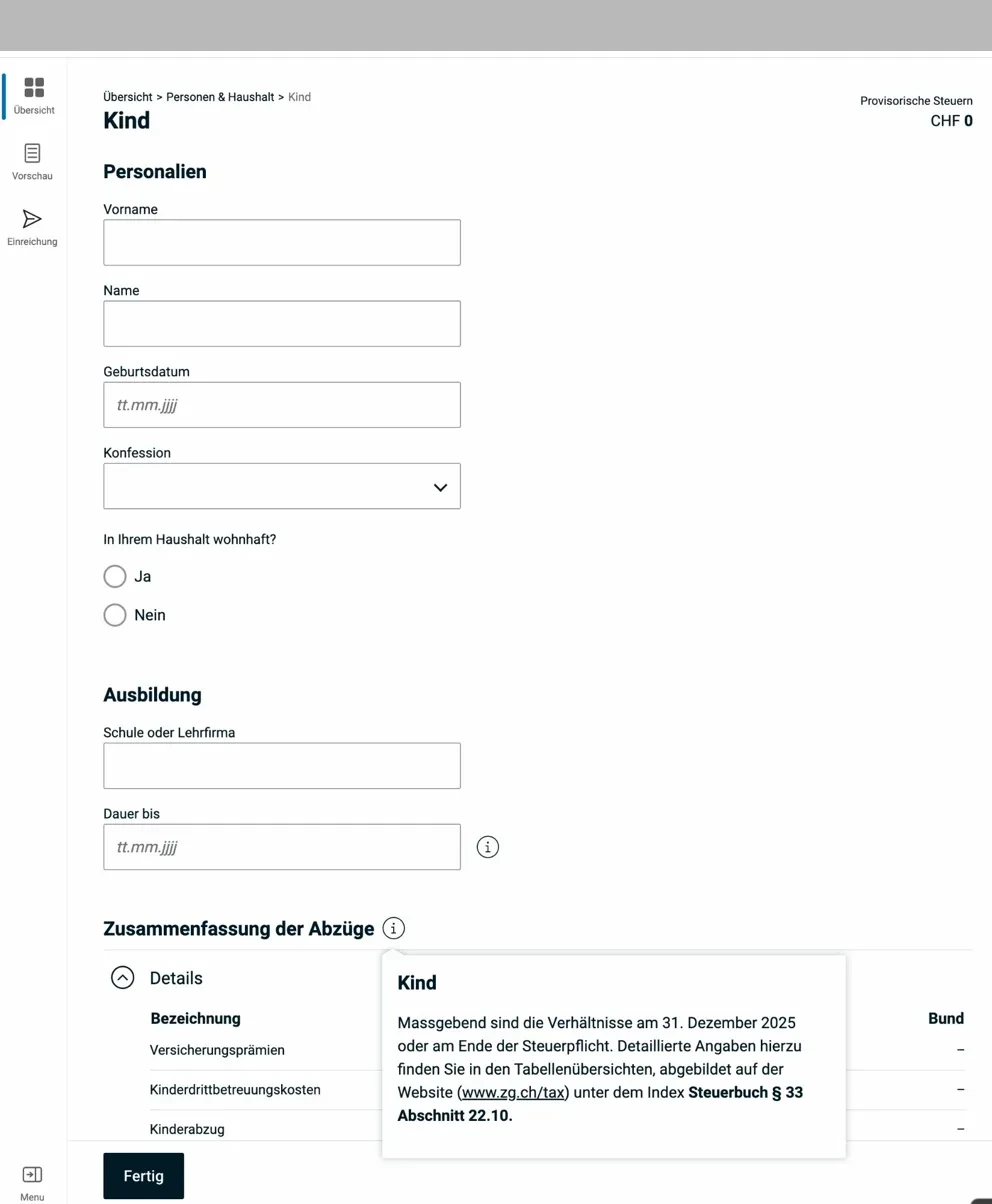
The form for a child: first name, last name, date of birth, denomination, and place of residence. Below is the education section (school/training company and duration).
When filling it out, you indicate:
- Name and date of birth of the child
- Whether they are in education (for children over 18)
- Whether the child lives in your household
Click on the info icon next to “Children” to read the full conditions and distinctions, particularly relevant for separated parents and child support.
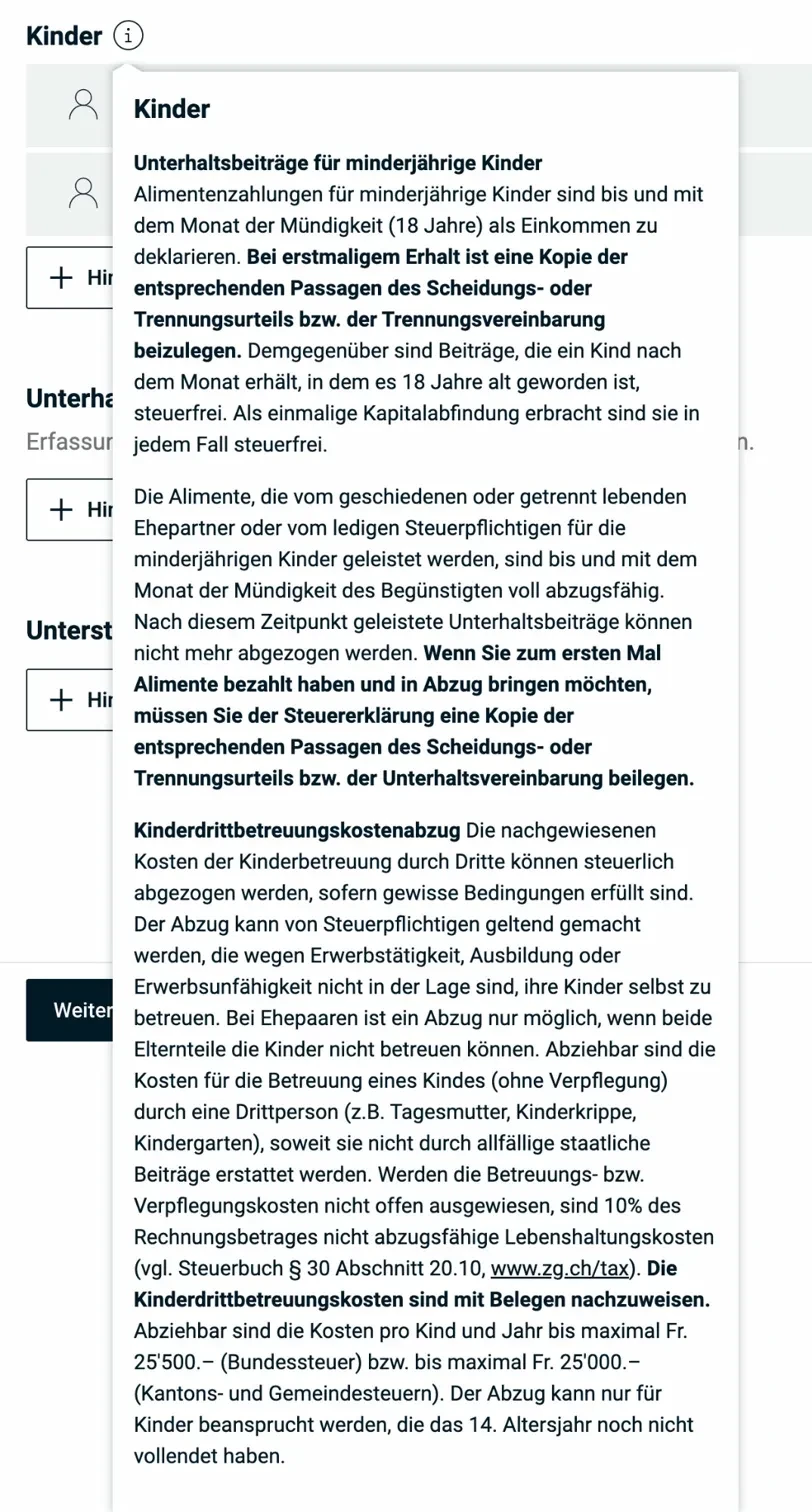
The info popup explains the conditions for the child deduction as well as the rules regarding child support and third-party childcare costs.
For separated parents: The child deduction generally goes to the parent who receives the family allowances. In cases of equally shared custody, the deduction can be split in half. This needs to be coordinated, since the tax office sees both returns.
1.3 Supported persons
Here you enter people you financially support who don’t live in your household (e.g. elderly parents, adult children in need). The info popup shows the exact requirements:
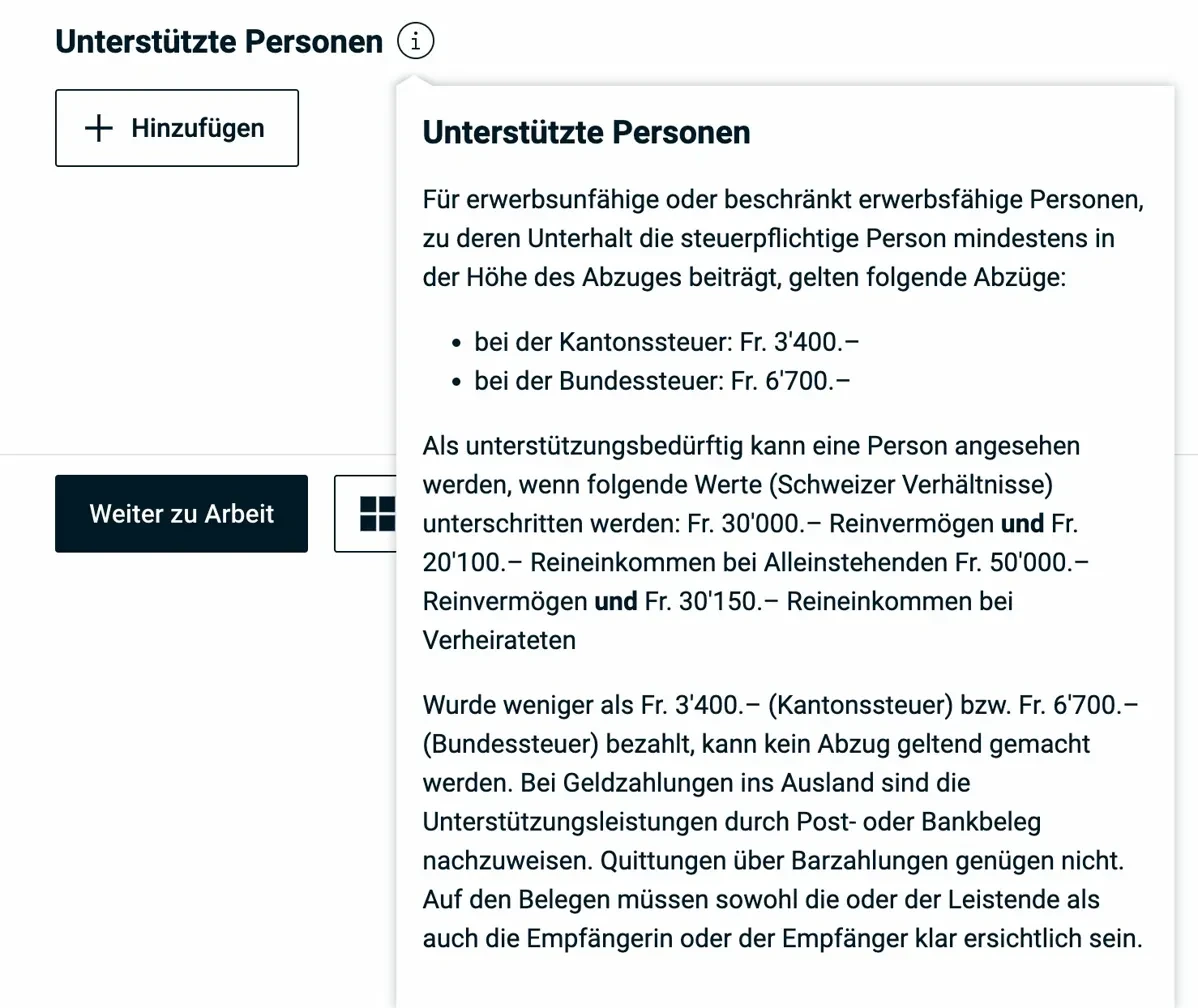
The popup shows the requirements for the support deduction: cantonal tax CHF 3'400, federal tax CHF 6'700. The person must have net assets below CHF 30'000 and net income below CHF 20'100 (single persons).
The deduction is CHF 3'400 (cantonal tax), respectively CHF 6'700 (federal tax) per person. Keep the receipts, the tax office may request them. For payments abroad, bank or postal receipts are mandatory.
1.4 Maintenance payments (alimony)
Alimony payments made (to an ex-spouse, not for children) are deductible from income. The full amount paid is deductible. In return, the receiving person declares the alimony as income.
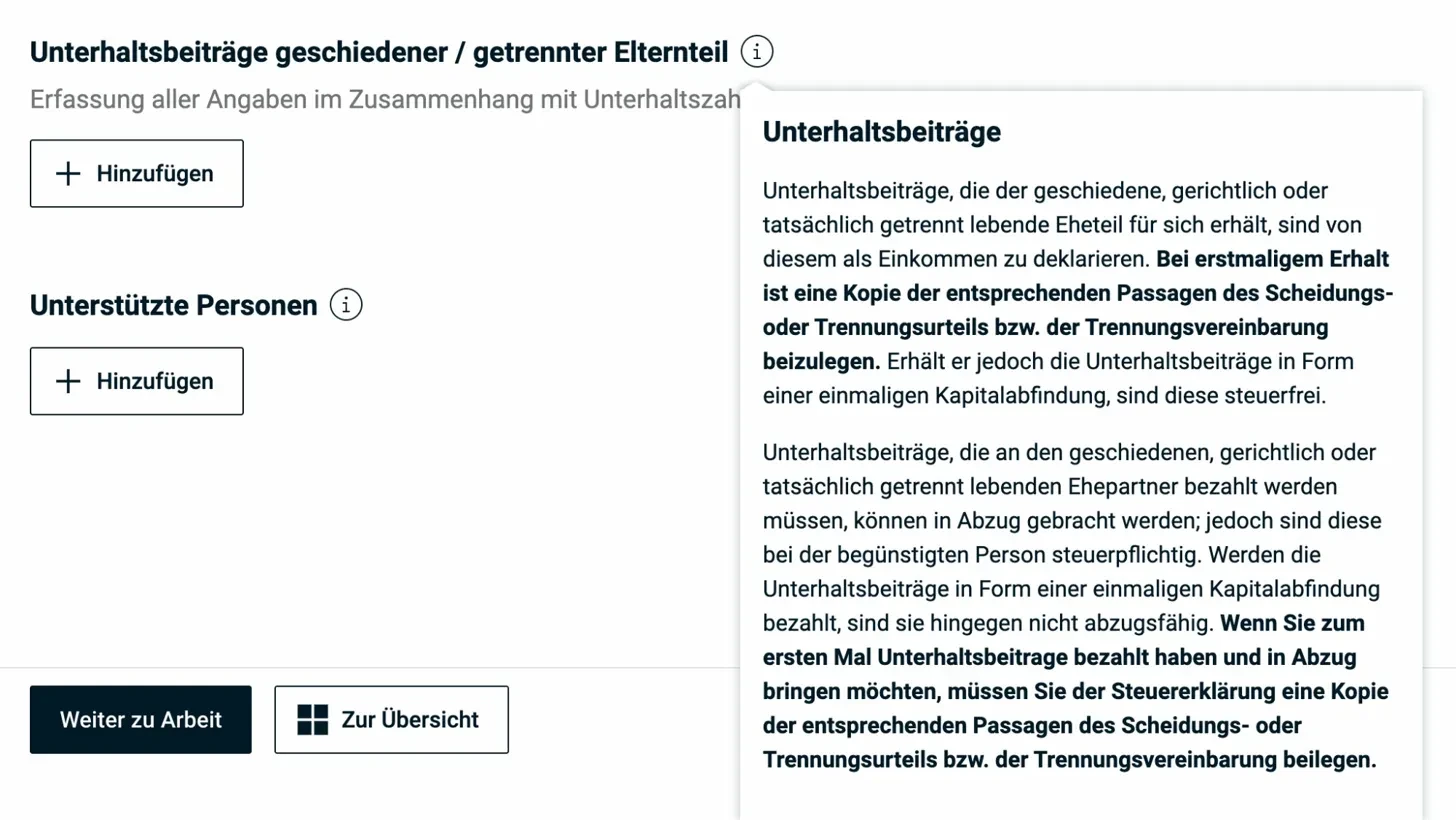
Important note in the popup: when claiming maintenance payments for the first time, a copy of the divorce or separation judgment must be attached.
Alimony received must be declared as income. You enter it in this section, not in the income part. eTax automatically transfers it to the right place.
Child support: Alimony for children is not deductible. However, the child deduction applies if the child lives with you.
Section 2: Employment
This section is the most important one for most taxpayers in the canton of Zug: this is where the main income flows in and where you’ll find the biggest savings potential through professional expenses.
2.1 Employment income (salary)
First, enter your net salary according to the salary certificate (line 11 of the salary certificate).
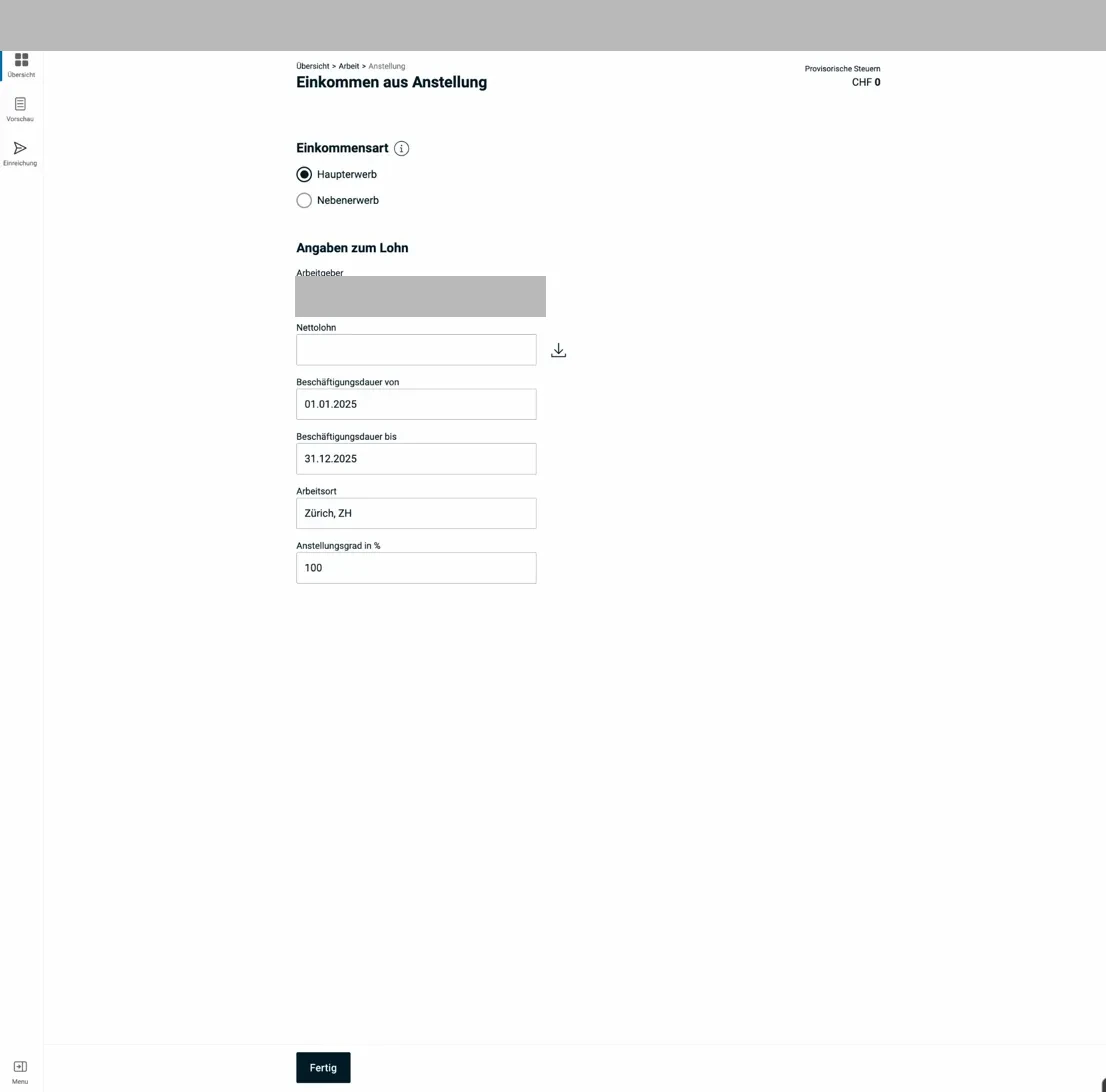
The form for employment: employer, net salary, employment duration, workplace, and employment rate. The download icon next to “Net salary” imports last year’s value.
Important: Only after you’ve entered the net salary does the option to upload the salary certificate appear. This isn’t a bug. The system needs the amount to know which document to expect.
If you had multiple employers, click “Add another employment” and enter each salary certificate separately.
2.2 Professional expenses: overview and flat rate
After entering your salary, you reach the professional expenses page:
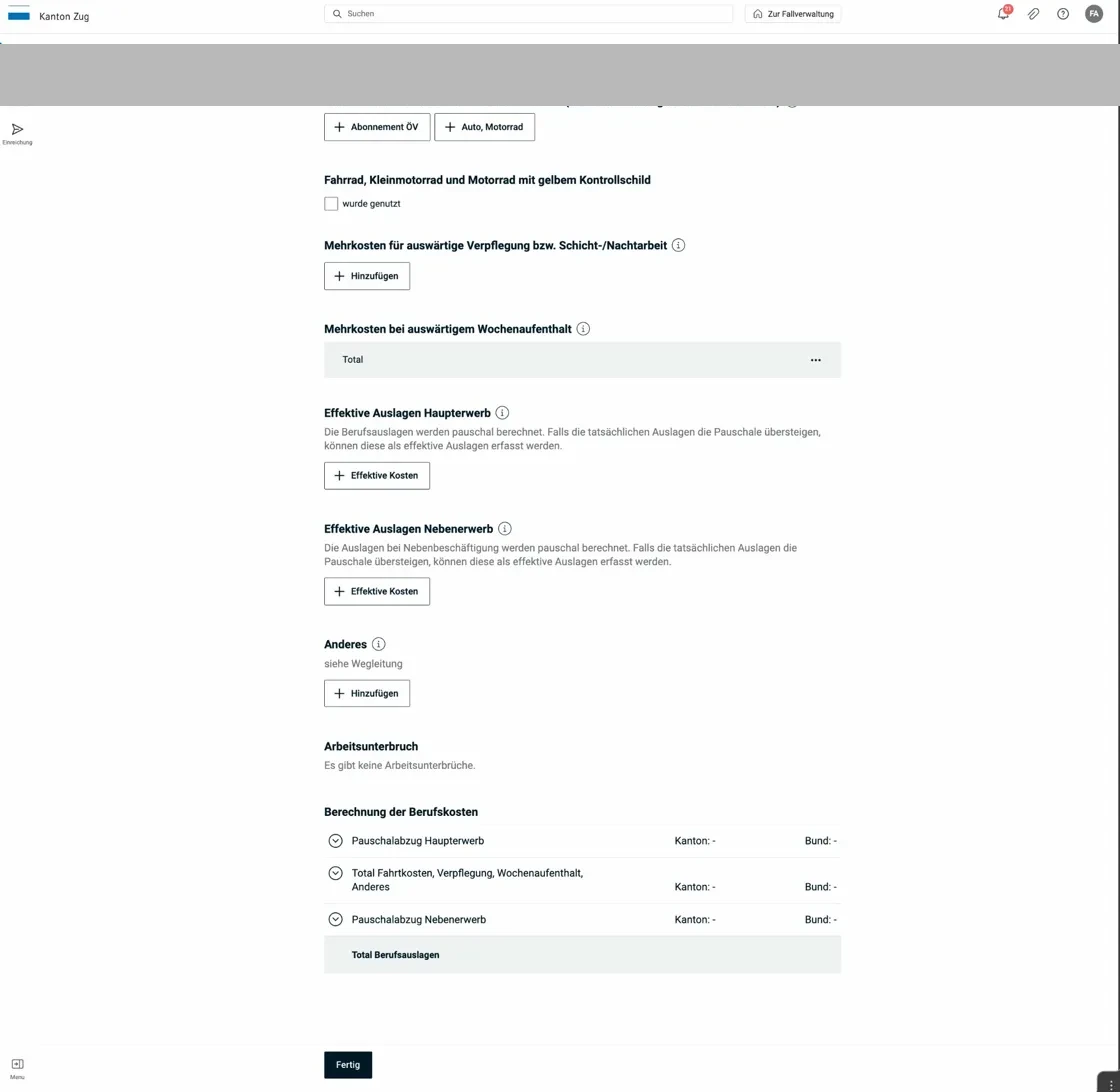
The professional expenses page offers commuting costs (public transport pass or car/motorcycle), additional meal costs, weekly accommodation costs, and actual expenses. At the bottom, you can see the automatically calculated flat-rate deduction.
The Zug professional expenses flat rate is 3% of net salary, with:
- Minimum: CHF 2'000
- Maximum: CHF 4'000
The info popup for the professional expenses flat rate explains what it covers:
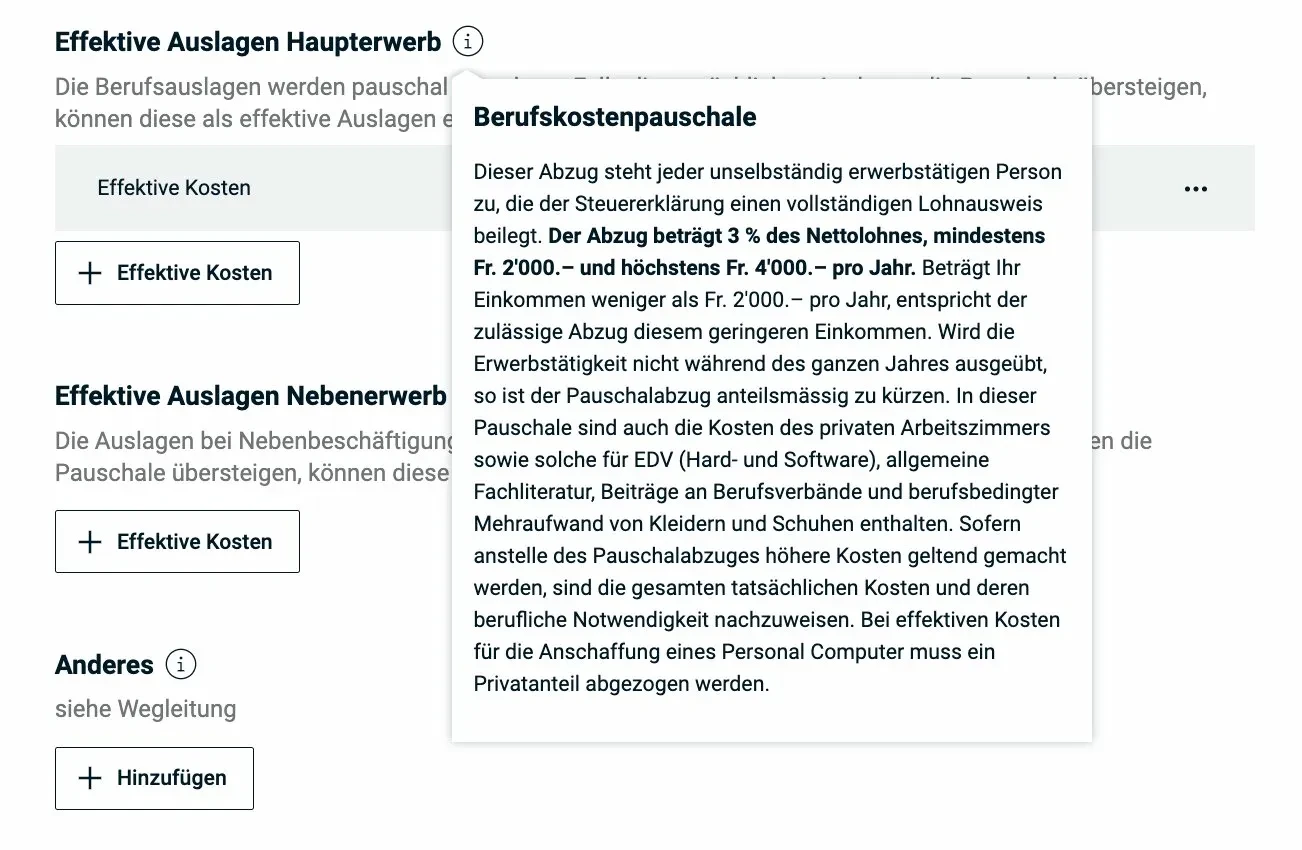
The flat rate covers home office costs, IT equipment, specialist literature, professional associations, and work clothing, among others. If actual costs are higher, they can be deducted instead.
2.3 Commuting costs
Public transport: Click “+ Public transport pass” and enter the actual costs of your public transport pass for your work commute.
Private vehicle (car): The car can only be deducted if the commute by public transport exceeds 1 hour 15 minutes (one way). Otherwise, only the hypothetical public transport costs can be deducted. eTax guides you through a form with distance and number of work days.
2.4 Meal costs
If you can’t eat at home for work-related reasons, click “+ Add” under “Additional costs for meals away from home.” The system explains the conditions in detail:
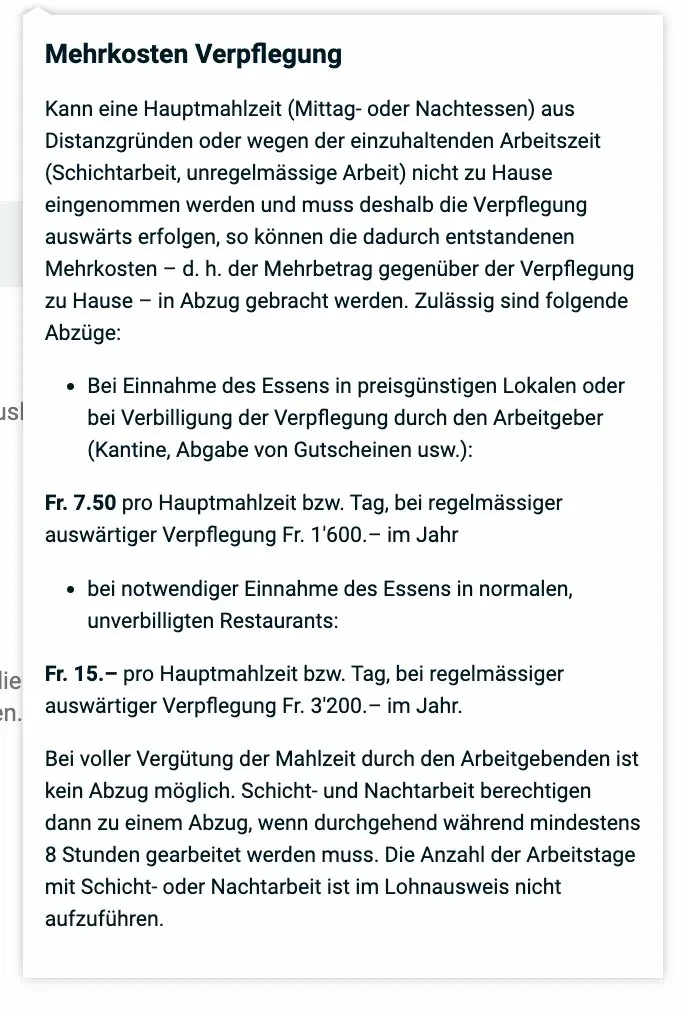
Allowed deductions: CHF 7.50 per meal (CHF 1'600/year) with a canteen or vouchers; CHF 15.- per meal (CHF 3'200/year) at non-subsidized restaurants. No deduction if the employer fully reimburses meals.
2.5 Weekly accommodation away from home (special case)
If you live at your workplace during the week and only go home on weekends, you can claim accommodation and meal costs at the work location via the “Additional costs for weekly accommodation” field:
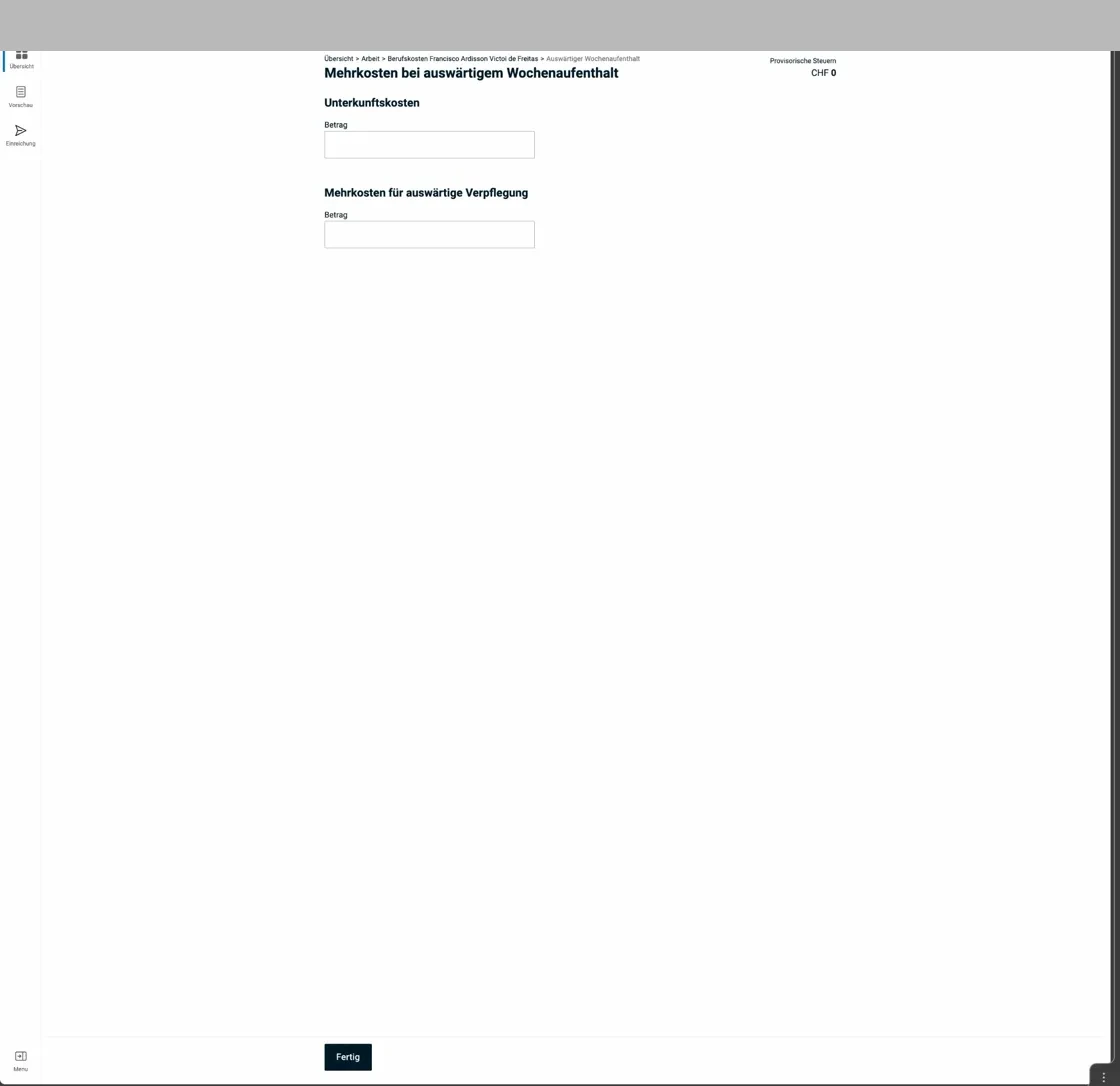
This form only appears for weekly commuters: accommodation costs and additional meal costs at the work location.
2.6 Commuting costs detail: public transport and car
Public transport pass entry: type of pass, number of work days, and annual cost.
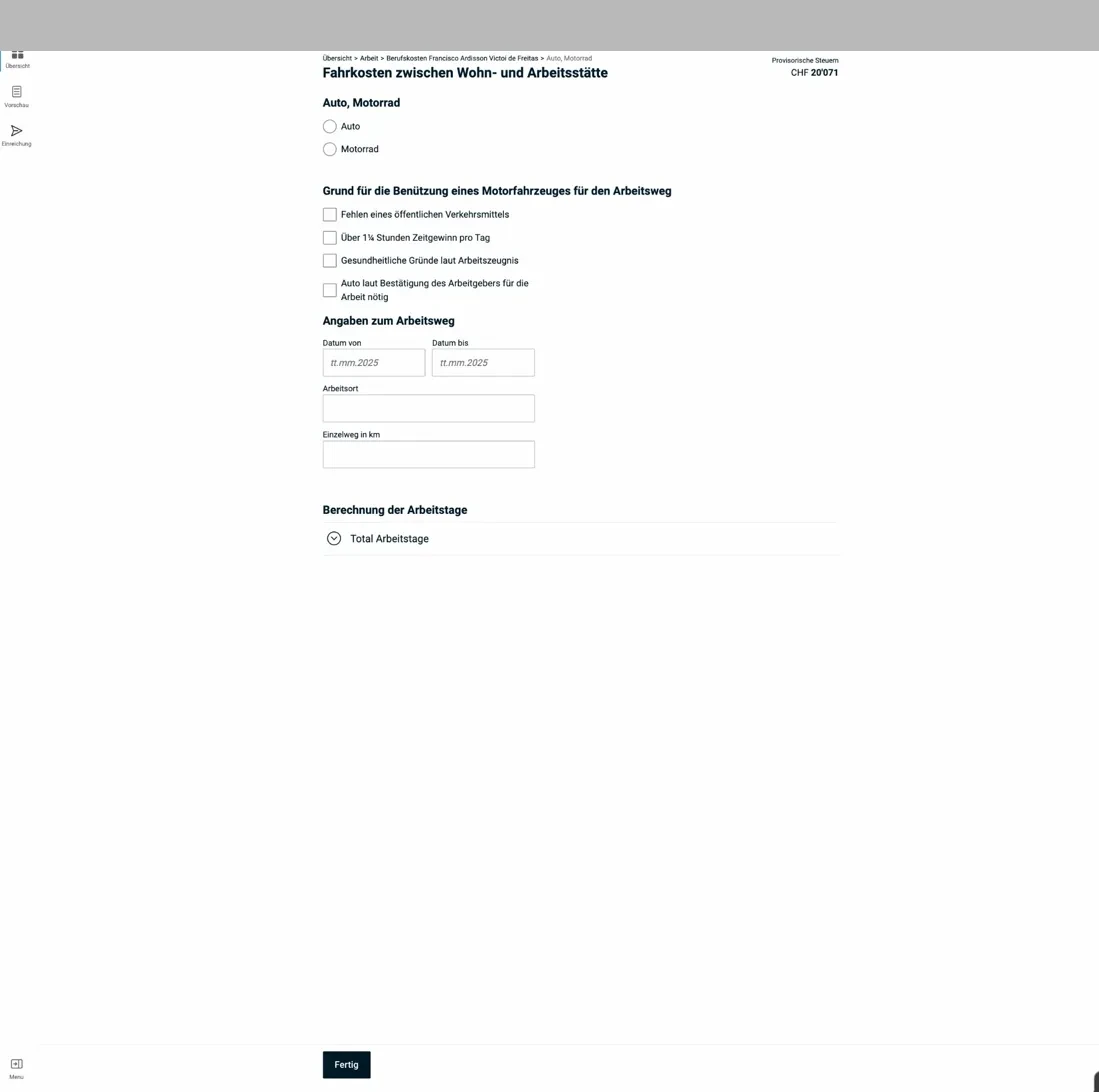
Car commuting deduction: distance, work days, and whether the public transport travel time exceeds the 1 hour 15 minute threshold. The system calculates the deduction automatically.
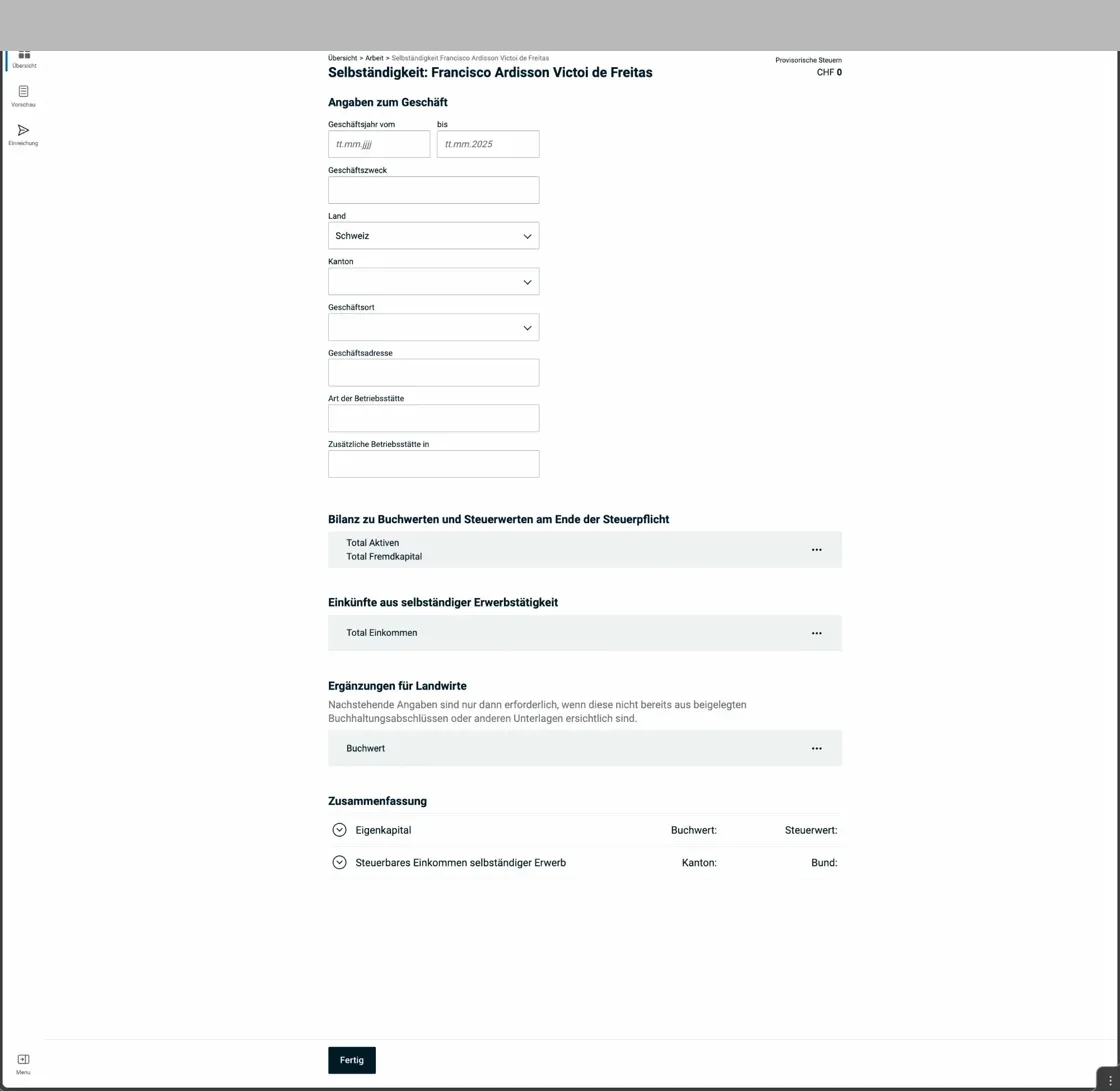
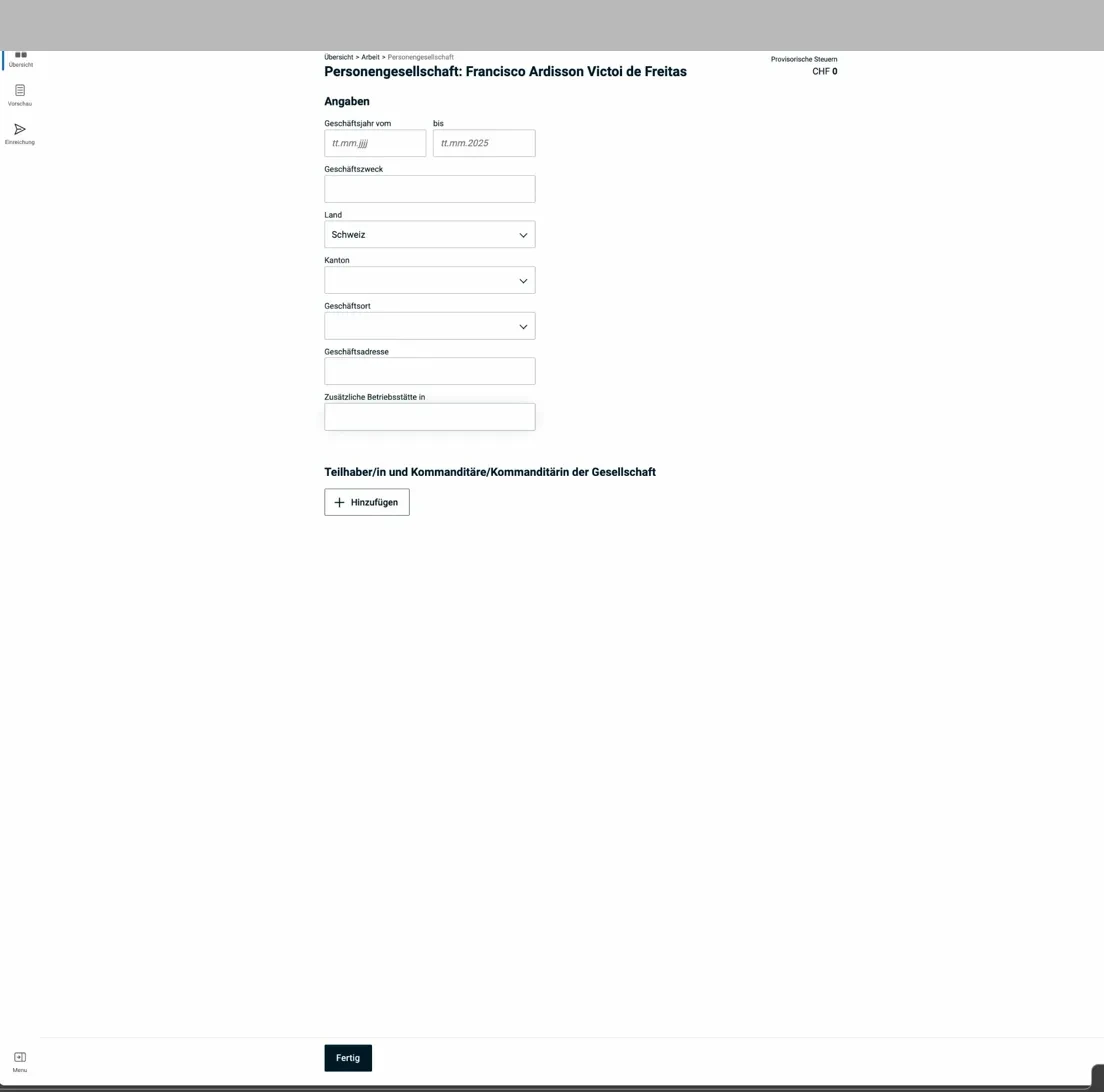
2.7 Self-employment
If you’re self-employed as a main or side activity, select the “Self-employment” tab in eTax:
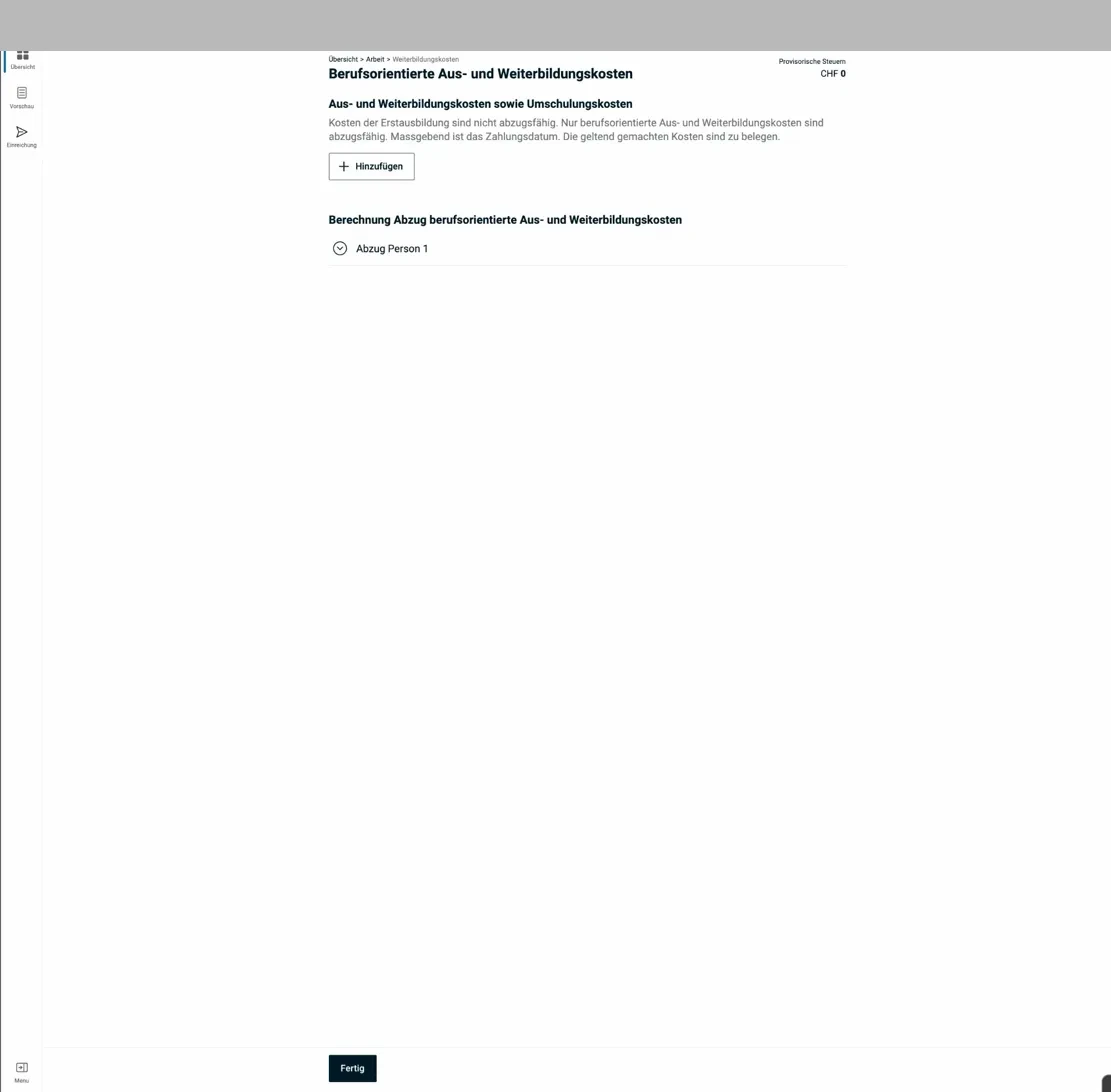
The form for self-employed individuals asks for income, expenses, and accounting documents. Losses from self-employment can be offset against salary income.
Note: “Occasional income” (e.g. one-off consulting mandates) goes in the “Other income” section in Part 3, not here.
Finally, eTax.zug shows an overview of the employment situation, including work interruptions:
The Employment overview page shows all recorded jobs and self-employment entries.
Next step
In the next article, I cover the following sections:
- Insurance, pension & annuities (pillar 3a, medical and accident costs)
- Finances (securities, bank accounts, debts)
And if I missed any tax-saving potential in the screenshots above (or if you have questions), let me know in the comments below.