
In the last article, we covered Renten & Versicherungen (Pensions & Insurance), Finanzen & Spielgewinne (Finances & Gambling Winnings) and Eigentum (Property).
Now we continue with additional income and deductions, supporting documents and the final steps (preview, completeness check and submission).
Step 1: Tile Weitere Einkünfte / Abzüge & Übriges (Additional Income / Deductions & Other)
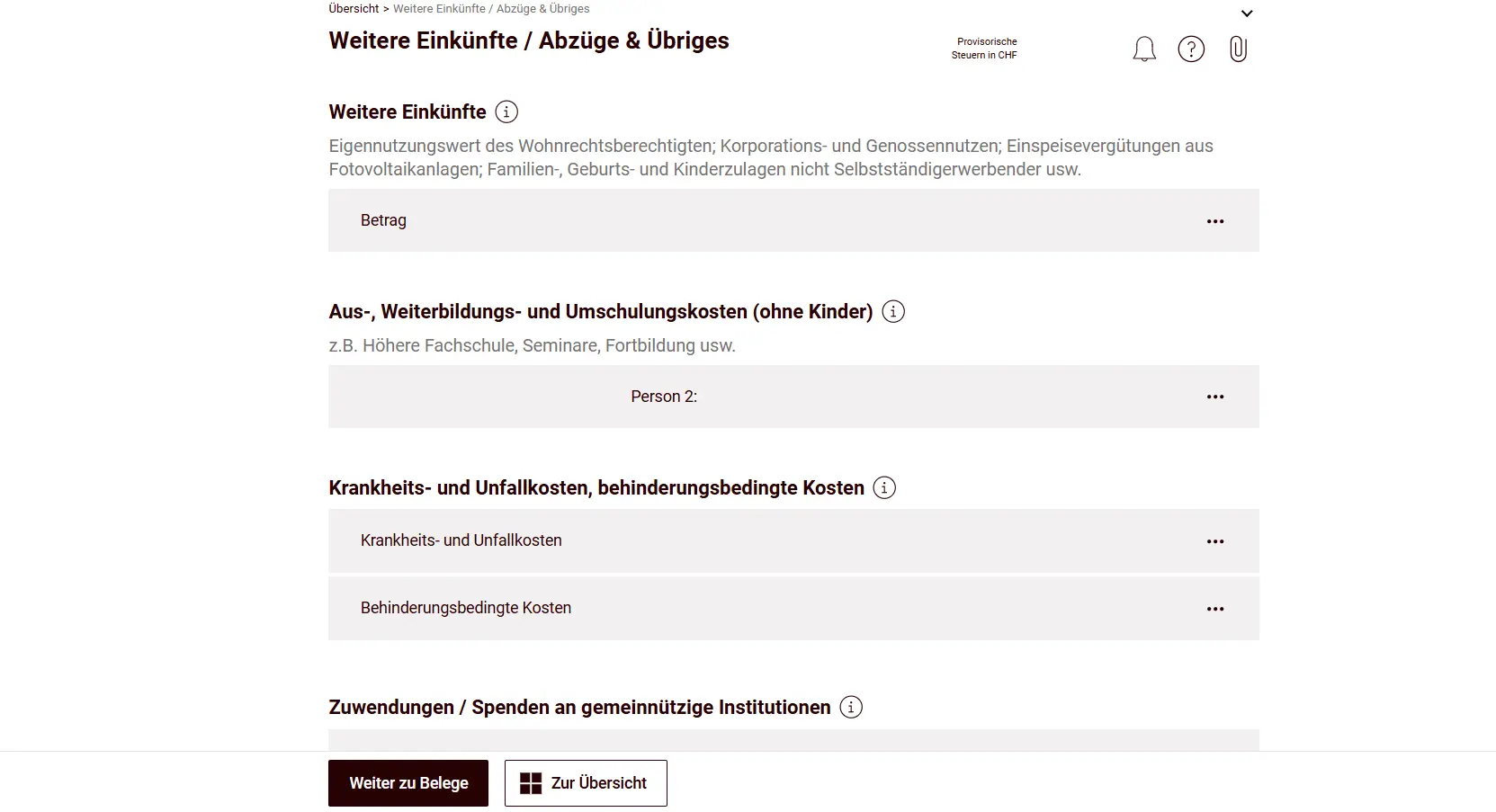
The last tile we fill in together is the catch-all for all remaining income and deductions, essentially the safety net for everything that didn’t fit elsewhere.
Additional income includes, for example, the imputed rental value for usufruct holders, income from corporations and cooperatives, feed-in compensation from photovoltaic systems, and family, birth and child allowances for non-self-employed persons.
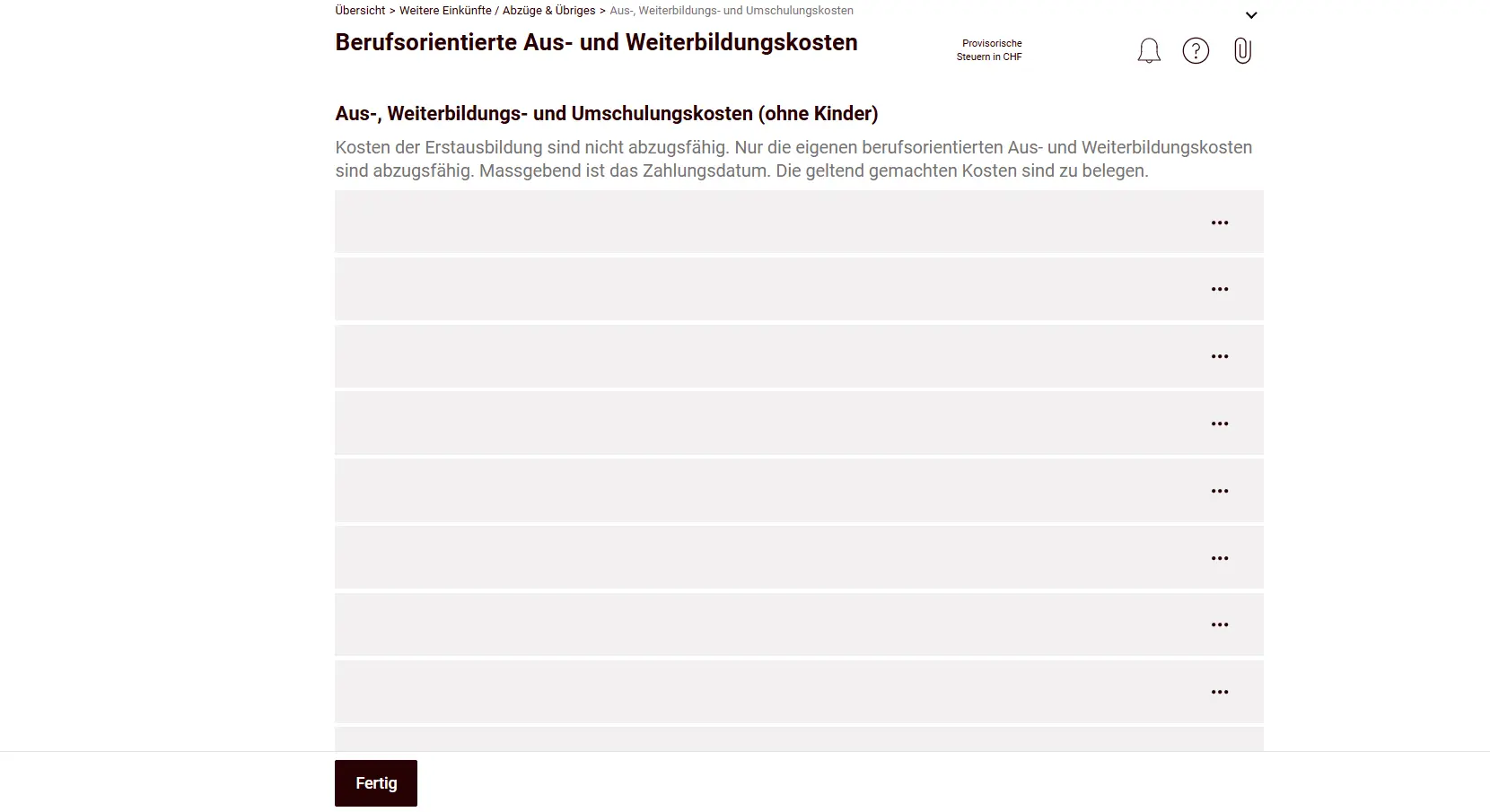
What gets really interesting are the education, continuing education and retraining costs, often an underestimated gem for deductions if you’ve done any professional development. Enter them here and watch your tax burden shrink. Think carefully about all the courses and training you attended (and paid for yourself).
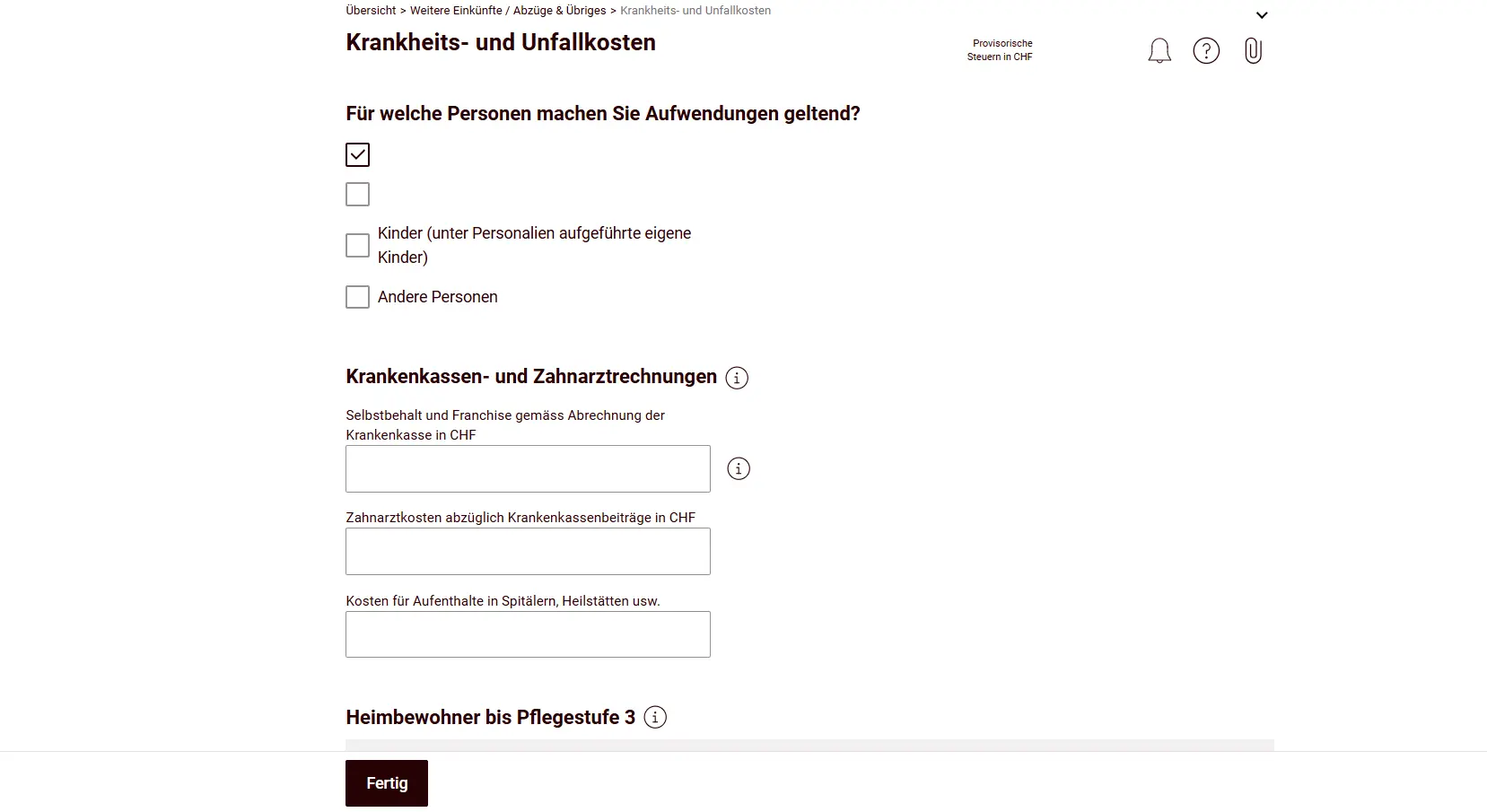
For illness and accident costs as well as disability-related costs, I hope you have nothing to enter here. That means: you didn’t have any major expenses, and/or they’re below the non-deductible threshold. If you had illness or accident costs you paid yourself, you can enter them here. Often the health insurer sends a summary of all these expenses, compare it with your threshold and decide whether it’s worth declaring.
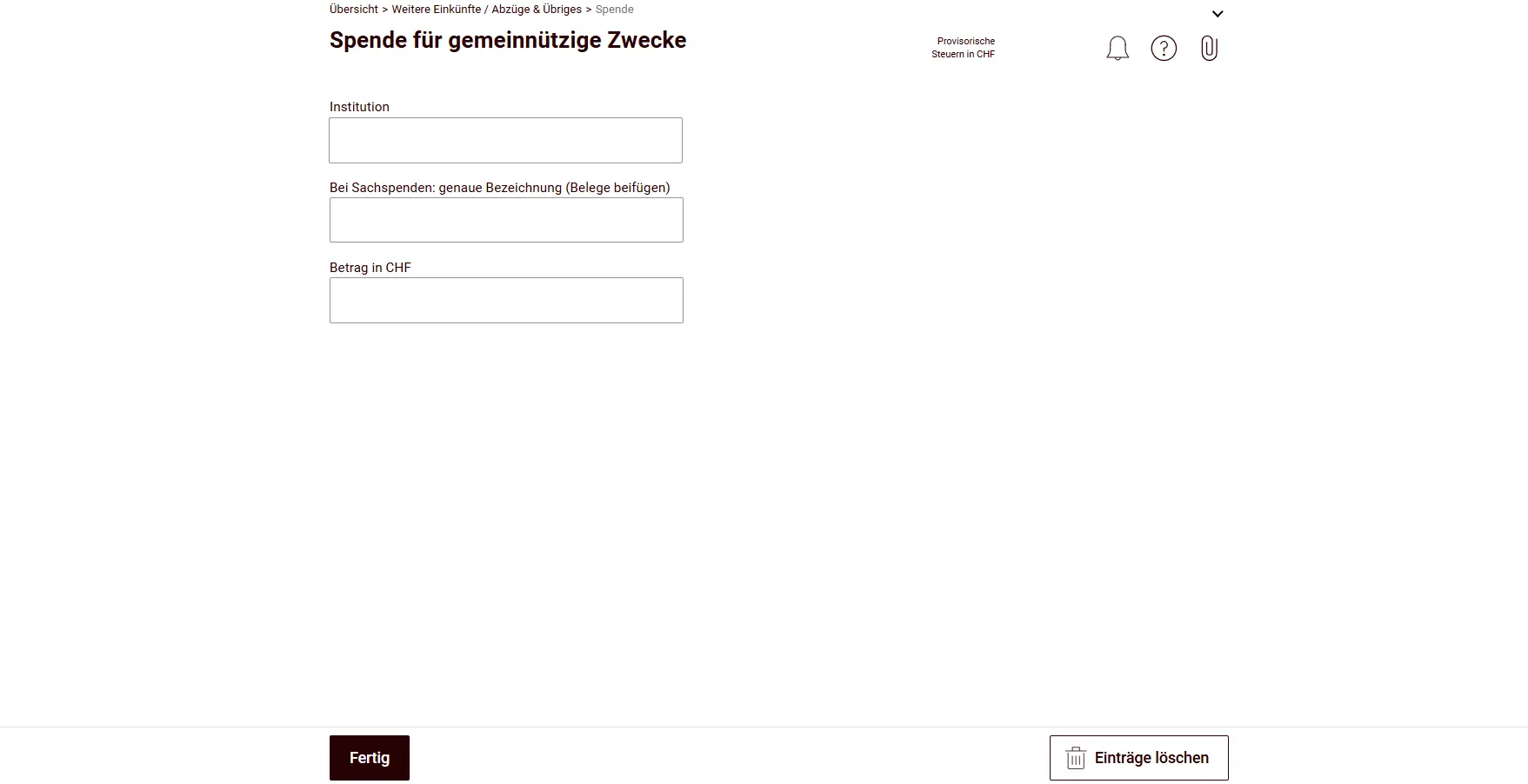
Next you can enter donations and contributions to charitable institutions. Only contributions to legal entities with their registered office in Switzerland that are tax-exempt due to their public or charitable purpose are deductible. Not deductible are, for example, association fees, club and membership dues, as well as donations to local associations.
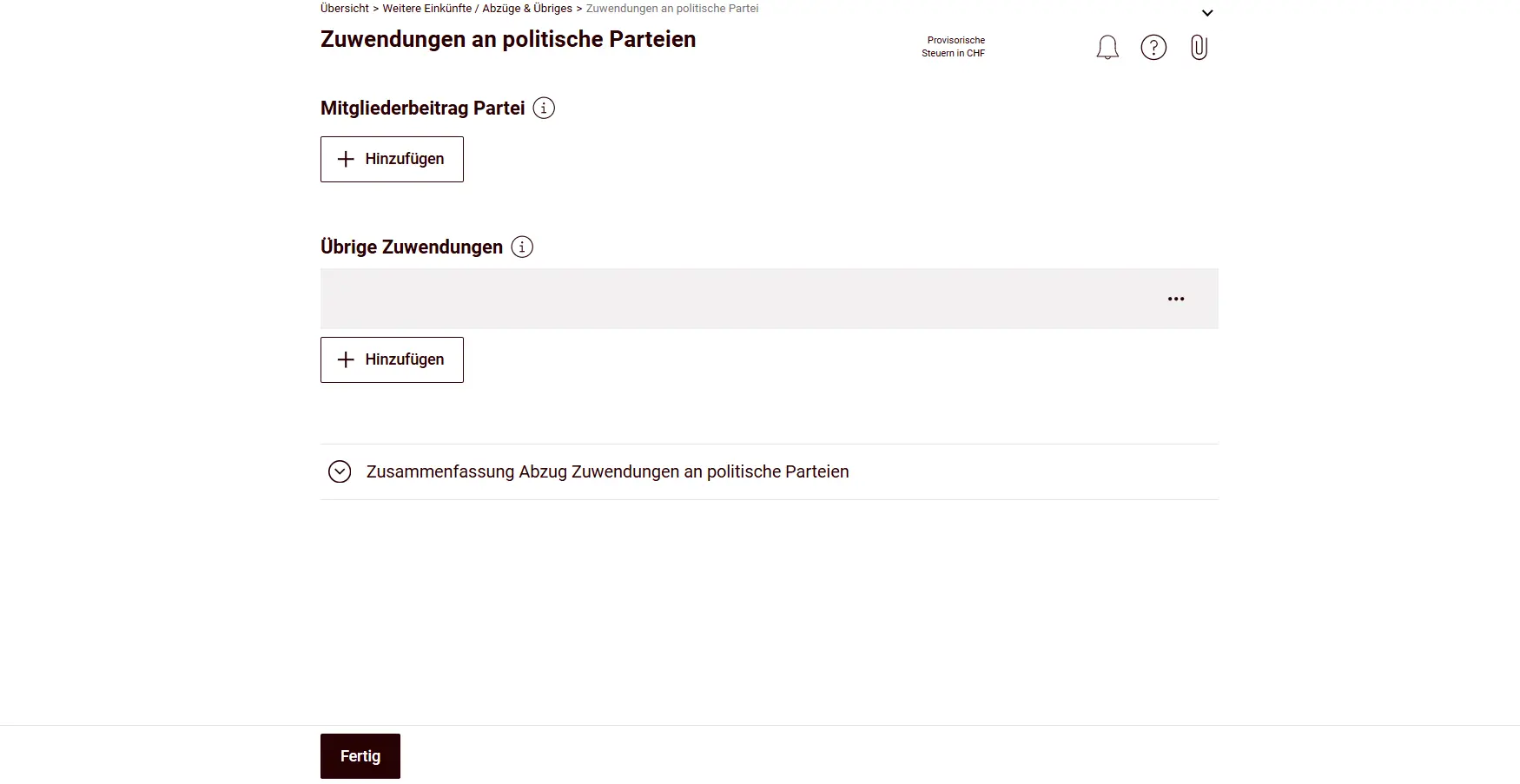
Then come contributions to political parties, where you can enter your corresponding membership fees, for example.
Finally, there’s the ultimate catch-all category, labeled “Dauernde Lasten; Leibrenten; Korrekturen der steuerbaren Werte; Anmeldung zur Nachbesteuerung” (Permanent charges; life annuities; corrections of taxable values; application for supplementary taxation). This category will hardly concern anyone.
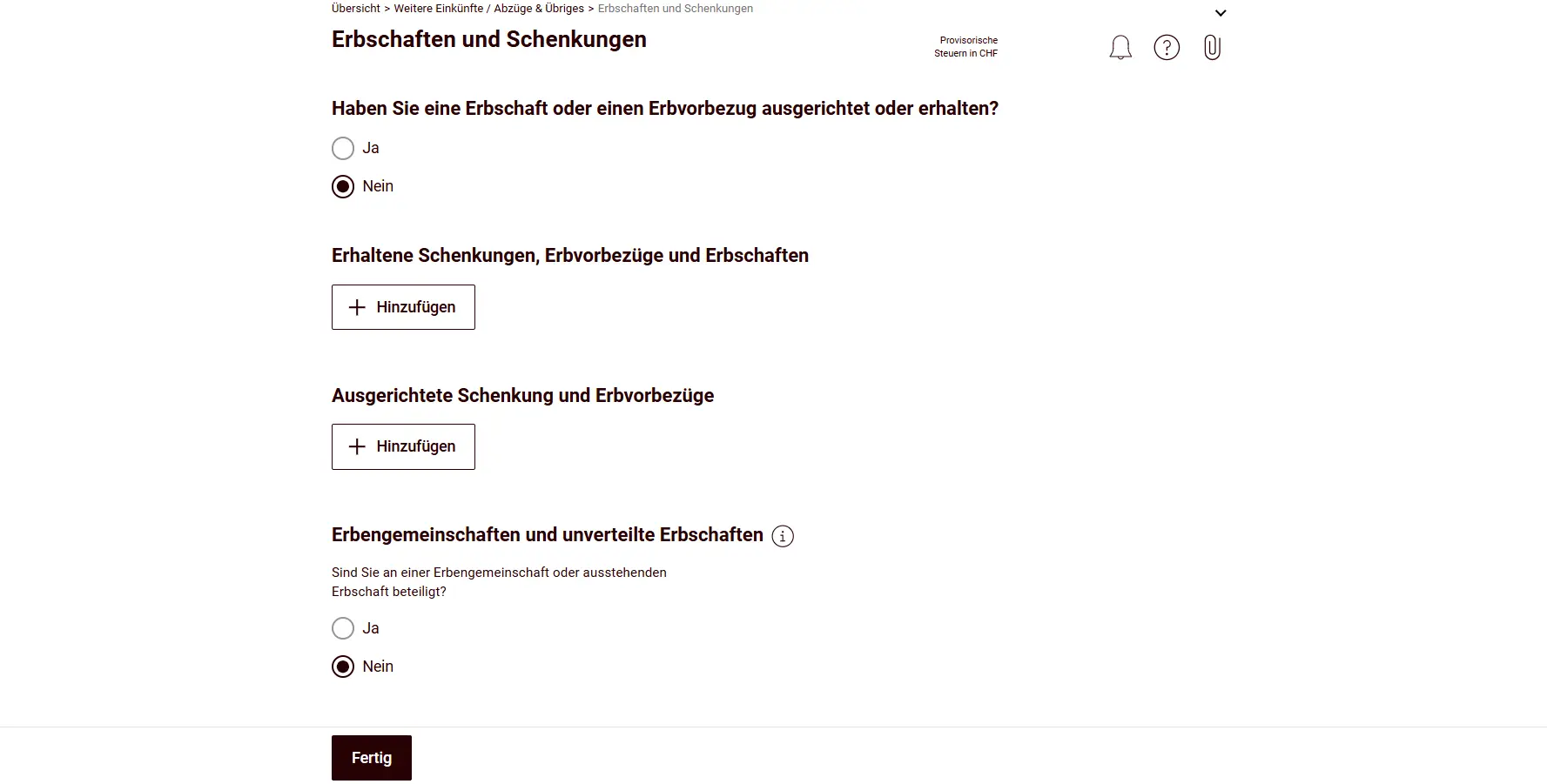
To wrap up: more relevant again are undistributed inheritances, advance inheritances, estate devolutions and gifts, all of which must be declared here. You must answer a few mandatory questions, even if you have nothing relevant to declare.
Step 2: Supporting documents
The paperclip icon in the top right shows you which documents you must upload (e.g., salary certificates, pillar 3a confirmations, external childcare costs or education costs). Electronic tax statements uploaded in the securities register also appear here.
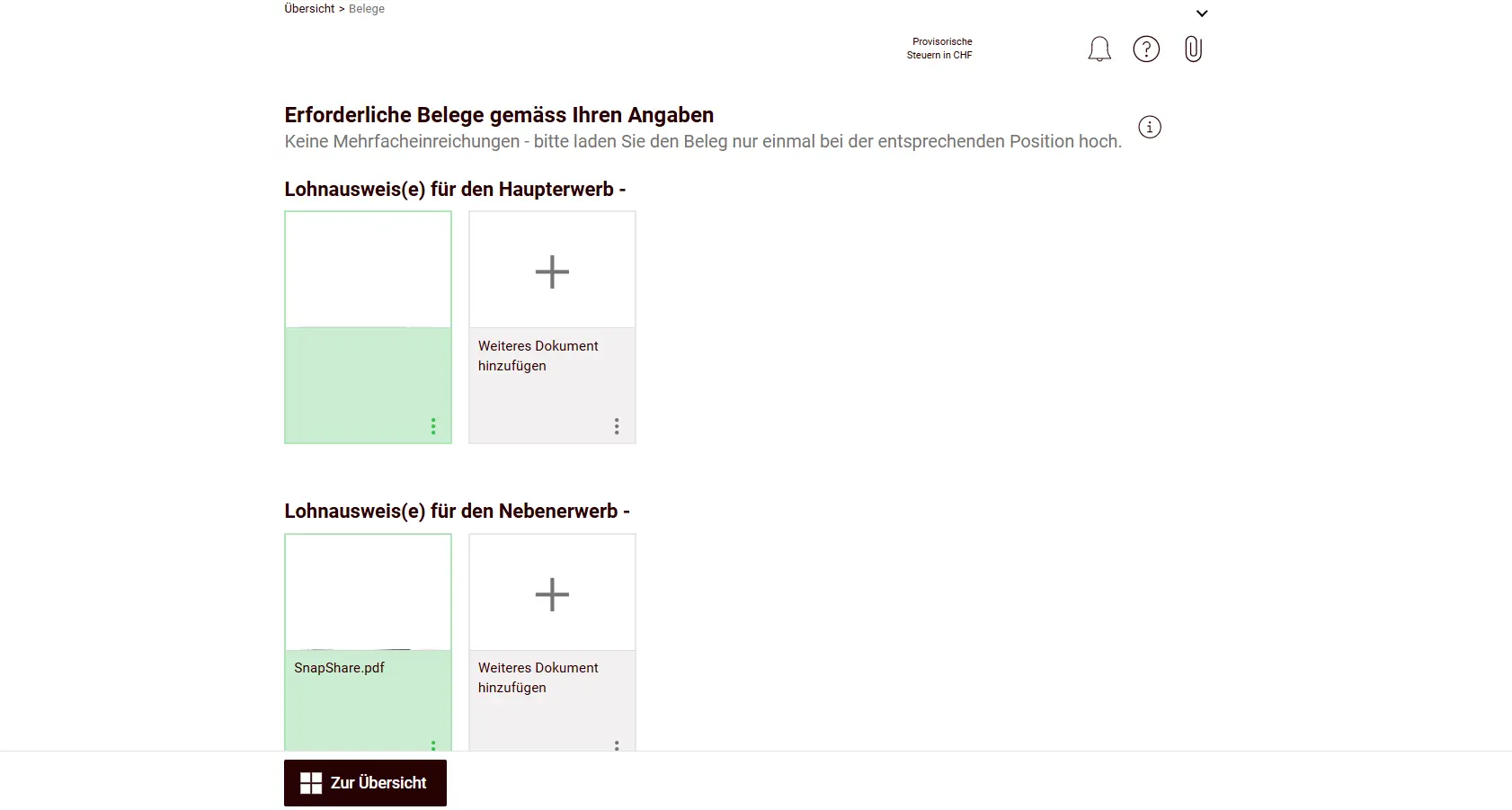
You have two options for uploading documents:
Upload from your computer
Scan physical documents with the SNAP.SHARE app (works very easily)
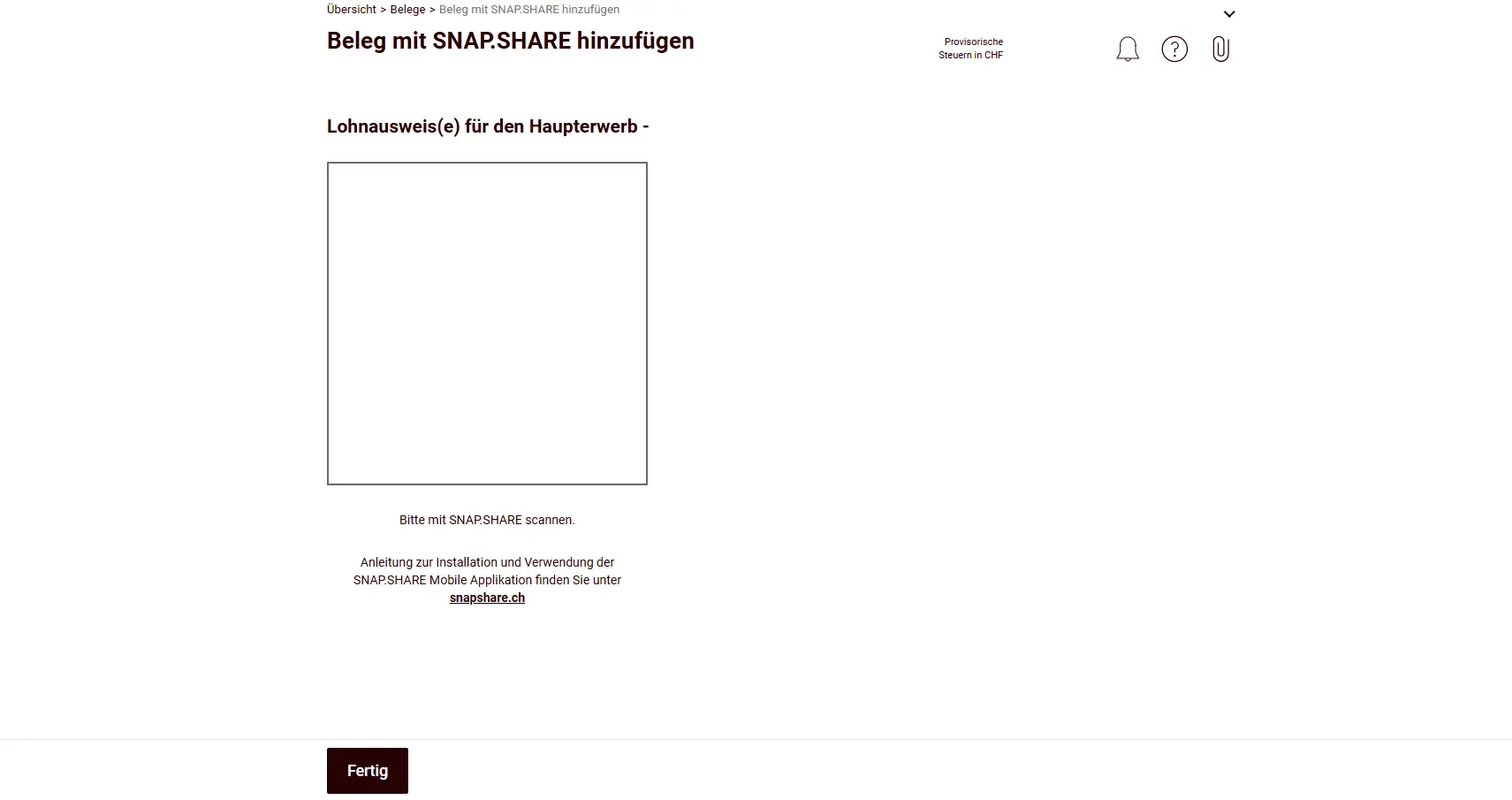
You don’t need to upload any other documents. If the tax authorities want to see more, they’ll come to you. Make sure you keep all documents (e.g., for withholding tax) until the final assessment.
Step 3: Wrapping up
Congratulations, you’re done! But before the grand finale: take a step back and review the entire tax return one more time. Did you enter all salary certificates? Is the declared withholding tax credit correct? Did you forget any deductions you claimed the previous year? Is the provisional tax burden in the range you expected?
The “Vorschau und Einreichung” (Preview and Submission) function is perfect for this: generate a PDF preview here that you can easily compare line by line with your previous year’s tax return, one last check for perfect accuracy.
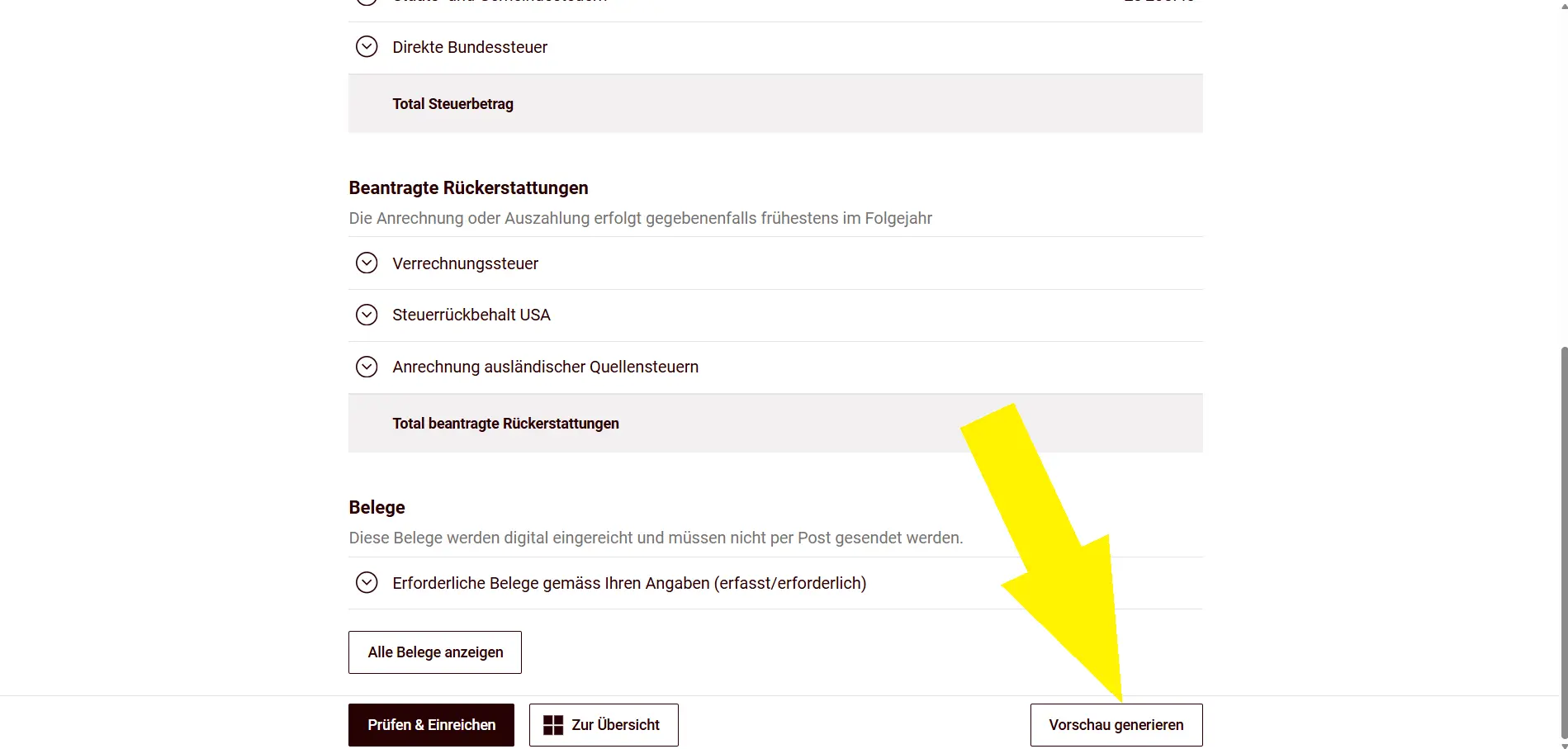
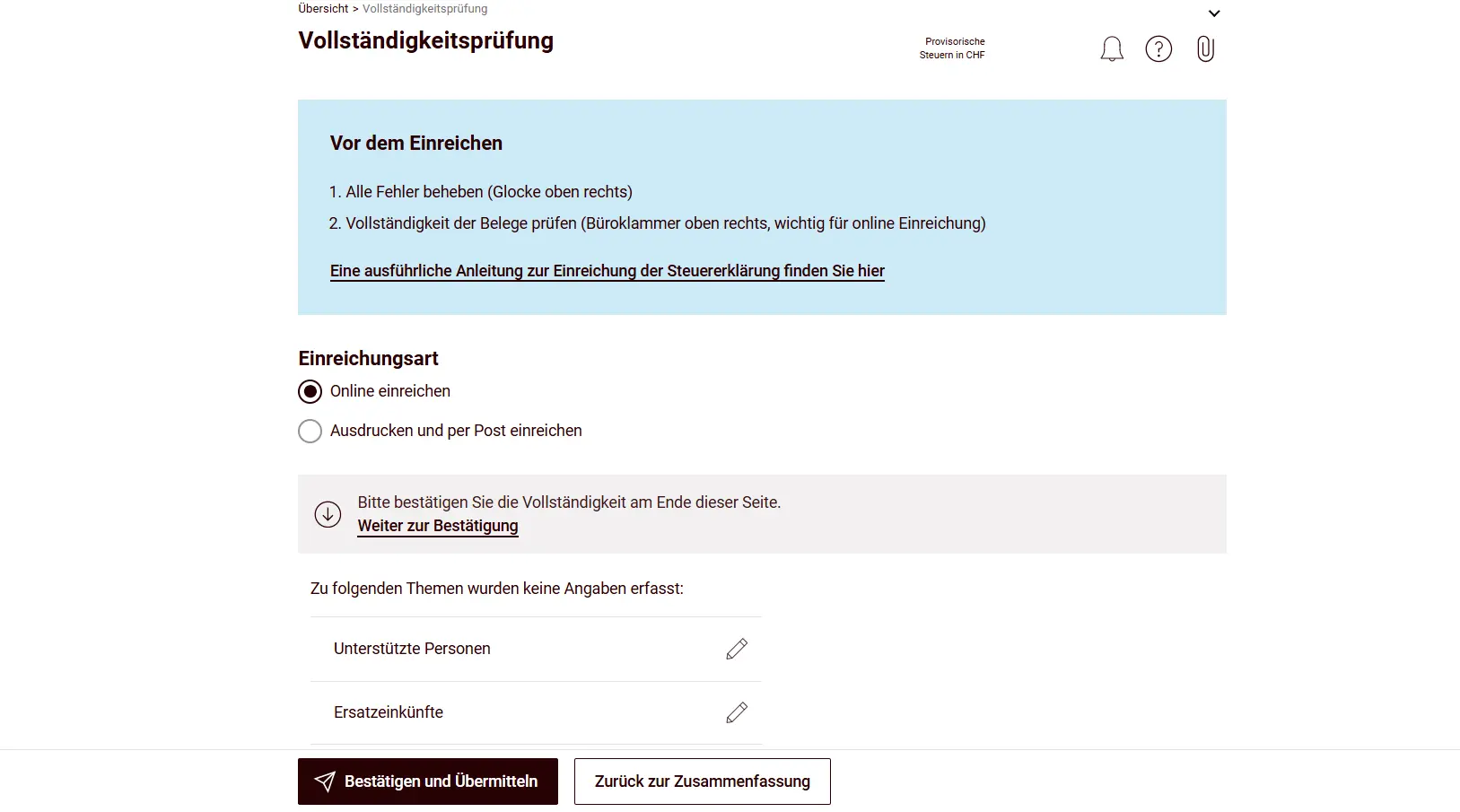
When you’re happy with the final result and all checks are ticked, click “Prüfen & Einreichen” (Check & Submit). This triggers a mandatory completeness check, the system catches gaps before your tax return lands on the tax commissioner’s desk.
Conclusion
That’s it, the topic is off your plate for the next 12 months, well done! I think that was largely painless. The real game-changers were definitely the previous year import, the electronic tax statement upload and the easy document uploads. The system really makes it easy for you.
See you soon, I look forward to you reading these lines again in 12 months and cruising through just as smoothly as today.