
In the last article, we covered the first steps of the tax return in the canton of Schwyz: accessing eTax.SZ, importing previous year data, Personen & Haushalt (People & Household) and Arbeit & Ersatzeinkünfte (Work & Replacement Income).
Now we continue with Renten & Versicherungen (Pensions & Insurance), Finanzen & Spielgewinne (Finances & Gambling Winnings) and Eigentum (Property).
Step 1: Tile Renten & Versicherungen (Pensions & Insurance)
“Arbeit & Ersatzeinkünfte” was our last stop, now we seamlessly move on to “Renten & Versicherungen”. Here you again enter income and deductions: pensions from AHV/IV, pension fund or private pension plans, all bundled together clearly. AHV and IV pensions are 100% taxable. Tax-exempt and therefore not to be declared are: supplementary benefits and helplessness allowances from AHV/IV, as well as cost contributions from the federal disability insurance for medical and vocational rehabilitation measures, assistive devices, special schooling and institutional stays.
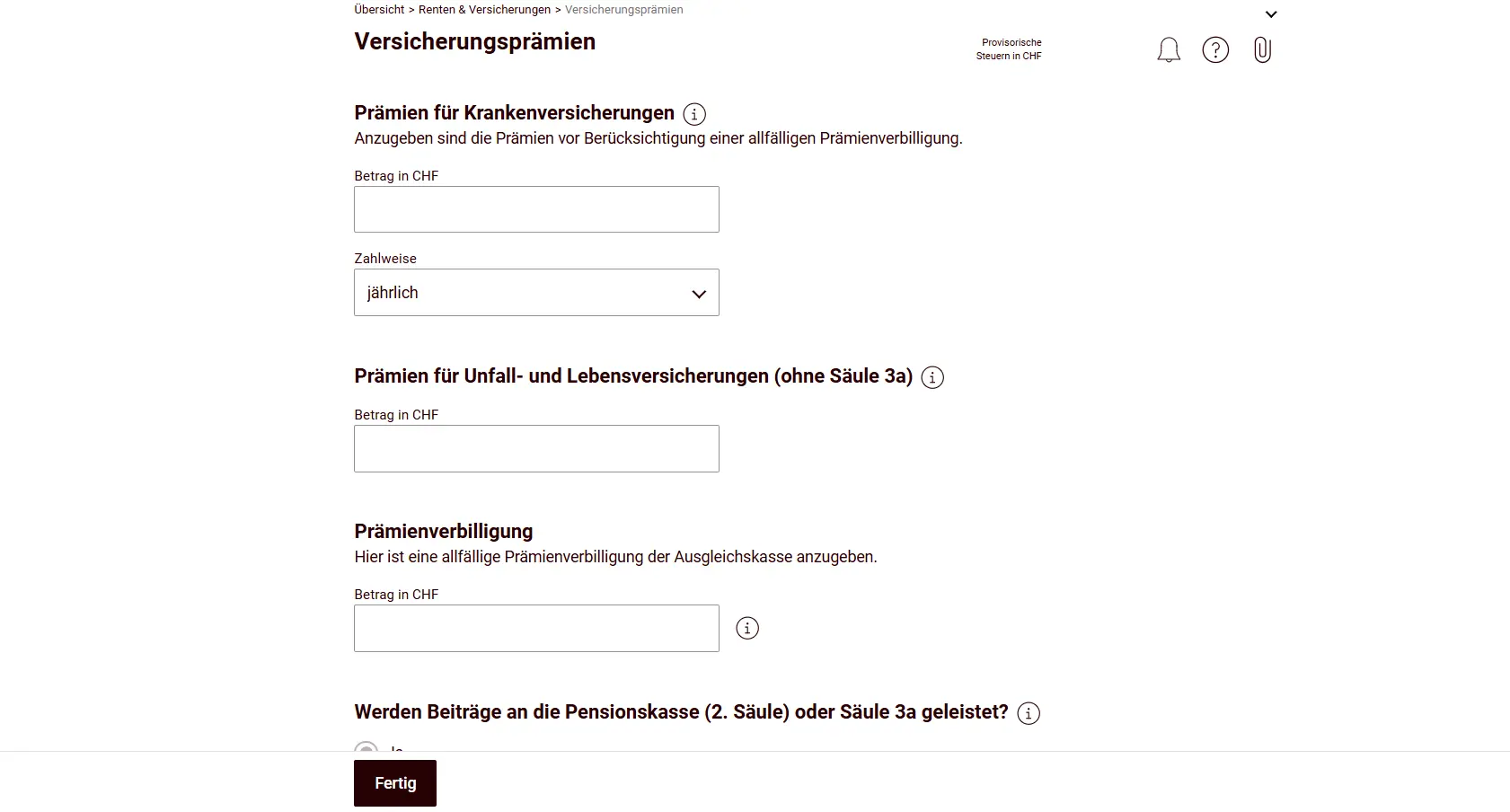
Next come your health insurance premiums. Interesting point: you can also claim savings interest according to the securities register; these are transferred automatically once you enter them in the next step. Most of the time, the tool caps premiums and savings interest at the maximum deductible amount, and this is significantly higher at the cantonal level than at the federal level (these high cantonal maximum deductions are often forgotten when comparing tax burdens between cantons; meaning your taxable income in Schwyz and Zurich would be different, for example).
This tile also includes AHV contributions for non-employed persons, asset values of life and annuity insurance policies, or capital payouts.
Step 2: Tile Finanzen & Spielgewinne (Finances & Gambling Winnings)
This tile tends to be one of the more time-consuming ones, especially if you’ve optimized your finances with multiple accounts, cards, securities and the like.
The previous year data import helps enormously here: for your salary account or rental deposit account, you just need to update the balance and income, the account itself is already in the list.
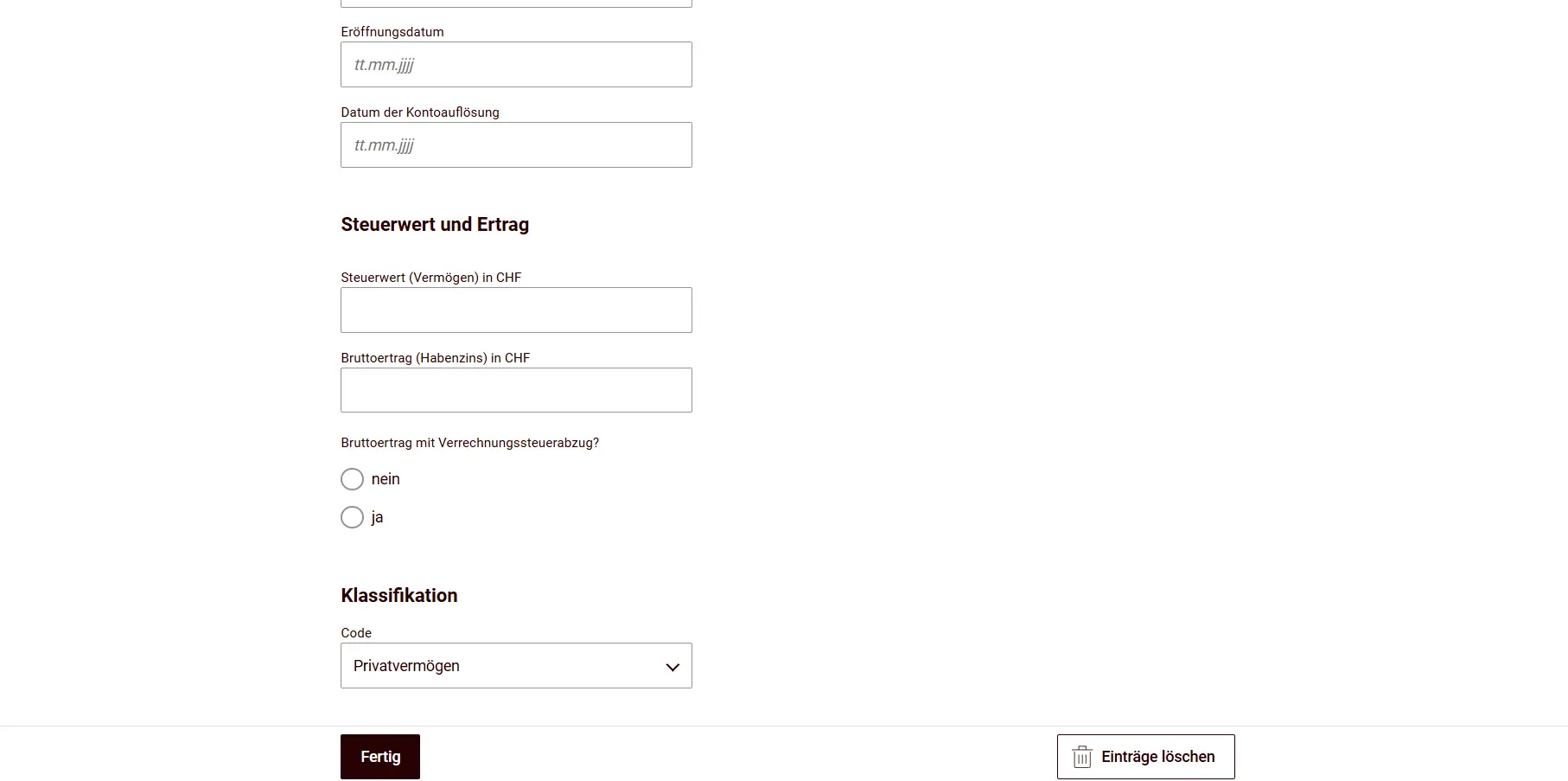
Pay careful attention for each account to whether the income was subject to withholding tax (Verrechnungssteuer) or not. The account for a potential tax refund can also be found in this tile (in other cantons, this is usually under “master data”).
By far the easiest approach in this tile is when your bank provides an eSteuerauszug (electronic tax statement). Sometimes it costs a few francs, but many banks provide it for free.
Import it here, and boom: accounts, income, securities and more flow in automatically, no typing, no calculating, no room for errors. All positions you were able to import this way don’t need to be entered manually.
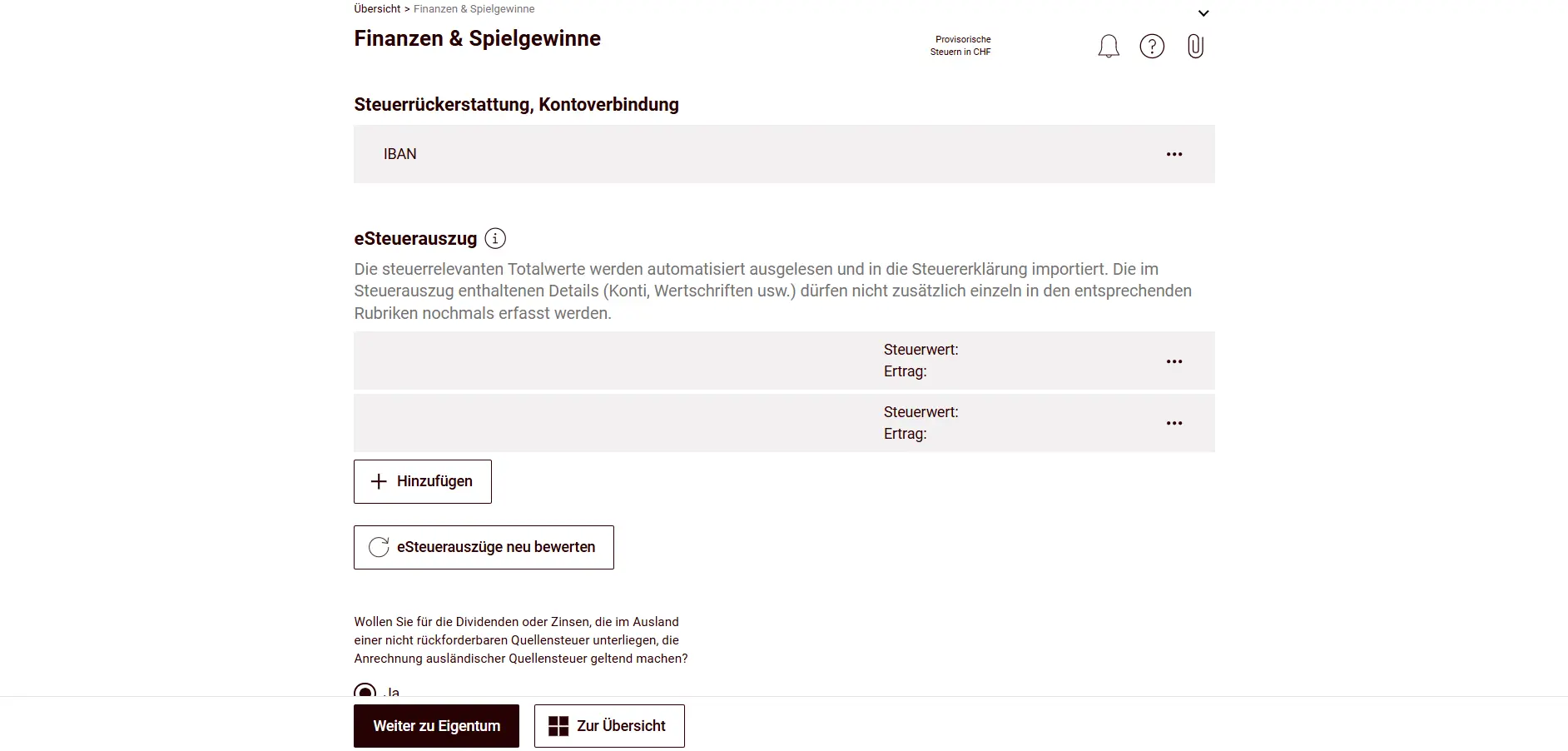
Accounts without an electronic tax statement can be added manually, provided they were opened during the tax year. Otherwise, they’re already carried over from the previous year. You add a new account to your securities register by clicking “Hinzufügen” (Add).
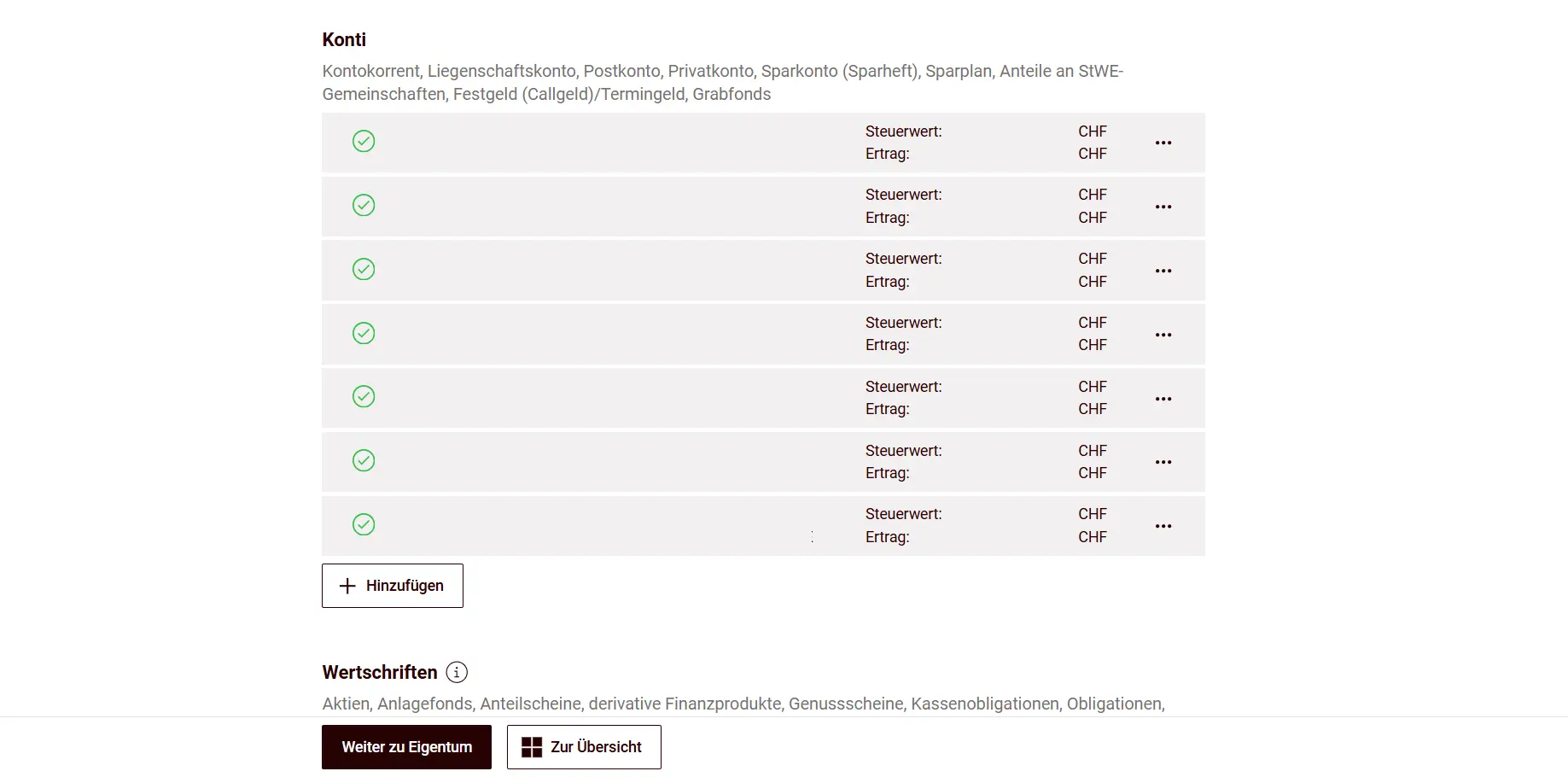
Then you fill in all the details for the account and indicate whether withholding tax applies or not.
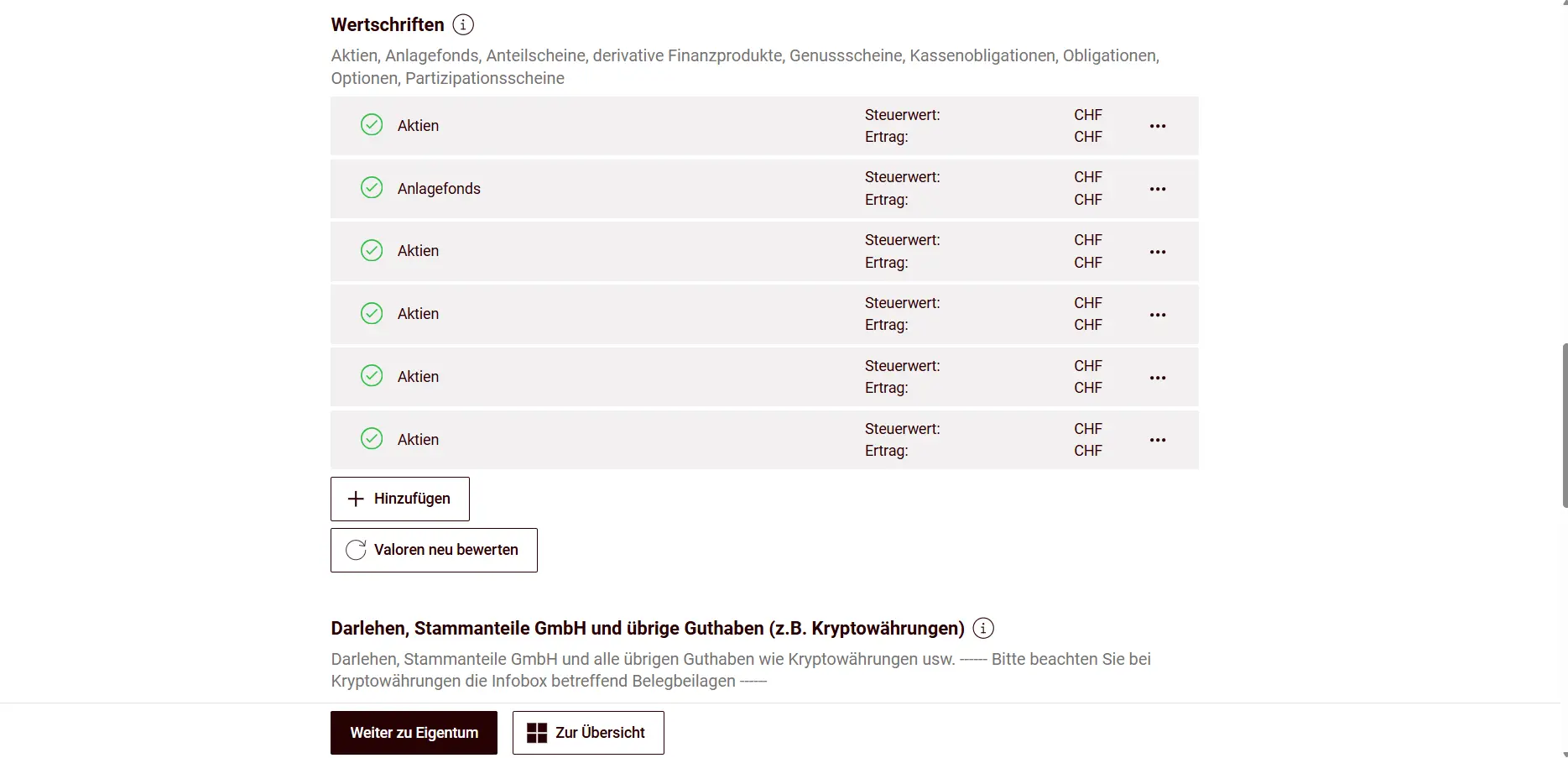
The remaining securities can also be entered manually.
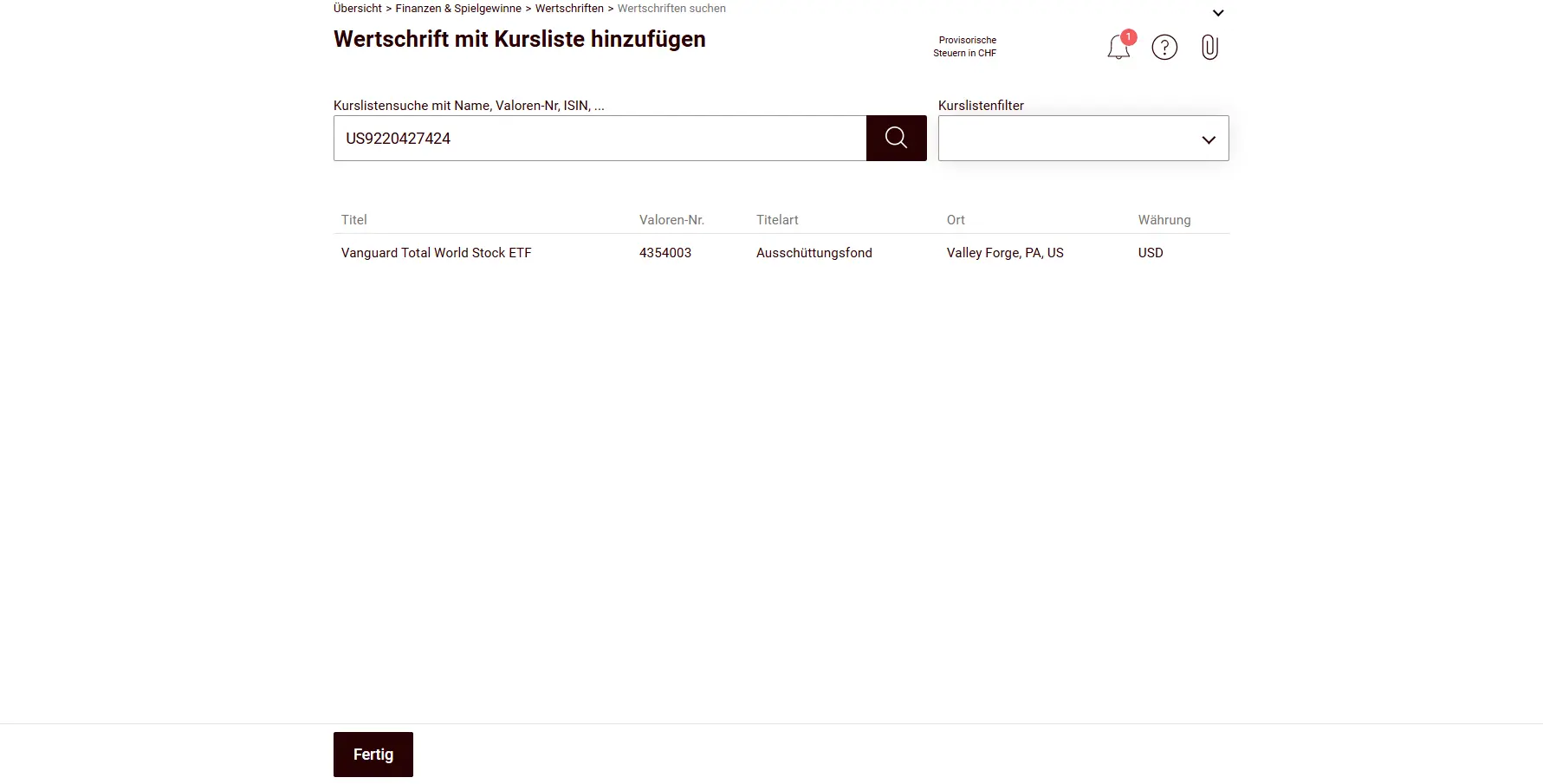
This is also very simple, since you just enter the ISIN…
…and then enter all transactions for that title.
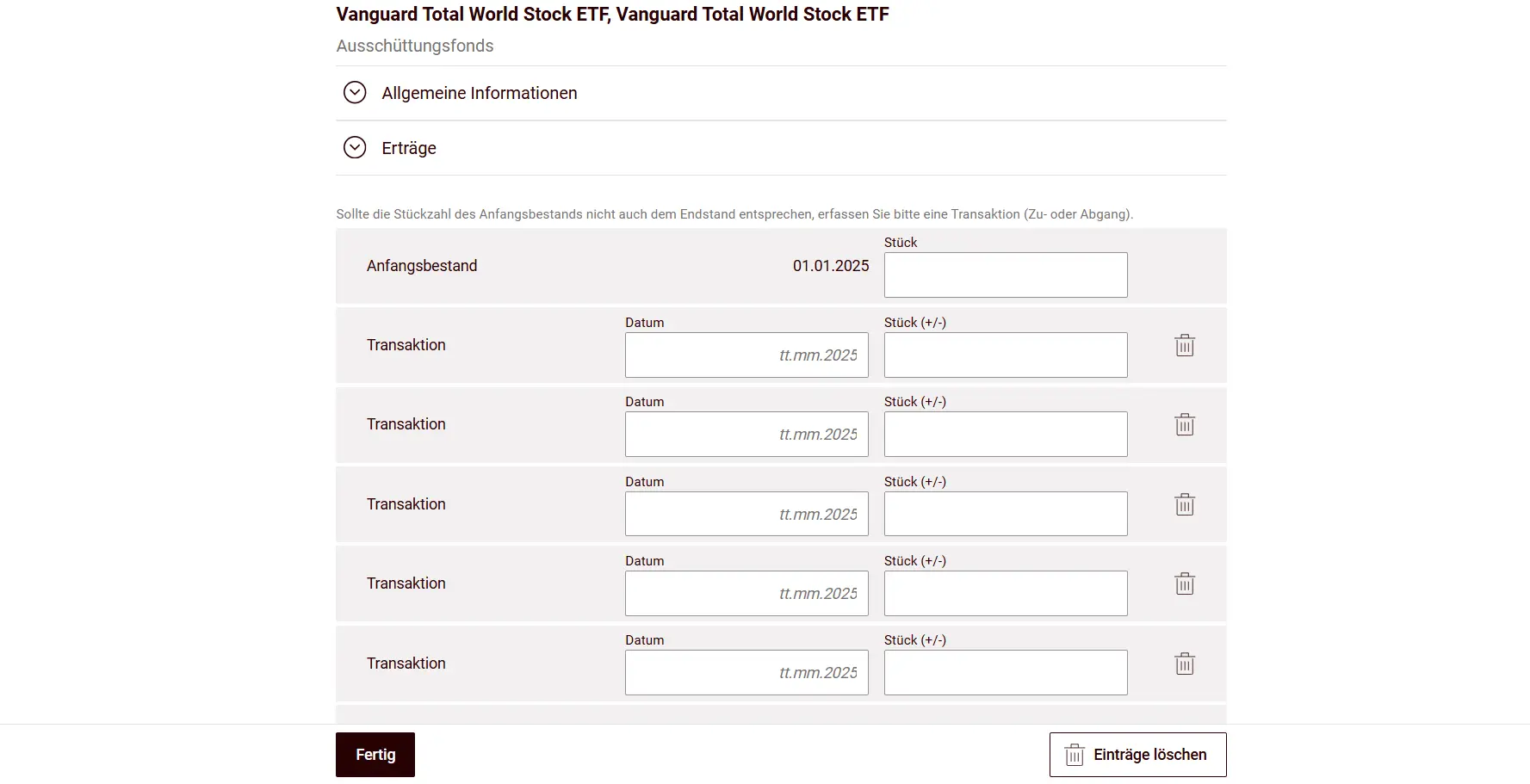
Dividends are calculated automatically by the tool; based on the transactions, it knows exactly what you received. You don’t need to enter them yourself. Here’s an example with a Swiss ETF, where the tool filled in the data automatically.
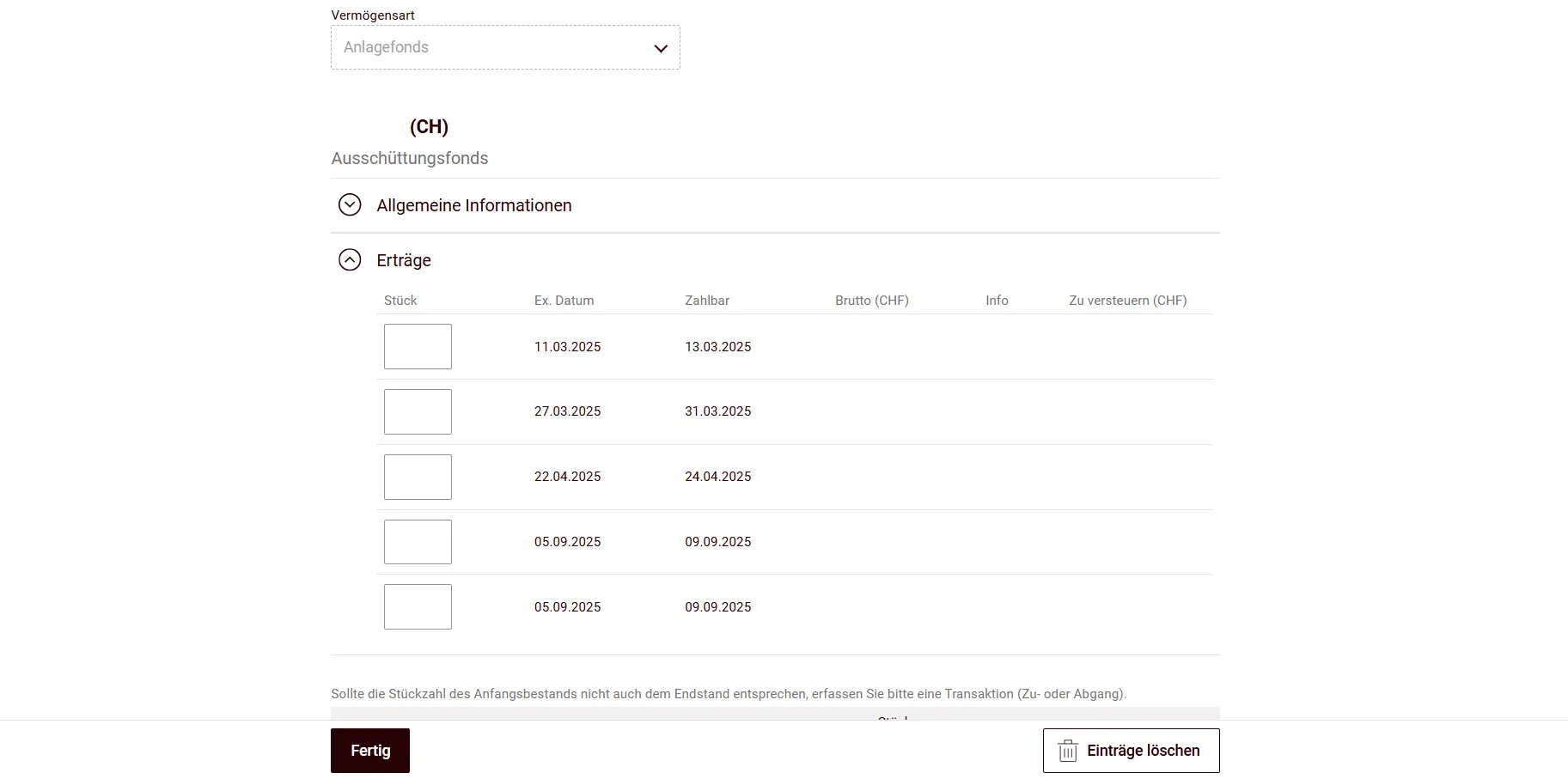
At the same time, you can also claim the credit for foreign withholding tax on dividends or interest subject to non-recoverable withholding tax abroad. To do this, you need to answer the corresponding question with Yes.

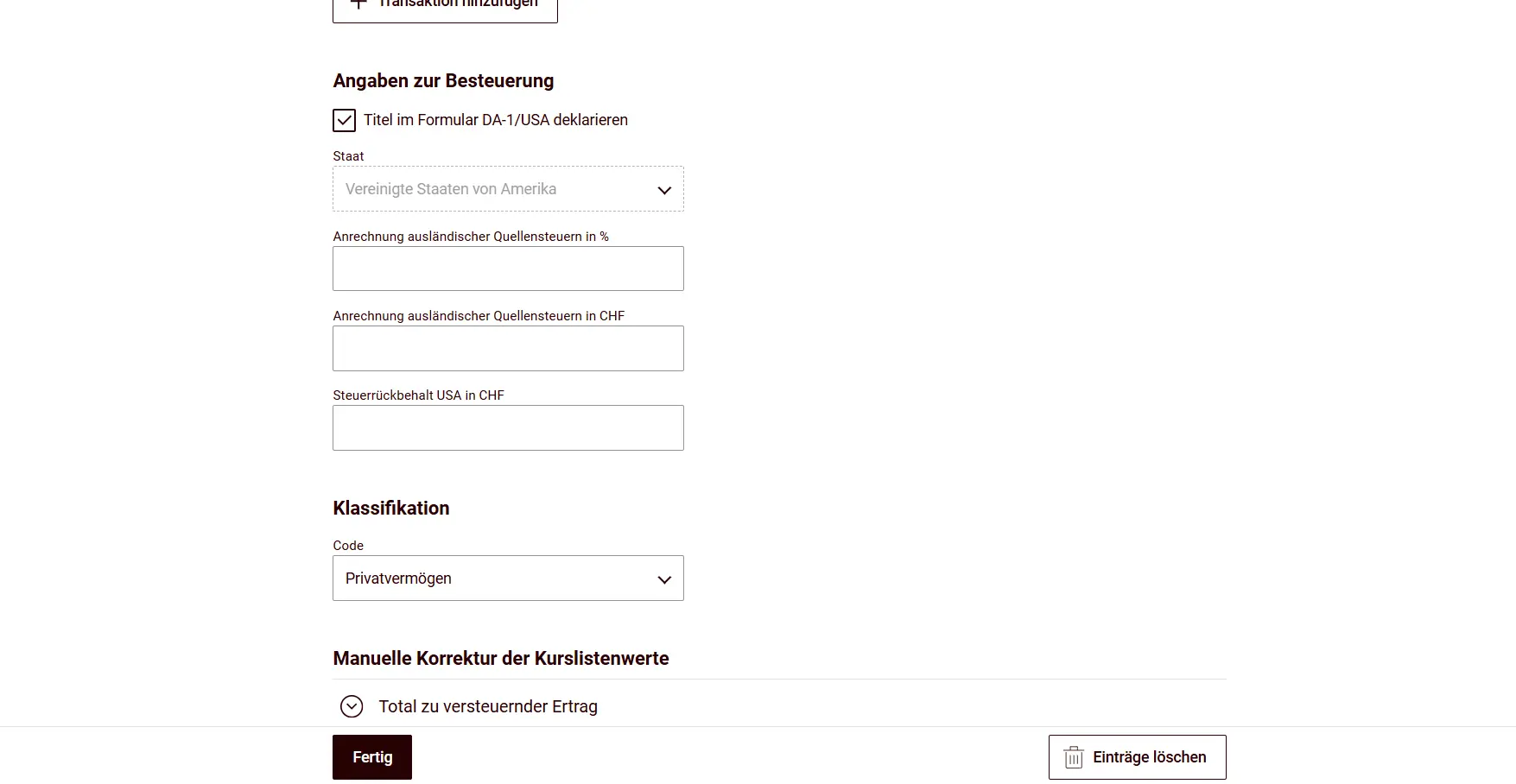
For each individual title, you can then choose whether to declare it in the DA-1 form.
Next you can also enter loans, shares in LLCs, or cryptocurrencies. I always find the “Bargeld” (Cash) position amusing. I don’t know anyone who does a cash count on December 31st at midnight ;-)
If you were lucky enough to win the lottery, that also belongs in this tile.
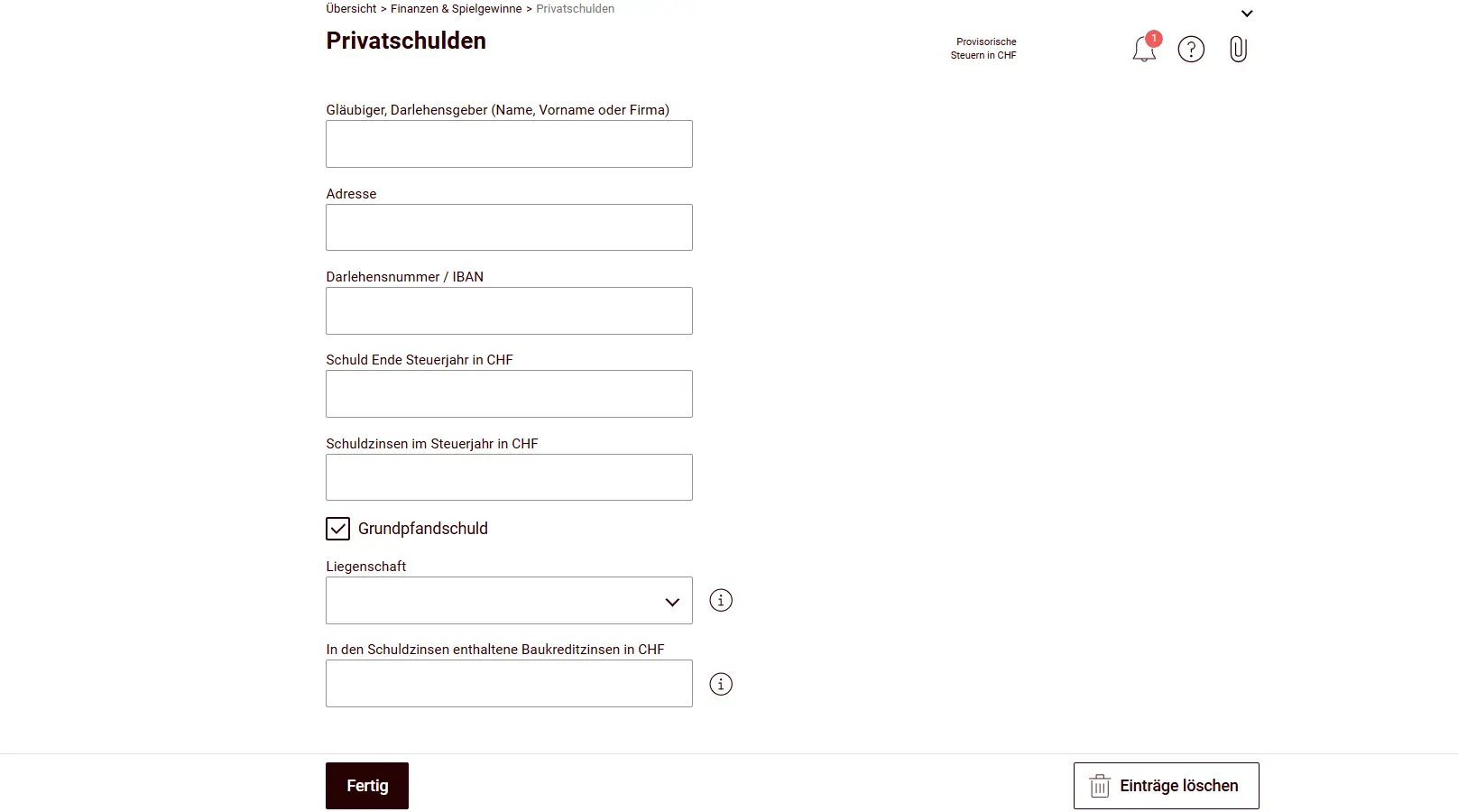
For property owners with mortgage debt and for entering other debts, here comes an important tile: private debts.
Here you enter details like the creditor, the debt amount and the interest paid. For mortgages, you then must click “Grundpfandschuld” (Real estate lien) to link the mortgage to the property entered (see step 3).
Finally, asset management costs are deducted here; the flat rate is calculated automatically by the tool (interestingly, it’s based on total assets, while in the canton of Zurich for example, total assets aren’t the basis).
Step 3: Tile Eigentum (Property)
The “Eigentum” tile isn’t just about real estate, far from it. You’ll also find vehicles and aircraft here (who doesn’t have one parked in a hangar…).
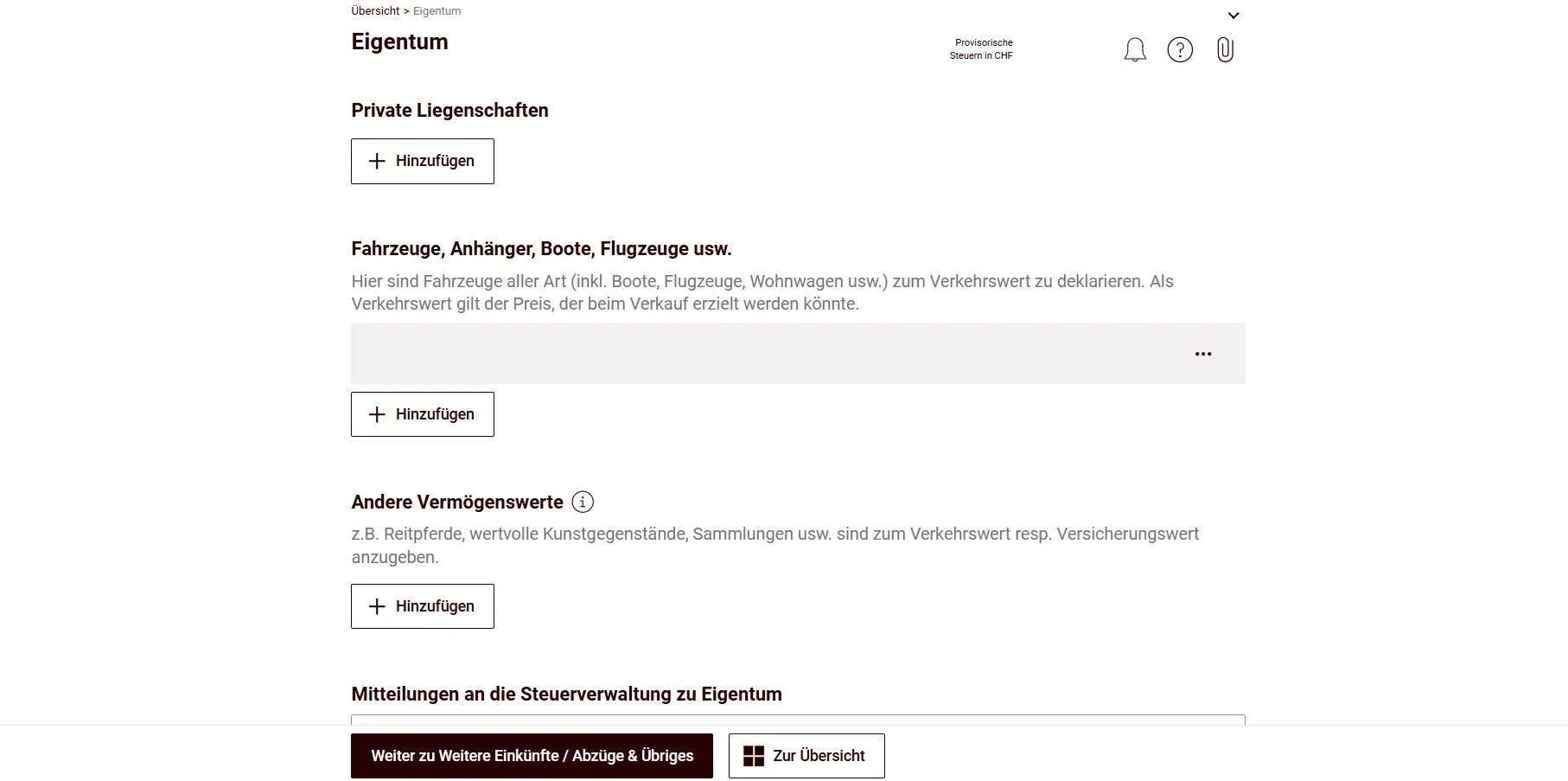
For real estate, you enter the basic data like the exact address and the year of construction.
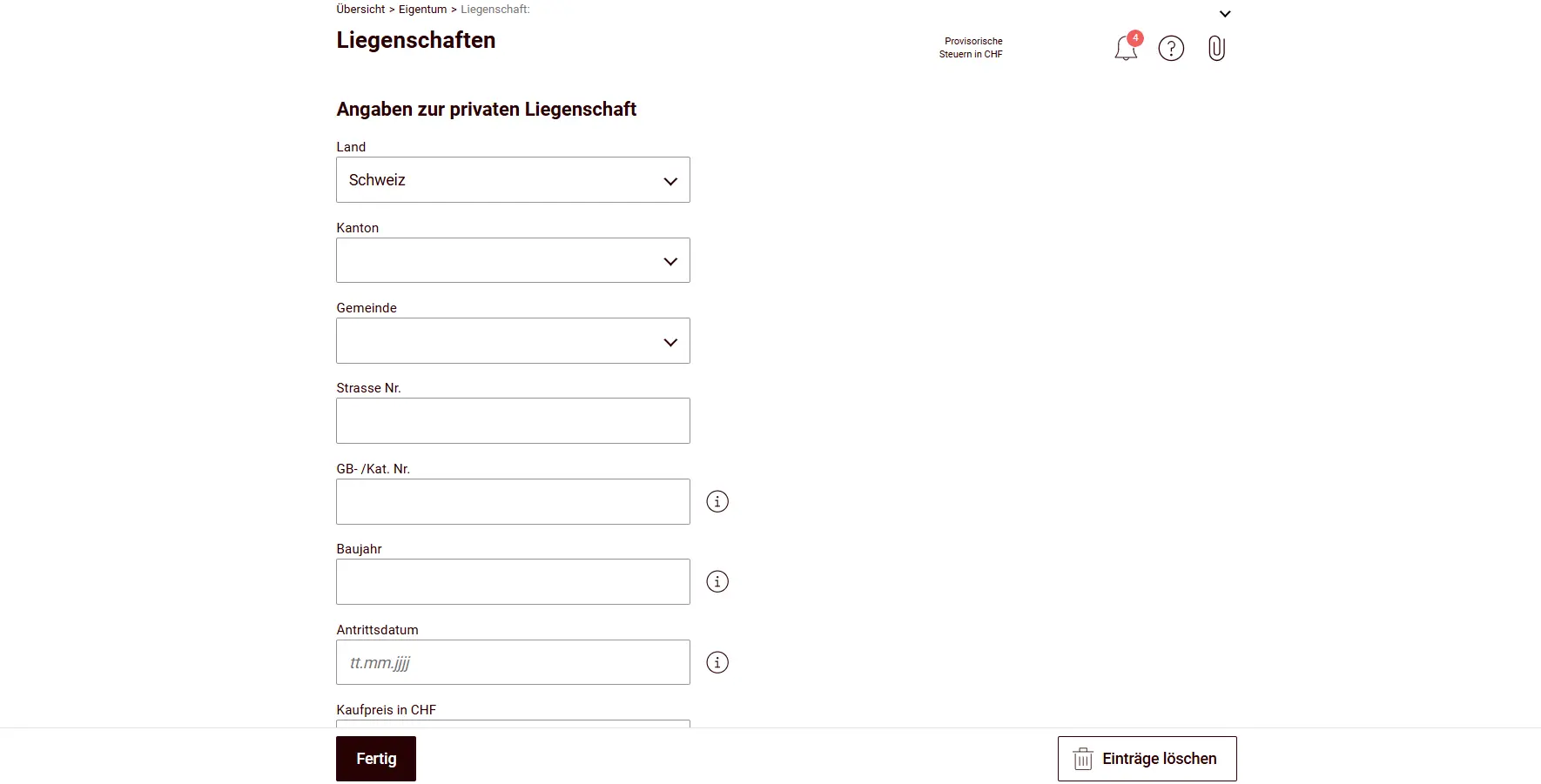
Then you enter the tax value. For real estate and land in the canton of Schwyz, the tax value as determined by the official property assessment applies. You’ll find the tax value on the assessment decision from the cantonal tax administration. For couples with co-ownership (e.g., 1/2 share each), you enter the property only once with the full tax value.
Value-increasing investments are also entered here. Interestingly, there are two different places where you can enter them: either under “Neu- oder Umbauten” (New construction or renovations) or via the “effective maintenance costs”.
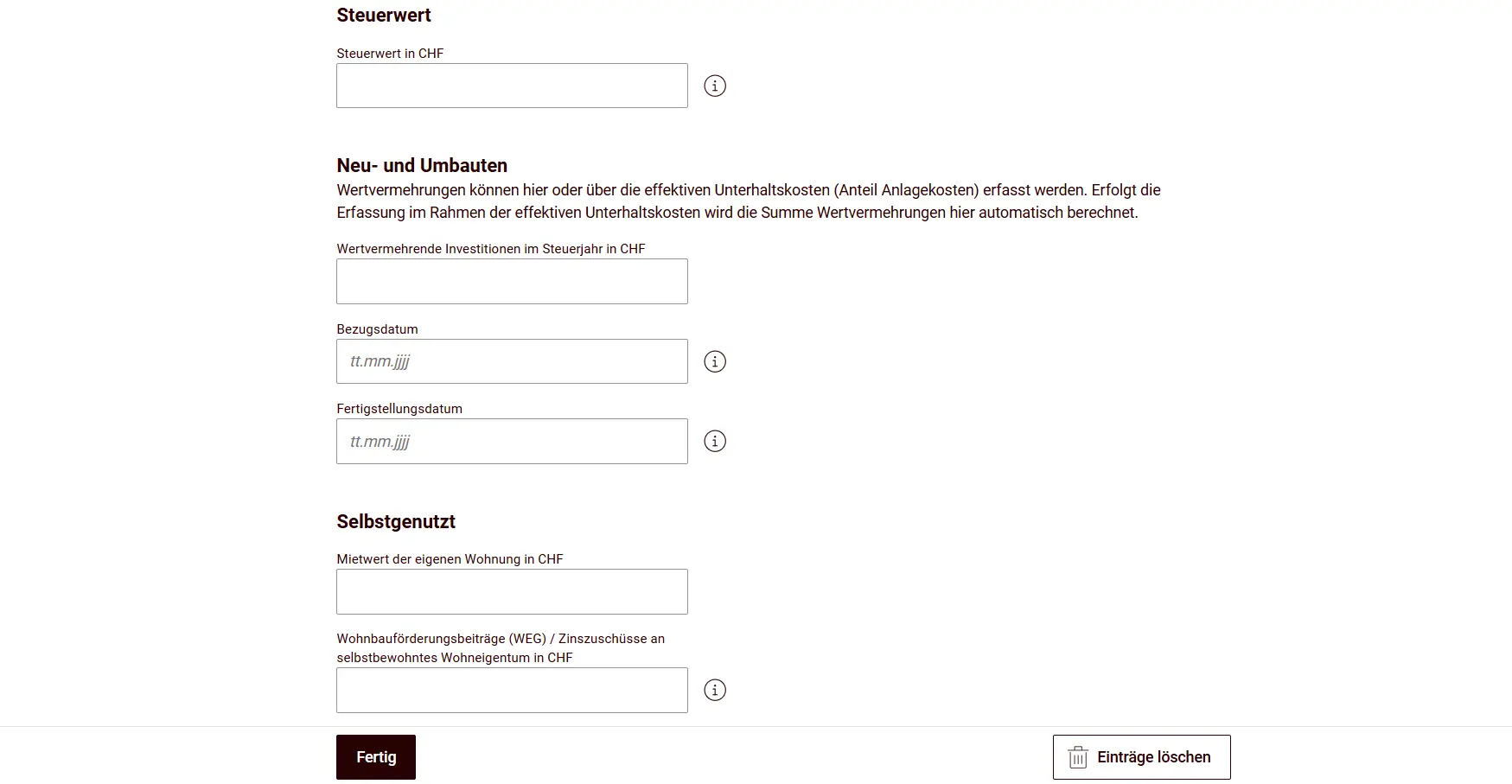
Next you indicate whether you use the property yourself (the imputed rental value is taxed) or rent it out (rental income excluding utilities is taxed).
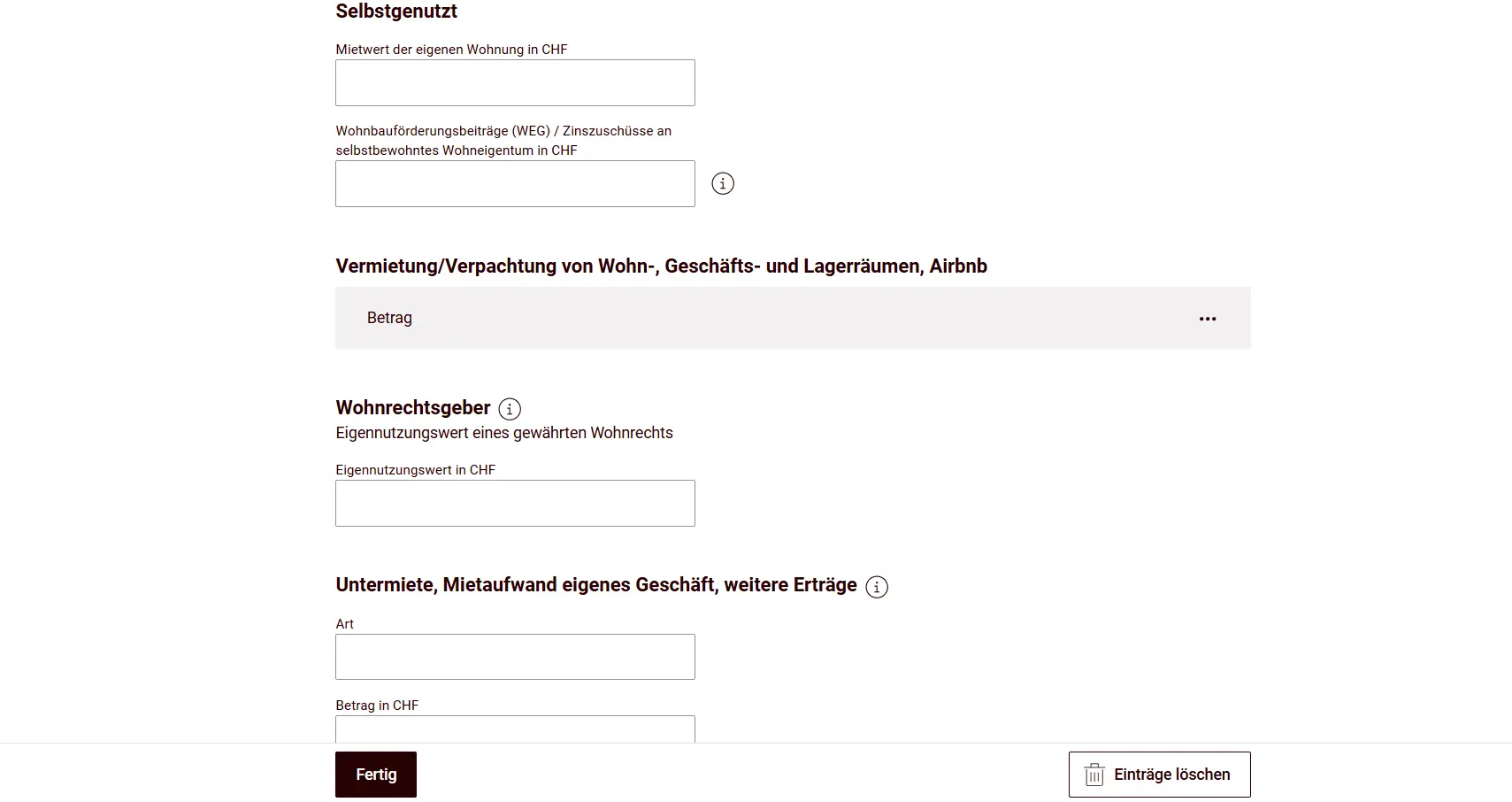
For rental and lease income, there’s a separate form that needs to be filled in:
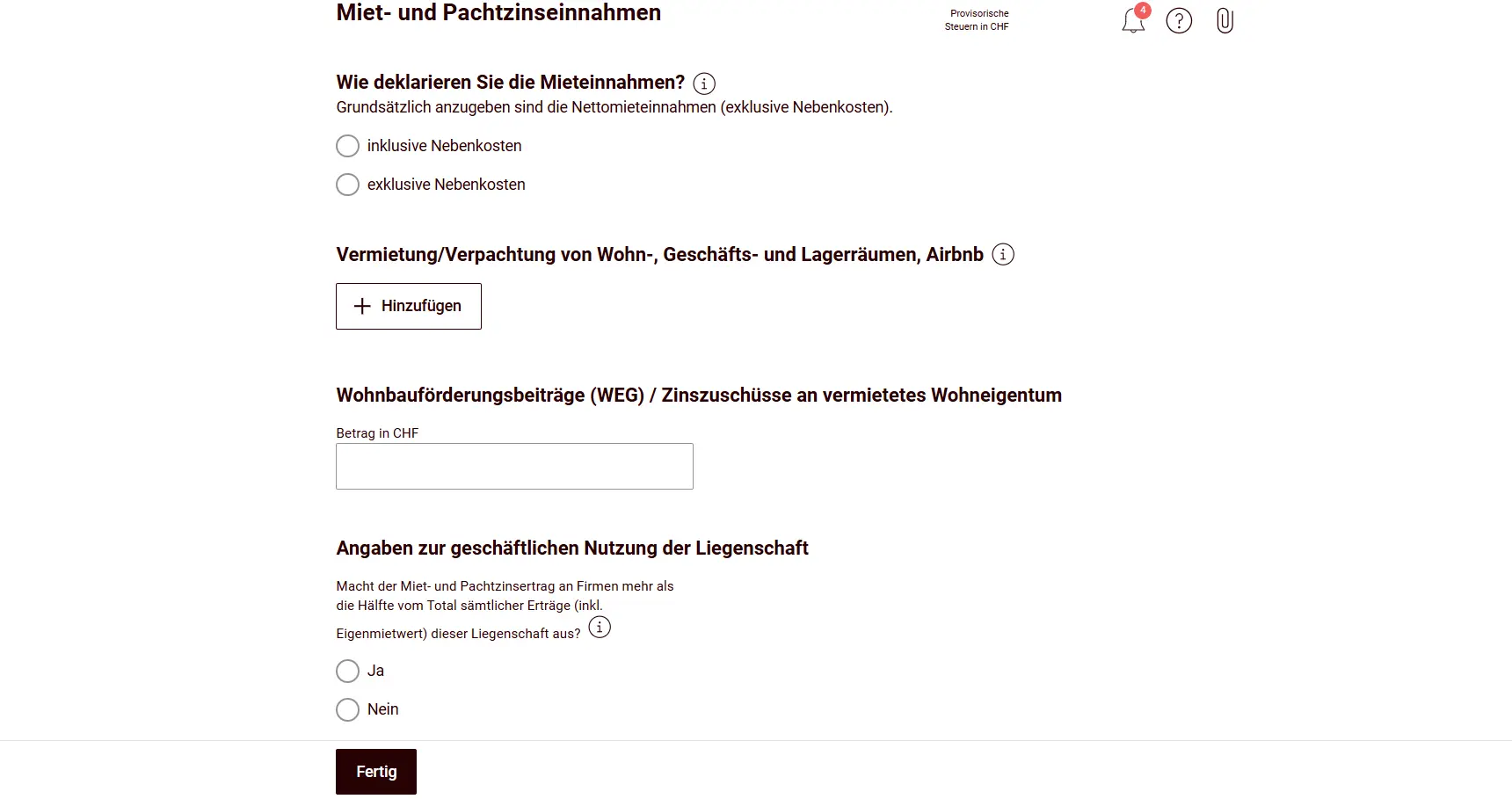
The interesting decision: claim effective maintenance costs or take the flat-rate deduction? Compare both and see what works out better. The flat-rate deduction is 10% of gross rental income, imputed rental value or owner-use value for buildings that are no more than 10 years old at the end of the tax period, or 20% if they are older than 10 years. Regarding effective maintenance costs, there is a specific directive (Directive on property costs and photovoltaics (LKPV), PDF). I recommend going through the directive, it’s a good checklist to make sure you don’t miss anything.
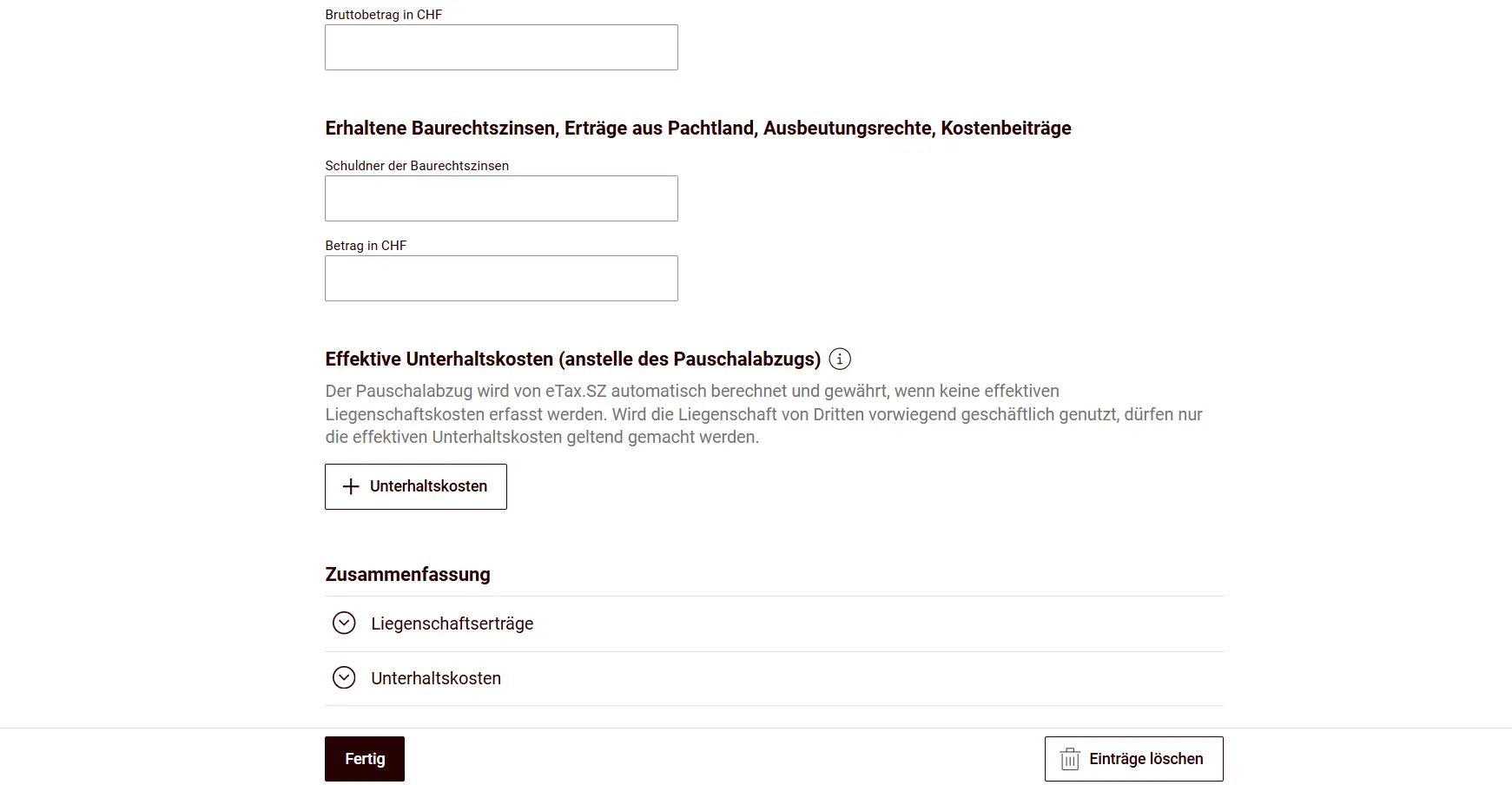
The mortgage linked to the property is not entered in this tile; you already entered it under “Finanzen & Spielgewinne”.
Next step
In the next part, you’re almost at the finish line, there’s just one last tile with additional income and deductions. Then we wrap everything up with the submission, and just like that: duty done, conscience clear, a beer well earned.