
It’s that time again: an unassuming letter lands in your mailbox, sent by the cantonal tax administration of Schwyz. For many, it triggers a little spike of anxiety the moment they open it, but you can stay relaxed. As a Mustachian with tax residence in the canton of Schwyz, you’re already playing in the Champions League when it comes to taxes. Thanks to low tax rates, your income is among the best-protected in Switzerland, even if part of it might flow straight to your landlord.
But don’t worry: the days of sorting through mountains of paper and flipping through forms by hand are over. Today almost everything happens online, efficient, clear and honestly much less painful than you think.
In this guide, I’ll show you step by step how to fill in your 2025 tax return in the canton of Schwyz, correctly and smartly. You’ll see which deductions you absolutely need to claim, what to pay special attention to, and how to finish with that good feeling: everything’s clean and, ideally, a few more francs in your wallet (or a few less to pay).
Tip: keep your last year’s tax return and the final assessment from the previous year handy while you fill things in. That way you make sure you don’t miss a deduction you already claimed the year before, and you take into account any corrections made by the tax authorities.
Step 1: Accessing eTax.SZ
Open your browser, type https://etax.sz.ch/, and just like that, you’re at the digital front door of your 2025 tax return.
If you already have a login, you can sign in and get straight to work. And if this is your first time tackling the Schwyz tax return, just register as a new user.
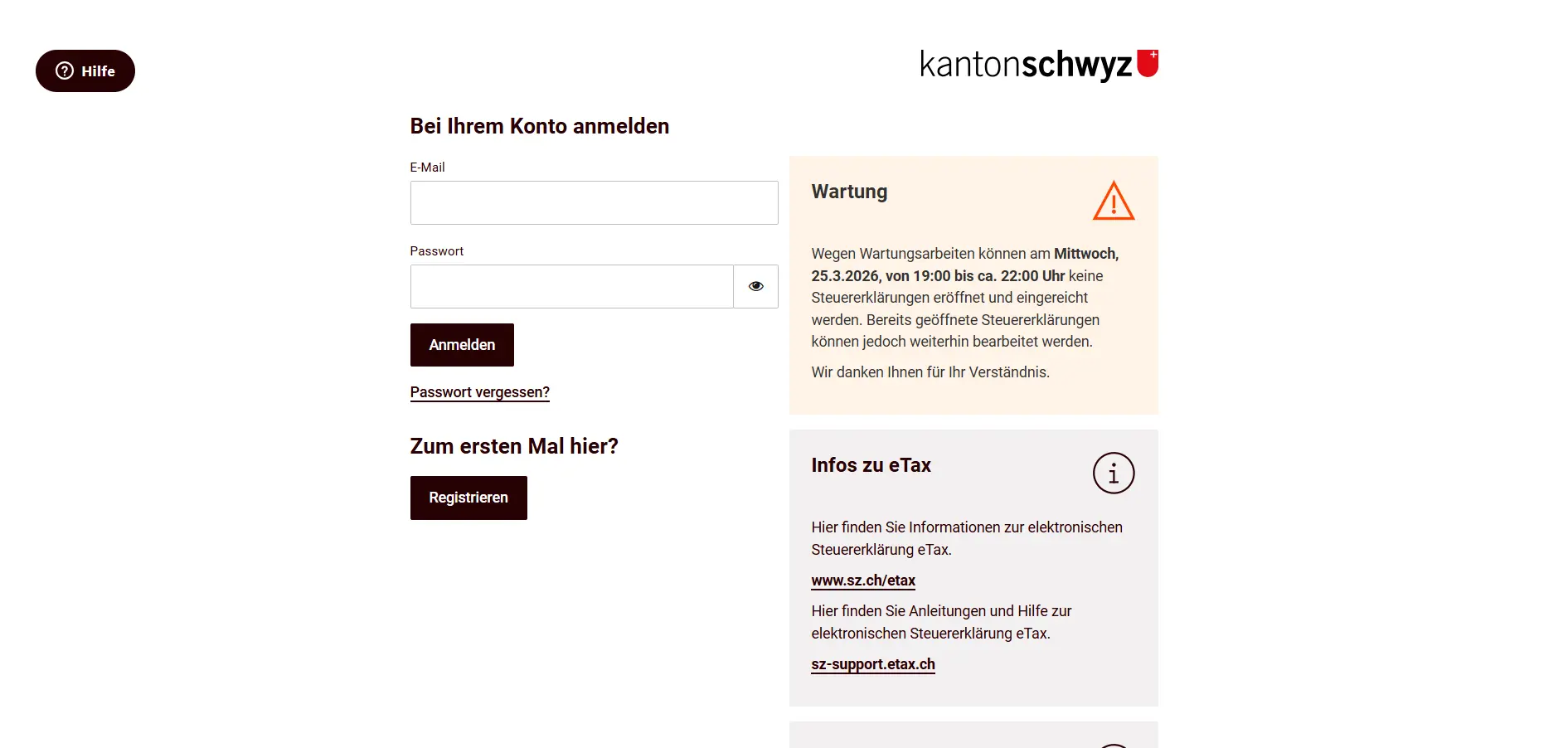
And if you’re lucky, you won’t hit a maintenance window, like I did right when I was taking my screenshots. Even the government needs a break sometimes.
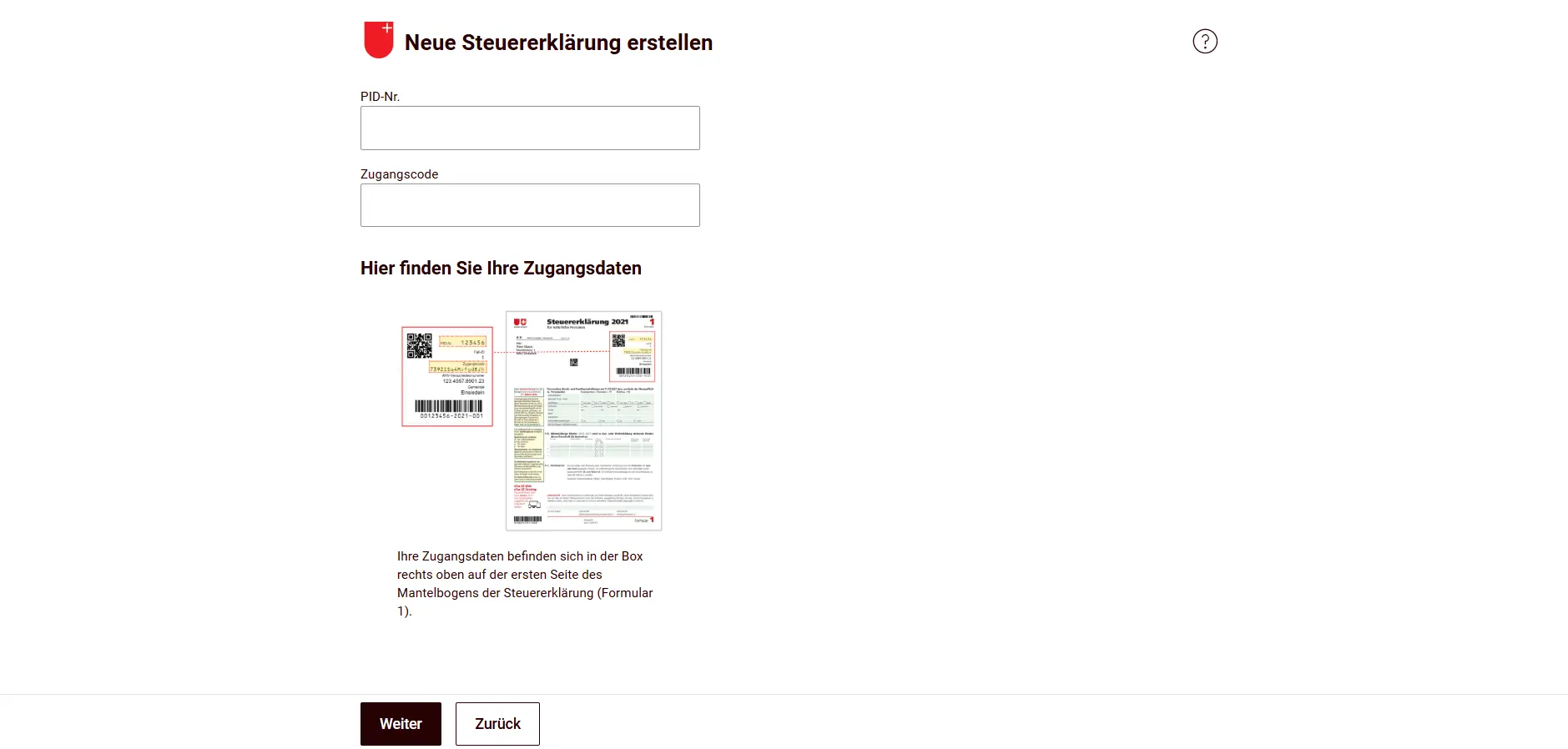
Now click the button “Neue Steuererklärung eröffnen” (Open a new tax return). There you enter your PID number and access code, which you’ll find on the paper tax return you received by mail.
Step 2: Import previous year data
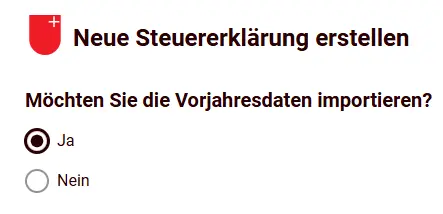
Attention, here comes the crucial question, and your answer must be YES: definitely import the previous year’s data! This is the real game-changer.
Your accounts and securities automatically land as handy placeholders in the securities register, for example. And the best part: for every field, you can see directly what you entered the previous year, no more digging through old files. Just choose Ja (Yes), and you’ll save yourself a ton of time later.
Step 3: No need to save
You’re now on the overview page, your cockpit for the 2025 tax return. In the top right corner, you can see in real time how much your tax bill is based on your current entries. Super handy: experiment later with how individual income items or deductions impact your tax burden, it’s a real eye-opener!
Under “Meldungen” (Messages), inconsistencies or missing information show up right away, often before you even notice them yourself. The tool is mature, intuitive, and makes the whole thing surprisingly relaxed. You’ll be amazed how fast you get through it. (Finally a tax software that doesn’t look like it’s from the 90s.)
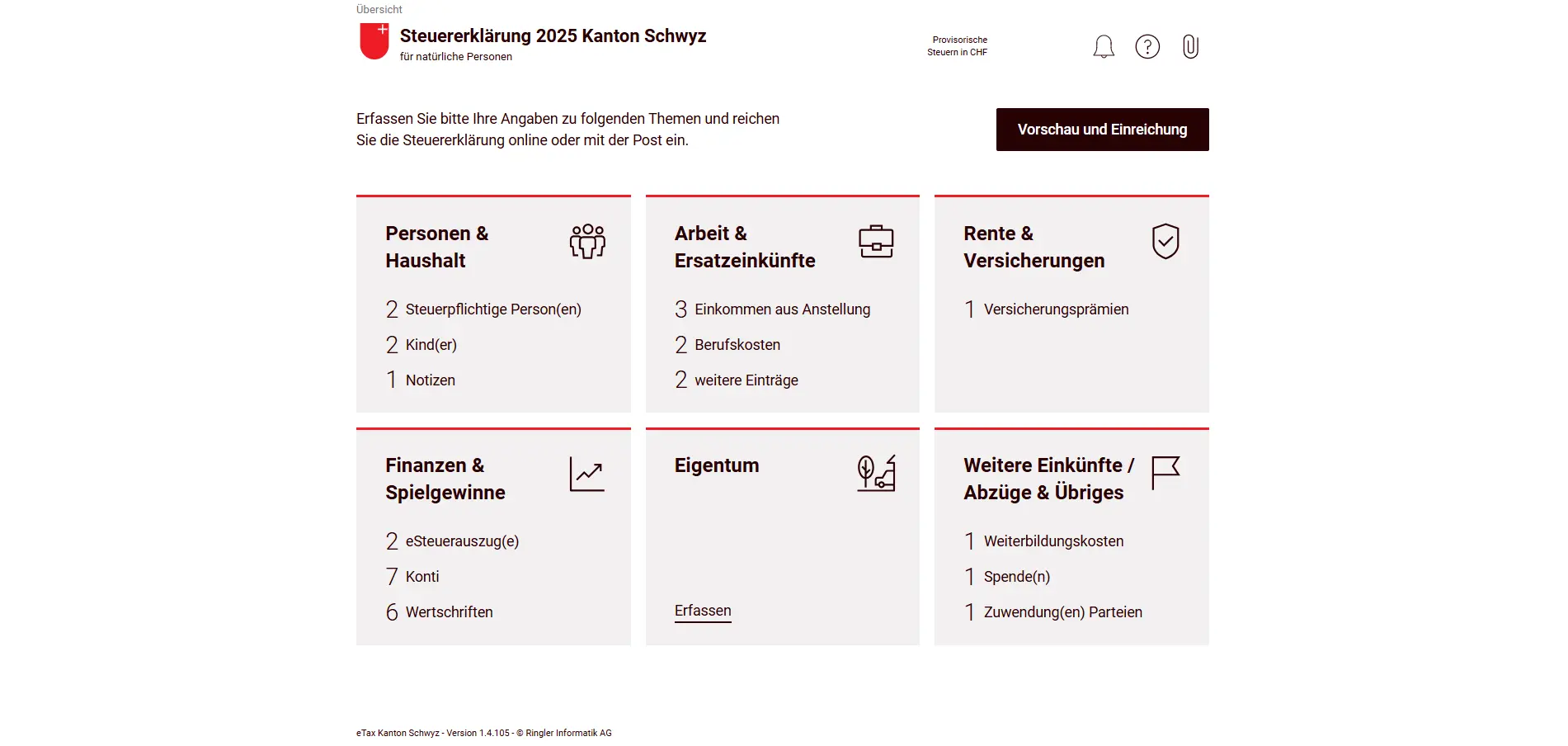
On top of that, you never need to click “Save” (you can’t even, the button doesn’t exist). Everything is saved automatically in the background while you type and optimize.
No more panic about crashes or forgotten clicks, the system has your back.
The tax administration of the canton of Schwyz doesn’t offer a “wizard” like you might know from other cantons. But that’s fine, the tool is very well built, you’ll see for yourself when you work through my guide.
Step 4: Tile Personen & Haushalt (People & Household)
As you can see on the overview page, the tool is divided into six tiles, essentially your roadmap through the tax return. I recommend filling them in exactly in the order shown on screen, since there are dependencies between them.
Let’s start with “Personen & Haushalt”. Thanks to the previous year data import, all your family members are already listed. If you moved to the canton of Schwyz in 2025 (and your friends now call you a “tax refugee”), this is where you enter the move-in date. Change of religion, new job, or new workplace? All handled here.
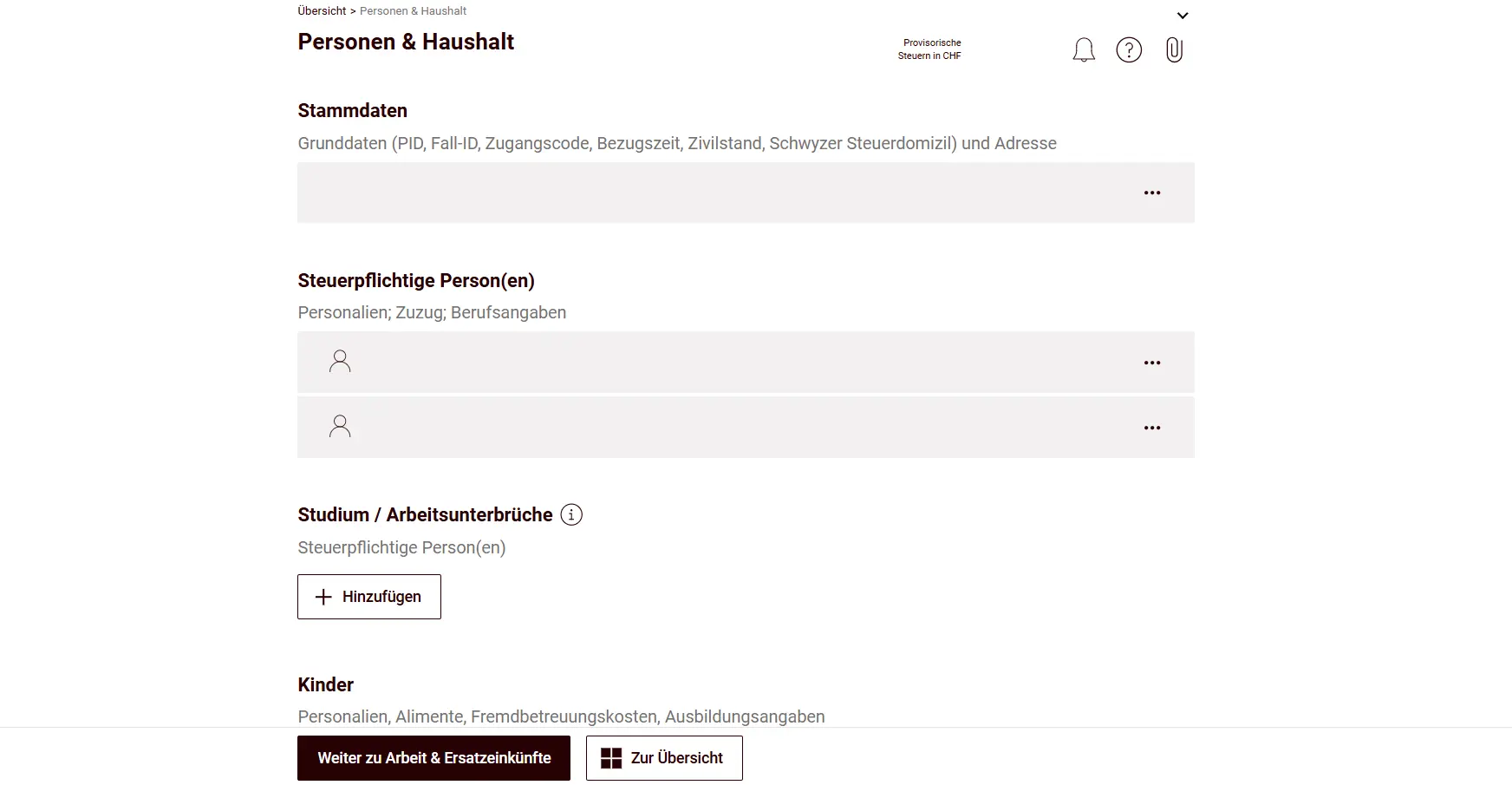
If you had a gap in employment during 2025, you can state the reasons here. Education is also entered here, including type and duration.
Your children are also in the spotlight: did you have the luck of becoming a parent last year?
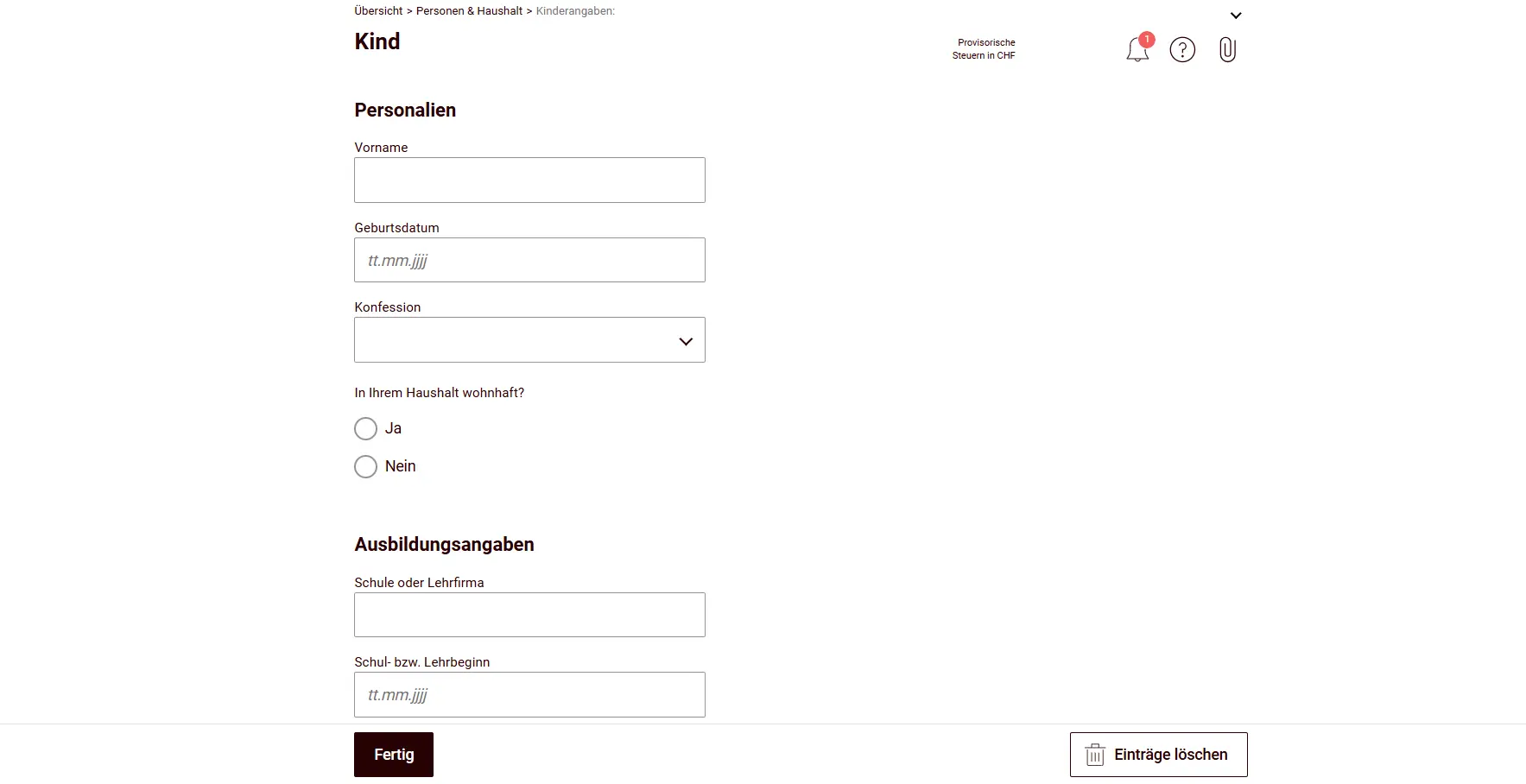
Enter the baby here, it gives you additional deductions (you’ll celebrate when the next pack of diapers arrives). For the little ones, external childcare costs are a bit hidden, but you should absolutely claim them if they’re connected to your employment.
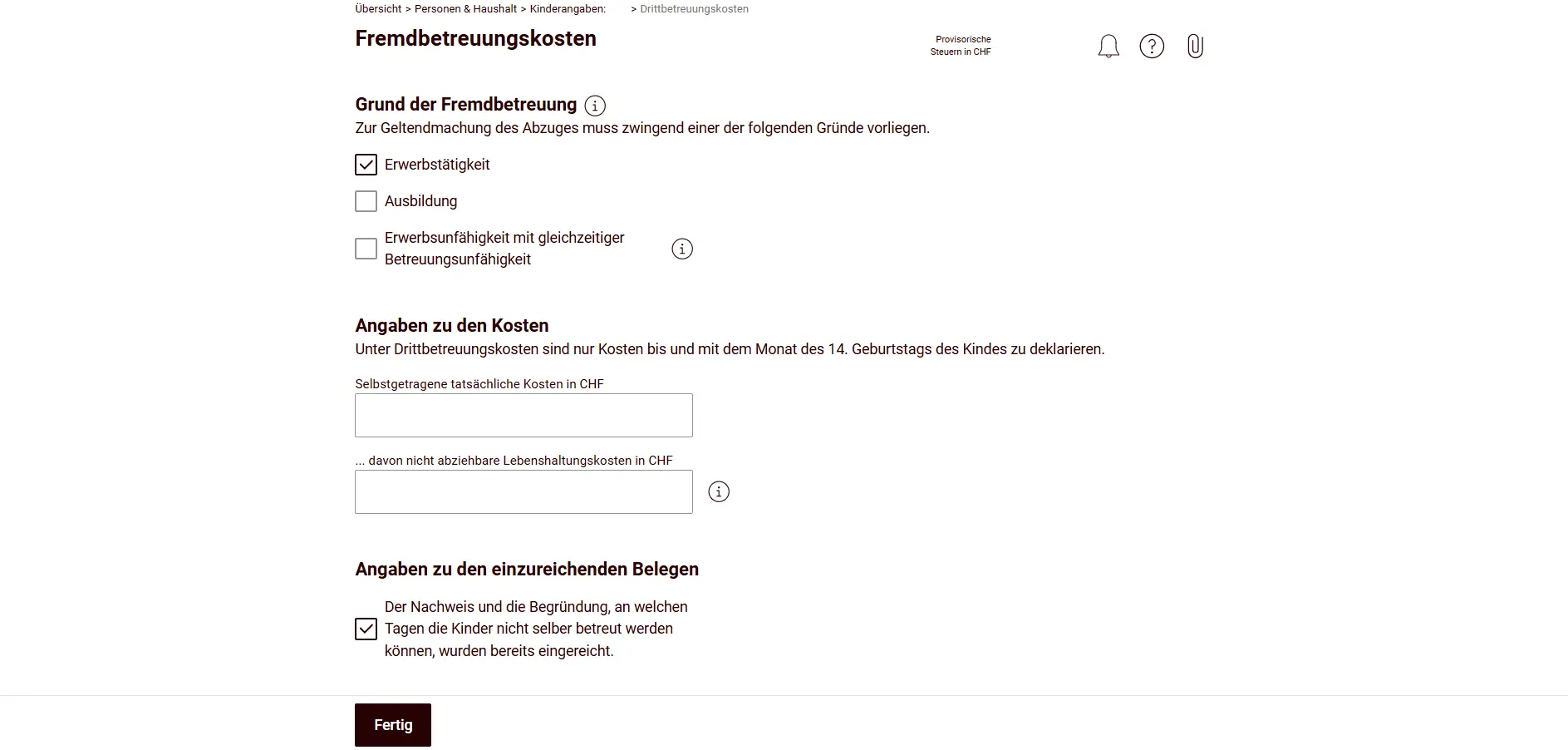
As you can see, the system requires proof of why external childcare was necessary. My tip: use the text box “Mitteilungen an die Steuerverwaltung zu Personen und Haushalt” (Messages to the tax administration about people and household), which you’ll find conveniently at the bottom of each tile. It saves you from follow-up questions from the tax office.
The cantonal child deduction is calculated automatically. You get it for every minor child who is under your parental authority or care at the end of the tax year.
For separately taxed parents with joint parental authority, here’s the order:
- The deduction goes to the parent who receives child maintenance payments.
- If there are no maintenance payments, it goes to the parent who primarily supports the child from their own taxable income.
- If financial contributions are equal, the parent who takes on the larger share of actual childcare wins.
With the button at the bottom of the page, you can now either jump directly to “Arbeit & Ersatzeinkünfte” (Work & Replacement Income), or go back to the overview and manually navigate to the next tile.
Step 5: Tile Arbeit & Ersatzeinkünfte (Work & Replacement Income)
Moving on to the tile “Arbeit & Ersatzeinkünfte”, here you enter your salary according to your salary certificate, specifically the net salary after deductions like AHV and pension fund.
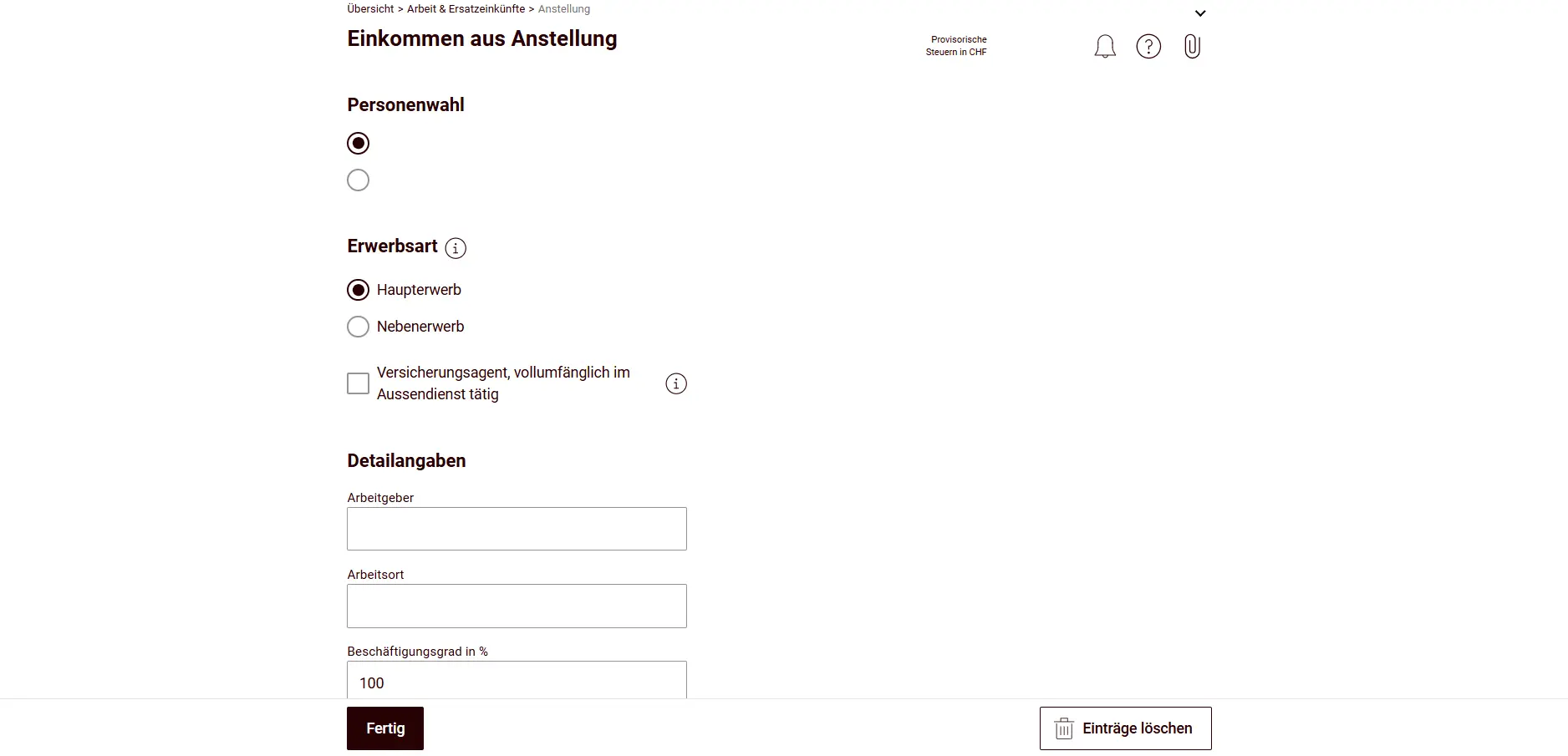
You only need to enter flat-rate expenses if your expense regulations aren’t approved by the canton of Schwyz. If they’re not: tell your employer to get them approved as soon as possible, it saves you real money.
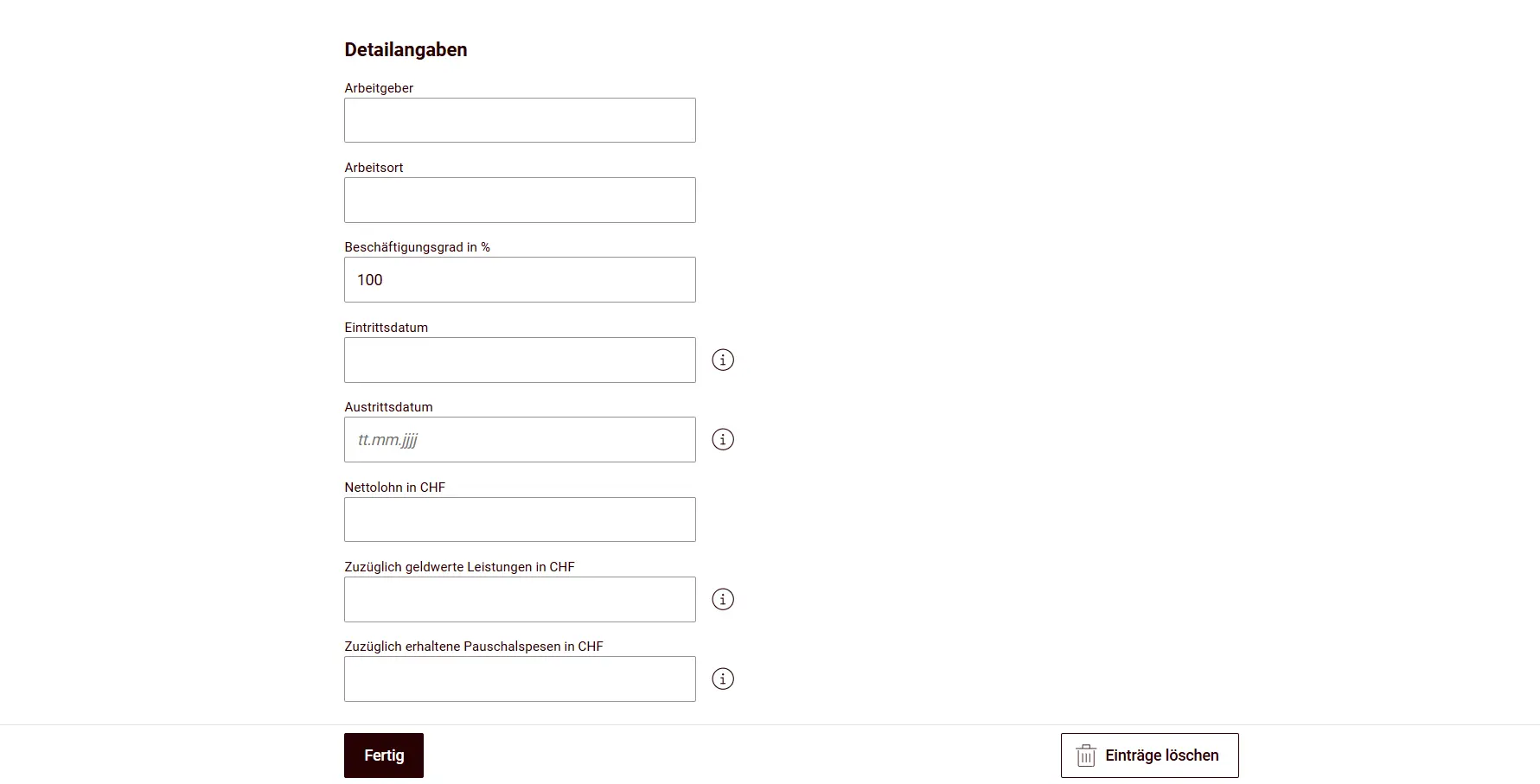
If you have multiple jobs, here’s a tip: try out whether your second job works out better as a main occupation or as a secondary occupation. The related deductions are different. You can always see your current tax burden in the top right corner. So play around a bit with the tool.
Now here’s the highlight of this tile: it contains not just your salary, but also the corresponding deductions, in particular professional expenses and voluntary pension contributions (pillar 3a).
The professional expenses tile guides you clearly from top to bottom, a red thread you just need to follow. Enter your public transport costs, car expenses or meals taken away from home here.
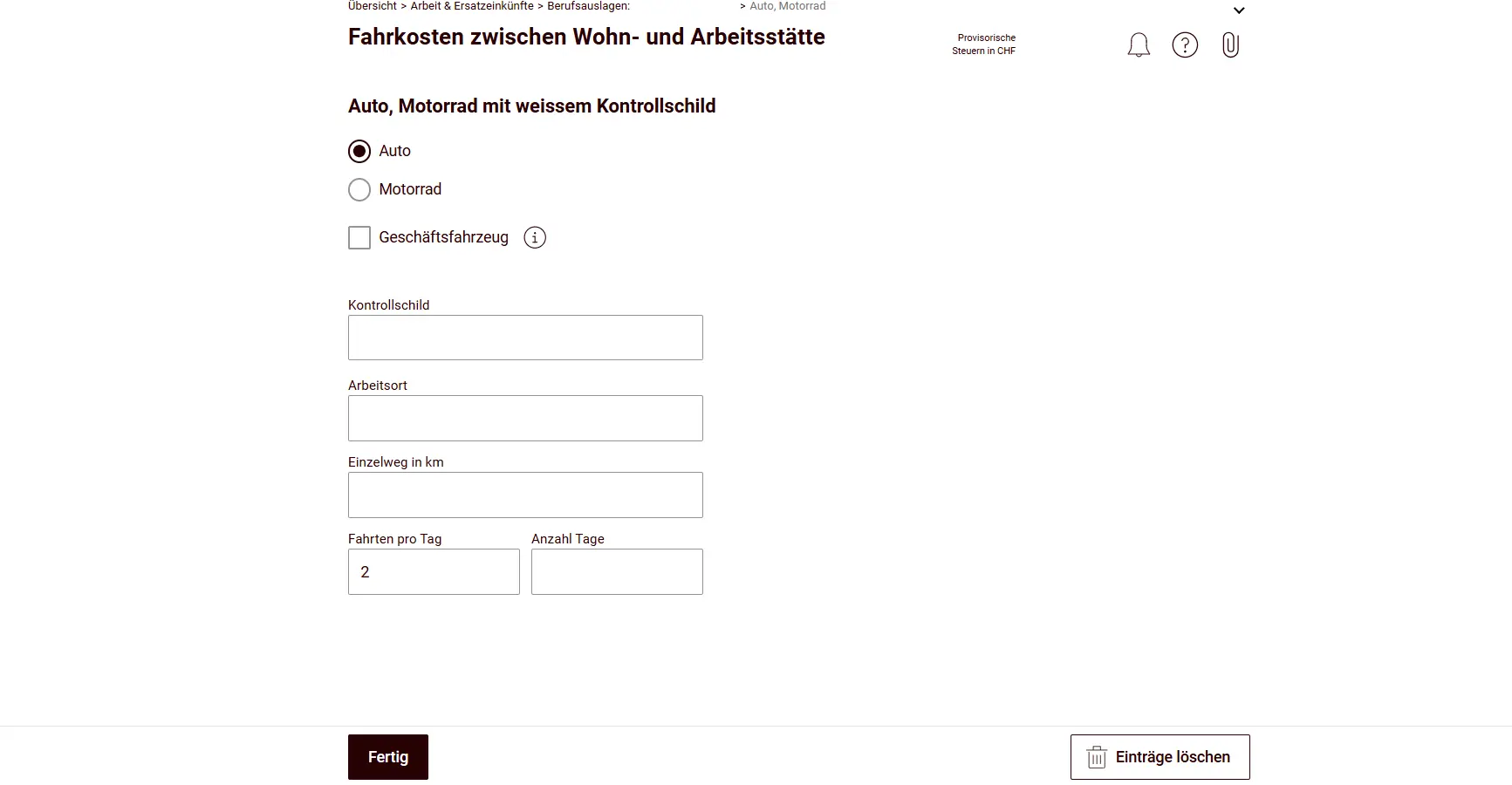
For the commuting deduction, even a commute of less than one kilometer can qualify for the deduction of necessary travel costs. If a company car can be used, no benefit in kind needs to be declared. The use of a company car for private trips and commuting must be certified by the employer on the salary certificate.
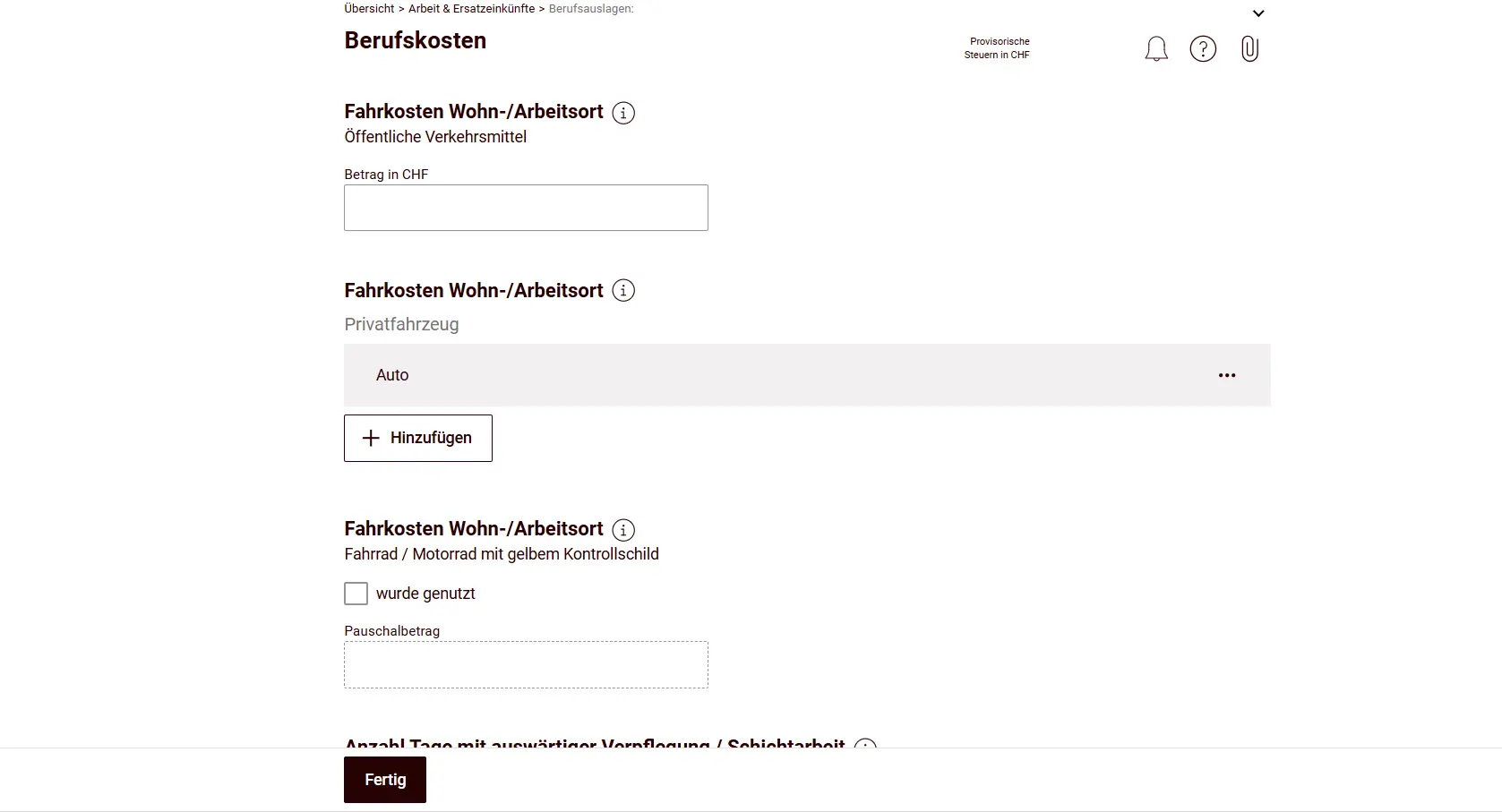
Think carefully about what you’ve used: if you cycle to the train station, for example, you can deduct the bicycle on top of the train (flat-rate deduction of CHF 700).
For car expenses, measure the number of kilometers preferably with Google Maps, because that’s what the tax authorities will do too.
The flat-rate deduction for meals away from home is granted to anyone who lives more than 500 meters from their workplace. The deduction is granted regardless of whether additional costs were actually incurred. Only half the deduction is allowed if the employer provides subsidized meals, or if meals can be taken in a canteen, staff restaurant, or establishment run by the employer.
Professional expenses are calculated on a flat-rate basis. If actual expenses exceed the flat rate, they can be entered as effective expenses. I don’t think your actual costs will be higher than the flat rate, so you’ll usually come out ahead with the flat rate.
It gets interesting when you look at the difference between the cantonal and federal deduction: you can see transparently and automatically how the two differ.
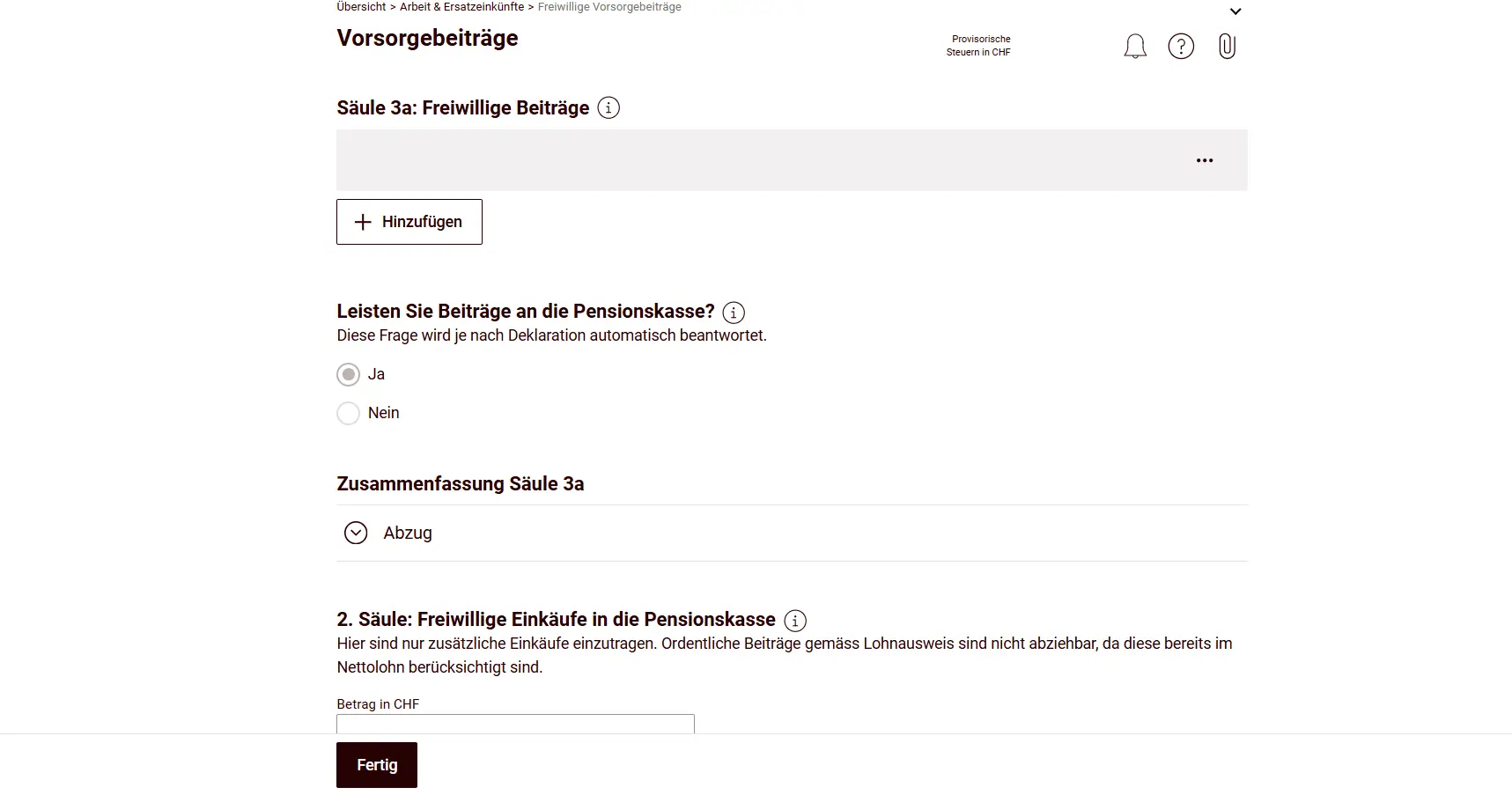
Finally, you enter your pension contributions, split between pillar 3a and pillar 2 (if you made voluntary buy-ins).
Next step
In the next part, I’ll show you how to cruise through the tiles Renten & Versicherungen (Pensions & Insurance), Finanzen & Spielgewinne (Finances & Gambling Winnings) and Eigentum (Property) at the same pace, without breaking a sweat. Each one is built just as logically, and you’ll see: with the previous year data and the live tax amount at the top, it’s smooth sailing.