

In the last article, we covered the first steps of our Swiss tax return with eTAX, namely: accessing eTAX, importing last year’s data, and getting started with the “Personal situation” section.
We now move on to the “Einkommen” (income) section. If you’re married, you need to enter the information separately for yourself and your spouse.
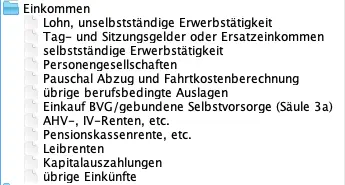
Step 1: Entering employment income and related expenses
We won’t go through every single item here but will focus on the most common cases in the “Einkommen” (income) section.
Very convenient: here you can see the section including any error messages (in red) where something is still missing:
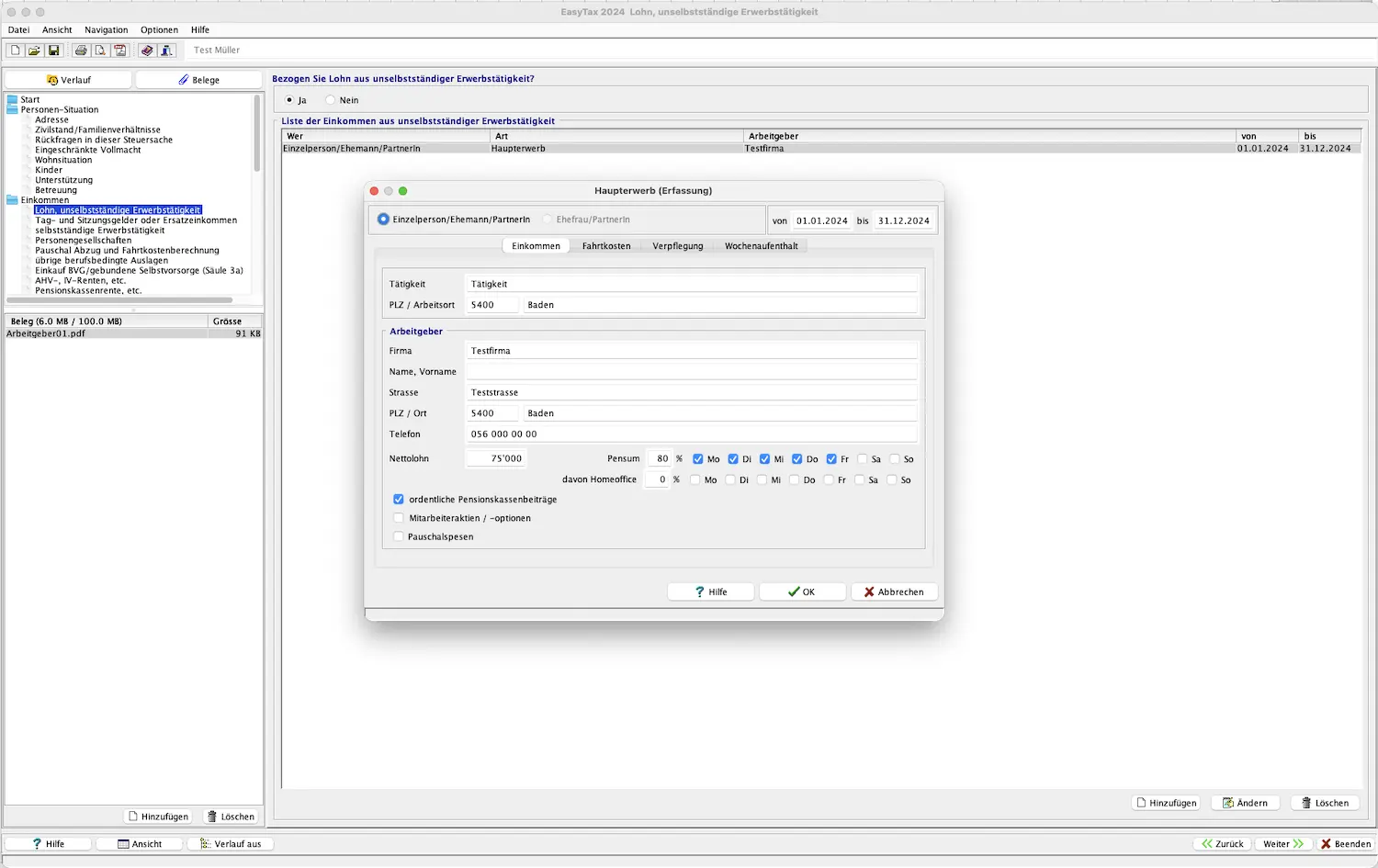
Salary, employed work
Enter your employment income here. The program guides you through this intuitively. You need to add each employer and can then upload the electronic salary certificate (either scanned beforehand or via SNAP.SHARE). After that, the following sub-items appear for each employer:
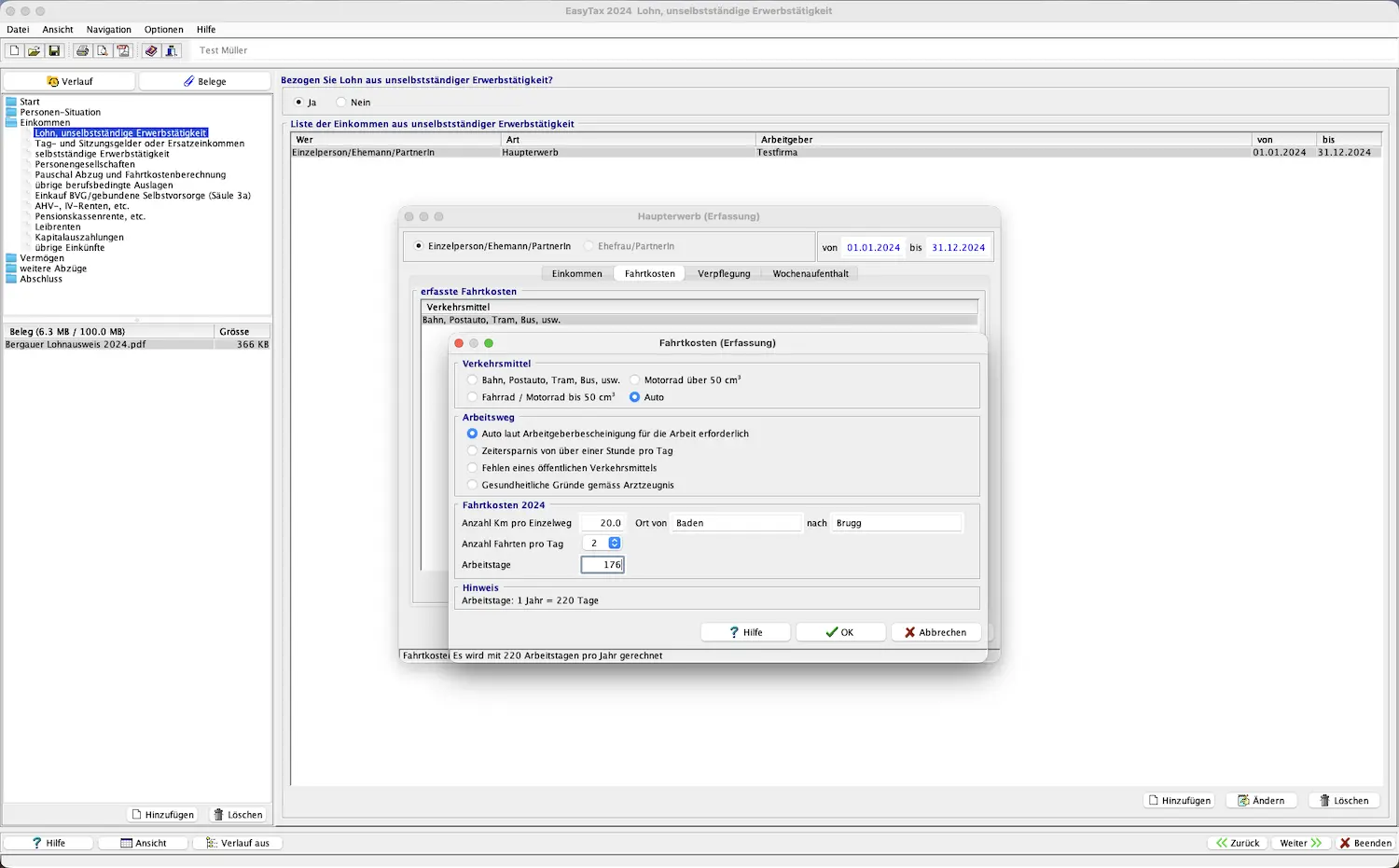
“Fahrtkosten” (commuting costs): Enter how you get to work here. If you want to deduct your car, you need to provide a justification. Enter the relevant commuting costs between your home and workplace.
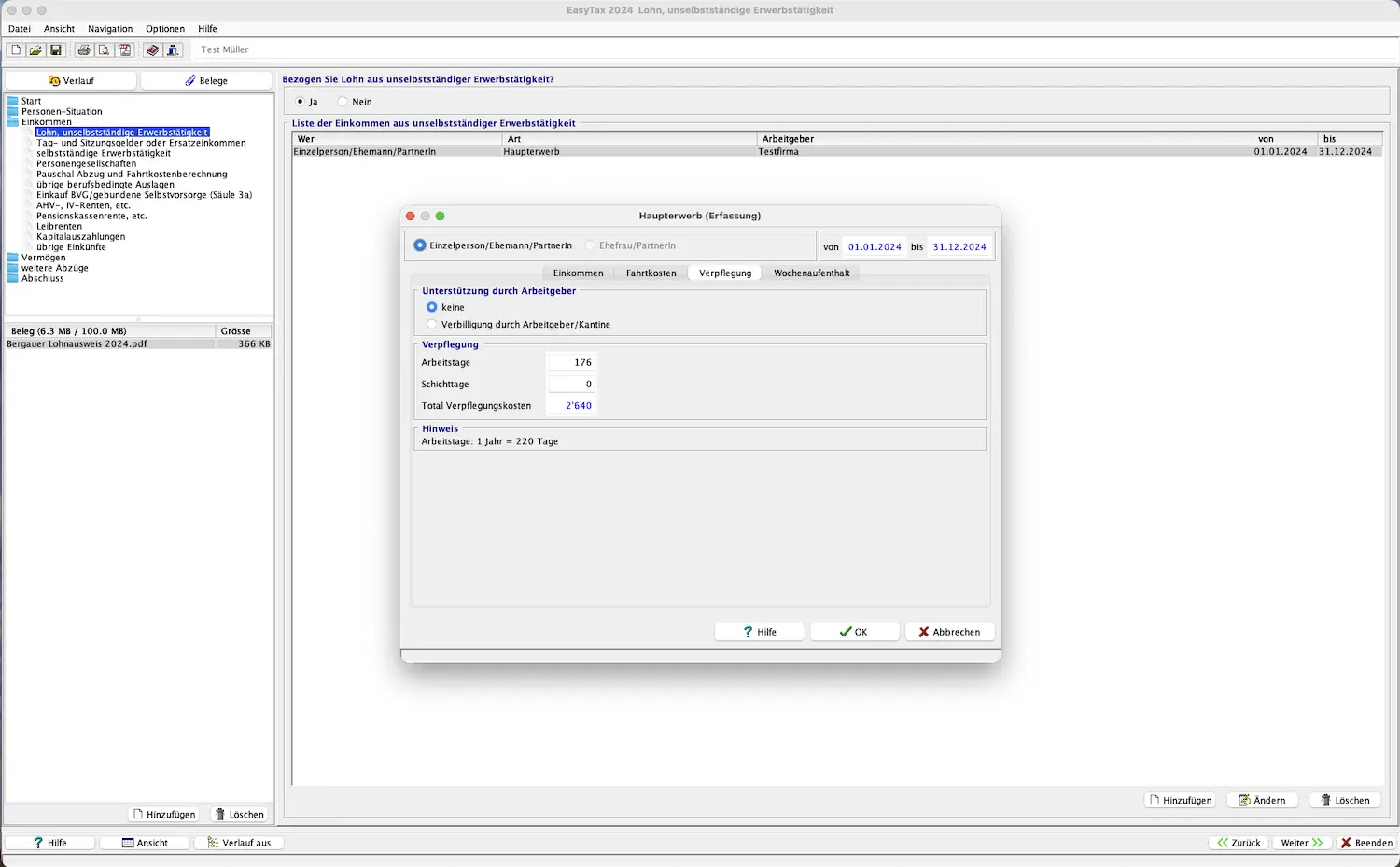
“Verpflegung” (meals): Here you can indicate whether you pay for your own meals or whether you get subsidized meals from your employer or a canteen.
“Wochenaufenthalt” (weekly residence): Enter the details here if you’re a weekly commuter.
“Pauschalabzug und übrige Auslagen” (flat-rate deduction and other expenses): The flat-rate deduction is calculated automatically based on the salary you entered. You can still add actual costs here.
Daily allowances, board fees, or replacement income
If you received daily allowances (unemployment insurance, maternity/paternity compensation, disability insurance, SUVA), board of directors fees, attendance fees, government compensations, or similar, you can enter them here.
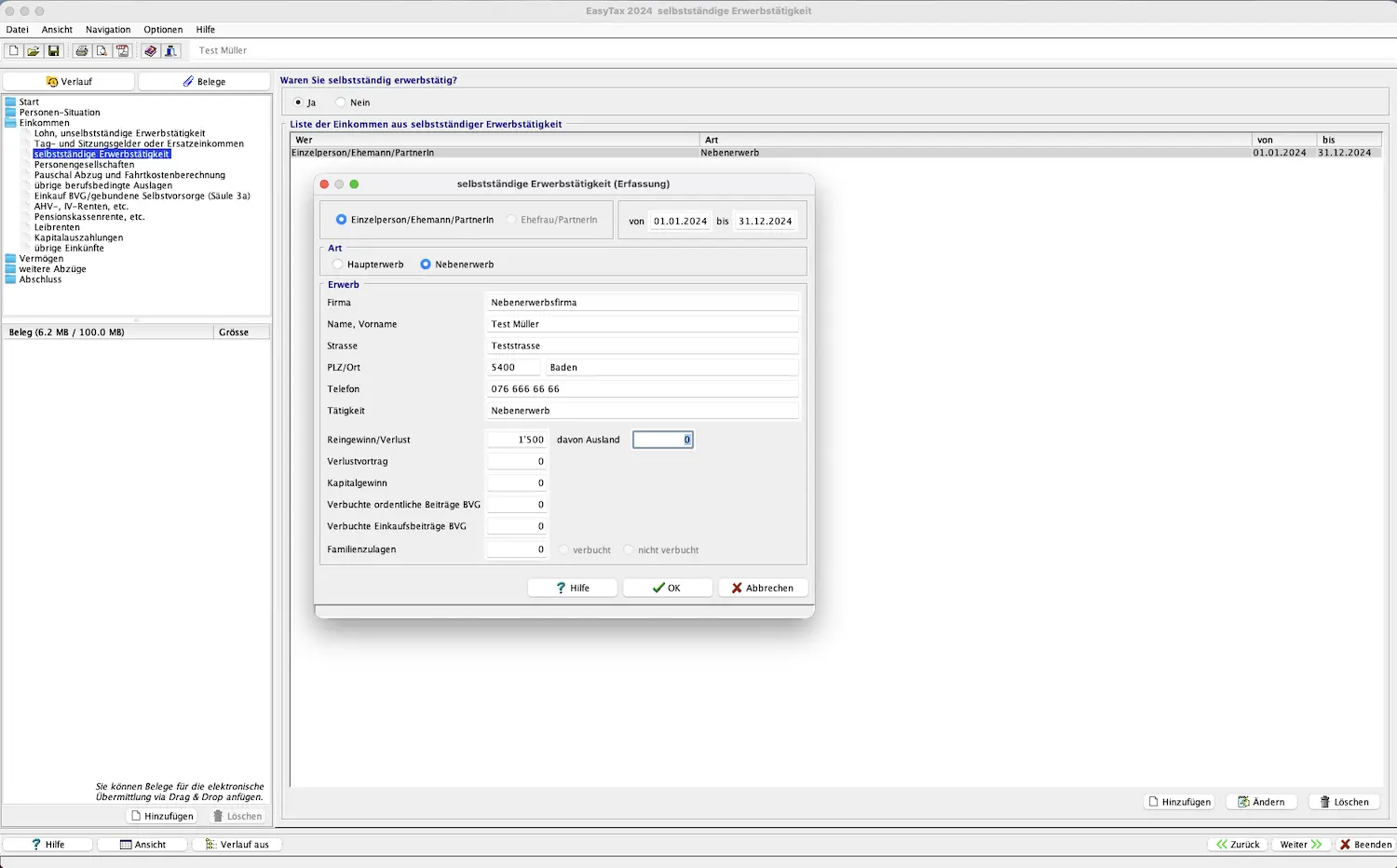
Self-employment
Are you self-employed full-time or as a side activity? Then fill out this section. It’s also designed intuitively.
Gaps in employment and replacement income
If you’re not self-employed and have gaps in the “Lohn, unselbständige Erwerbstätigkeit” (salary, employed work) section, you now need to provide a reason for those gaps.
Partnerships
If you’re involved in partnerships, enter the details here.
Step 2: AHV/AVS and IV/AI pensions, supplementary benefits
If you received AHV/AVS or IV/AI pensions or supplementary benefits, this is the right section for you.
Pension fund annuities
Did you receive pension fund annuities? You can enter the details here.
Lump-sum capital withdrawals
If you received lump-sum capital withdrawals from pillar 1, 2, and/or 3, you need to enter them here.
Step 3: Other income
All other income (excluding securities or real estate) should be entered under this section.
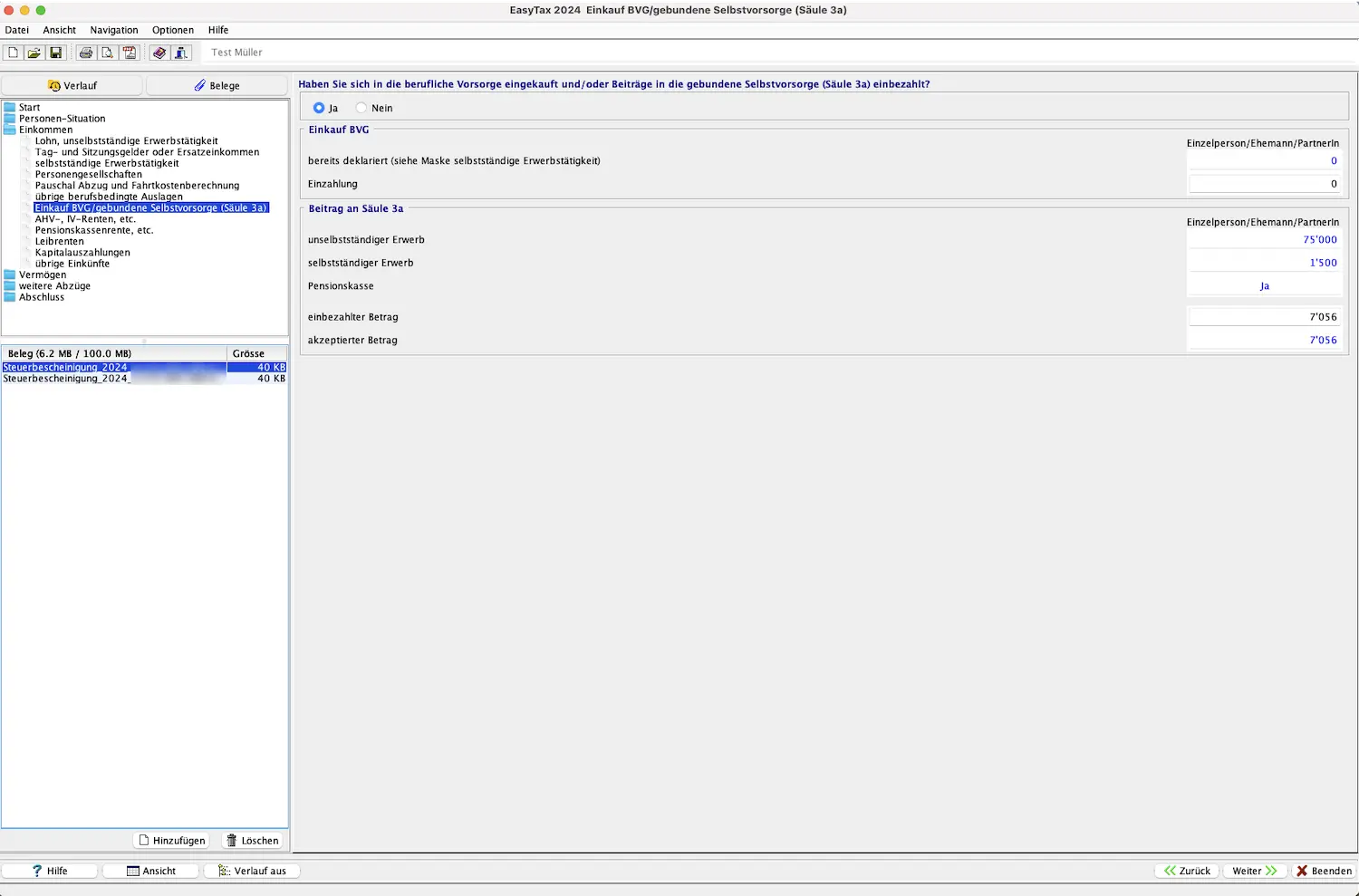
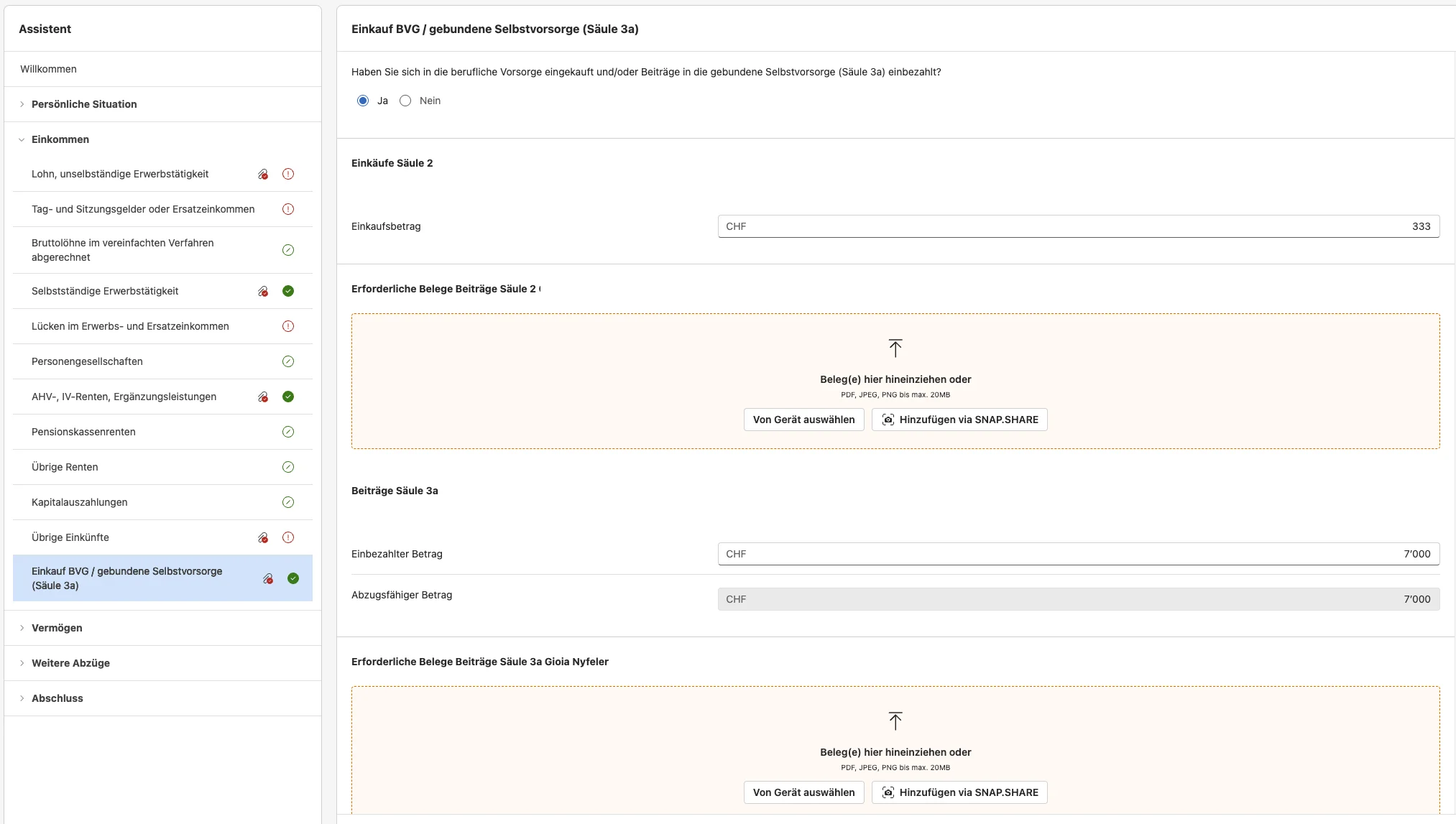
Step 4: Pension fund buyback / tied individual provision (pillar 3a)
If you made additional buybacks into pillar 2 and/or contributions to pillar 3a during the relevant tax year, enter these amounts here. You can also upload the receipts on the left side.
Next step
We’re done entering income.
In part 3 of my eTAX AARGAU tutorial, we cover the following sections:
- Gifts and inheritances
- Securities, bank accounts, cash, crypto
- Real estate (and land)
- Private vehicles and other assets
- Deductions
As usual, if I missed a tax-saving opportunity in the screenshots above (or you have questions), just drop me a comment below.