
In the last article, we covered the first steps of the tax return in the canton of Lucerne: accessing eSteuern.LU, importing previous year’s data, Persons & Household and Employment.
Now we continue with insurance, pension and finances.
Step 6: Insurance, Pension & Retirement
In this section, you enter your insurance and pension details.
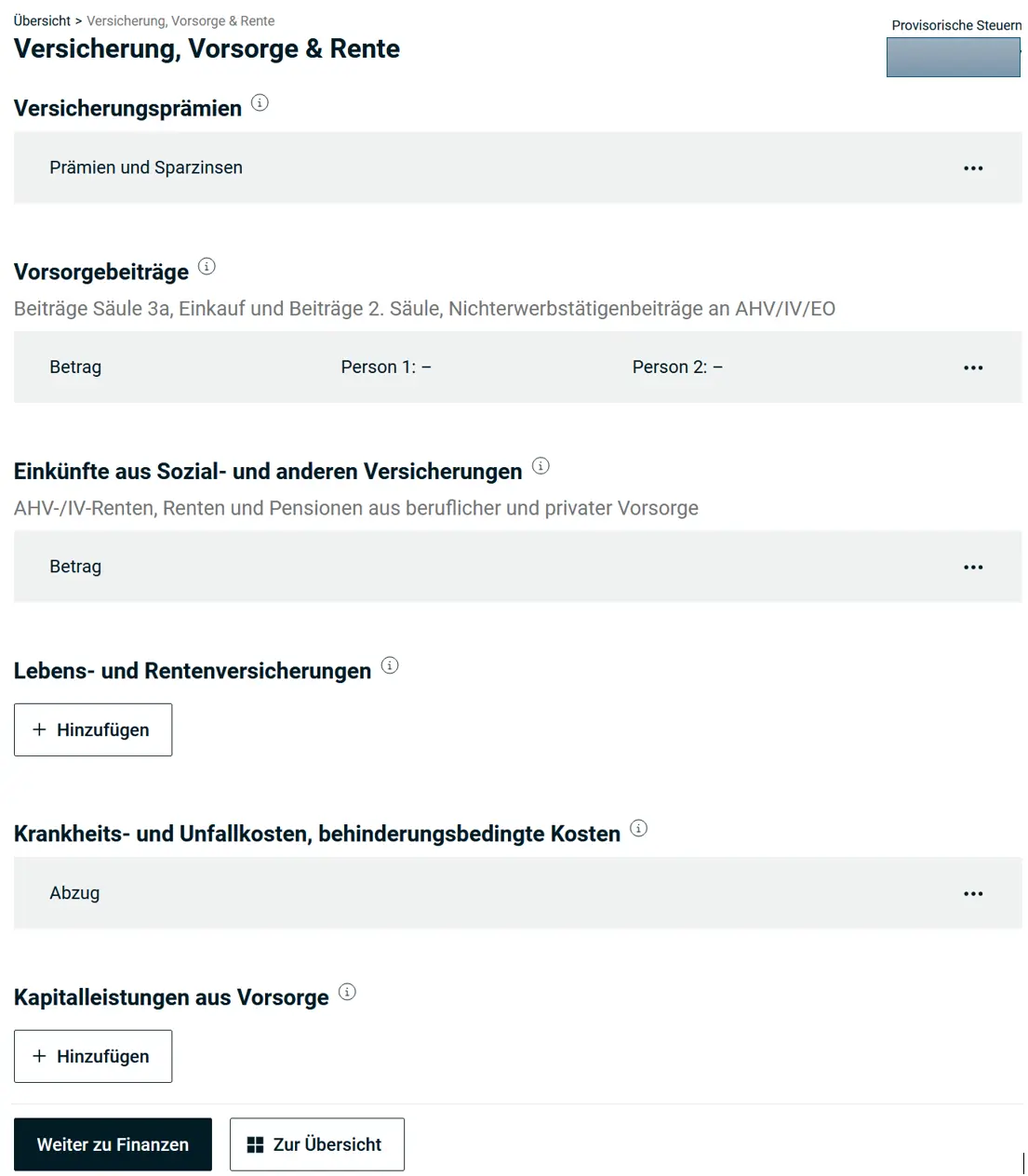
Insurance Premiums (Health Insurance)
You should deduct your health insurance premiums. Your health insurance provider gives you an overview of your premiums and other costs. So the data is easy to enter.
Under health insurance premiums, enter the annual costs for you and your family.
If you’re also insured against accidents and pay the costs yourself (e.g., as a self-employed person), enter the annual costs under private accident insurance premiums.
The interest on your assets affects the calculation. These are automatically inserted by the software once you’ve entered your assets.
Subsidies for your premiums also go here.
Pension
You should enter all contributions made to your pension here. If you’re employed, the AHV and regular pension fund contributions are already shown in your salary. Mention the contributions to pillar 3a.
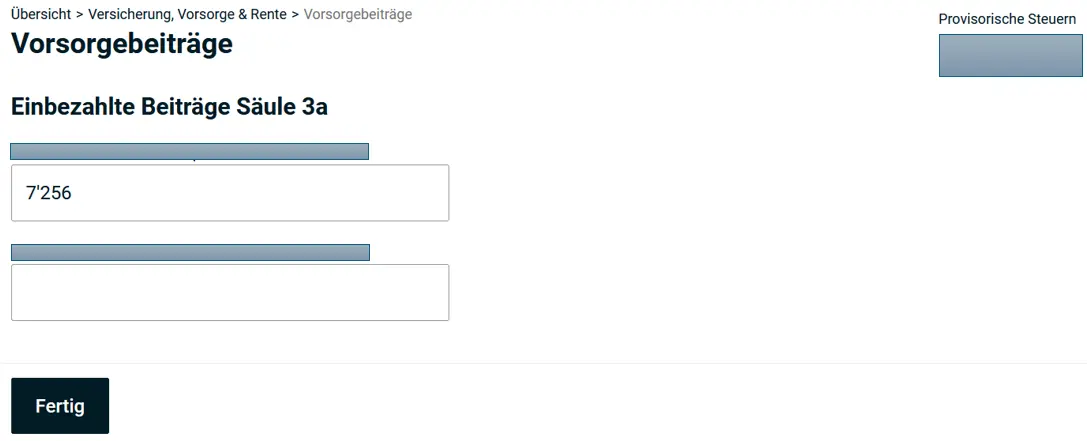
However, there are cases where you need to enter these amounts yourself:
- Buy-ins to pillar 2 / pension fund
- Contributions to pillar 3a
- As a self-employed person or employee without a pension fund (e.g., salary under CHF 22'680/year): pillar 3a contributions (20% of salary, up to CHF 36'288/year)
- AHV contributions for non-employed persons
The last point is important for Mustachians after FIRE: AHV contributions are mandatory until age 65. If you’re no longer working because you’re FIRE, you’ll pay AHV on your assets (https://www.ahv-iv.ch/p/2.03.e). You can deduct these amounts here.
Health and Accident Costs
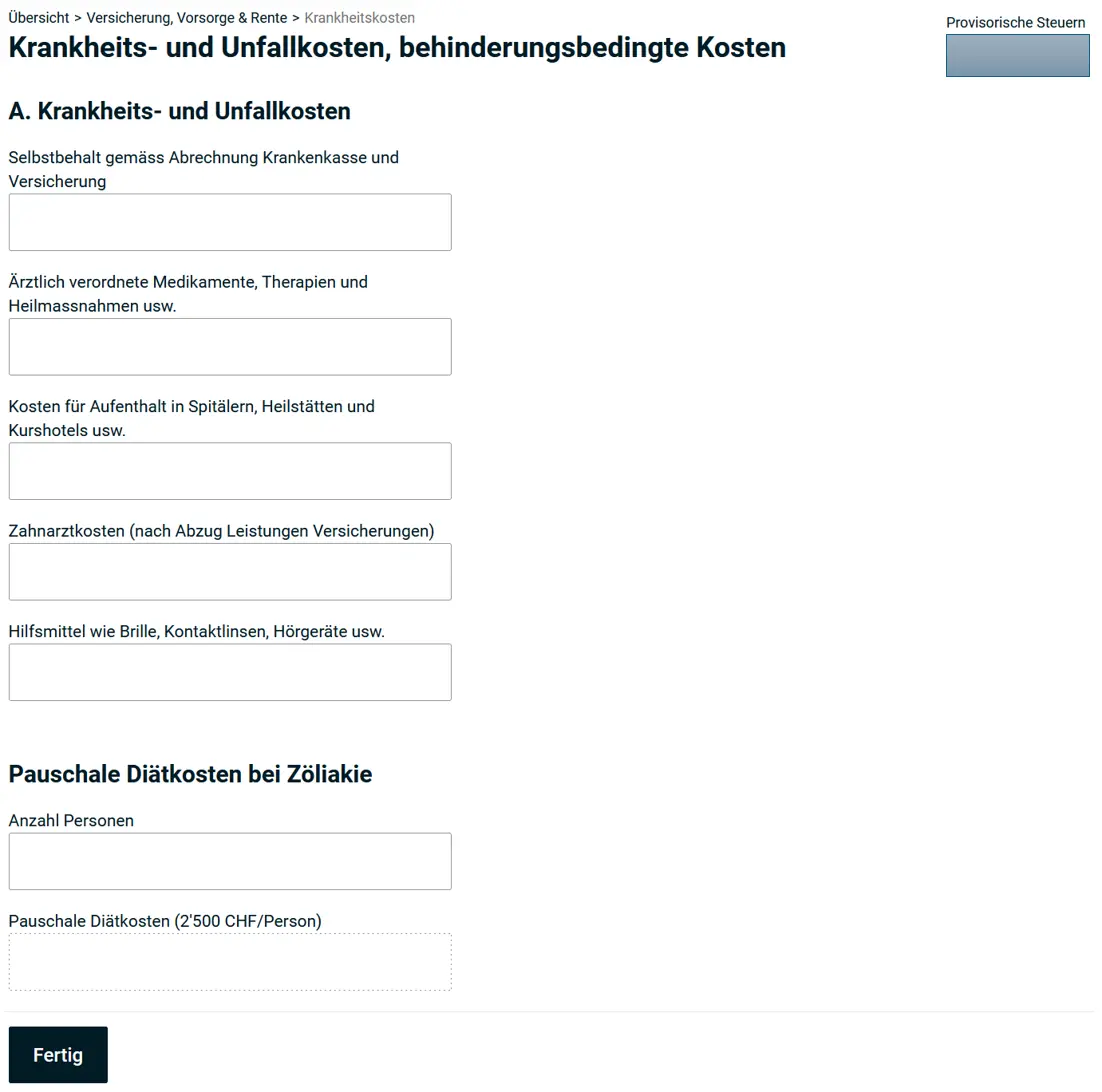
If you already have the cost statement from your health insurance in hand, you should also deduct the costs that aren’t covered.
This includes:
- Deductible and co-payments paid
- Dental costs
- Nursing staff
- Glasses, hearing aids, …
The entry options are very comprehensive and not fully illustrated here.
Step 7: Finances
Now we move on to finances, your “substance”, as this is where all accounts, securities portfolios and other assets are entered.
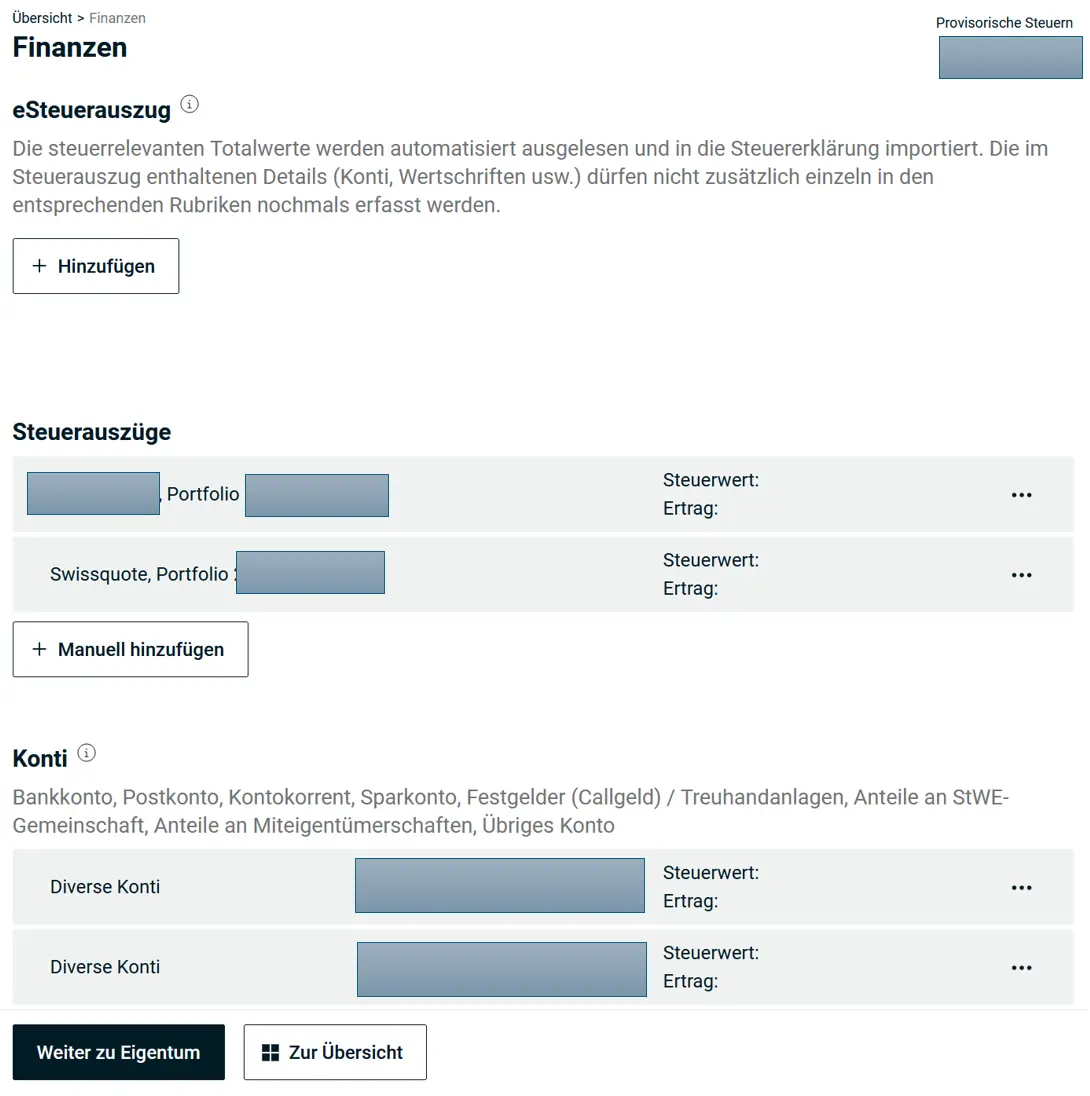
eSteuerauszug
Some banks provide you with a tax statement to simplify the tax return. You can upload this statement in the tax return. To do this, select “eSteuerauszug”.
The electronic tax statement has the necessary barcodes and is directly integrated.
Tax Statements
In the canton of Lucerne, tax statements from custodian banks are generally accepted as totals. Of course, you need to include the summary.
Accounts
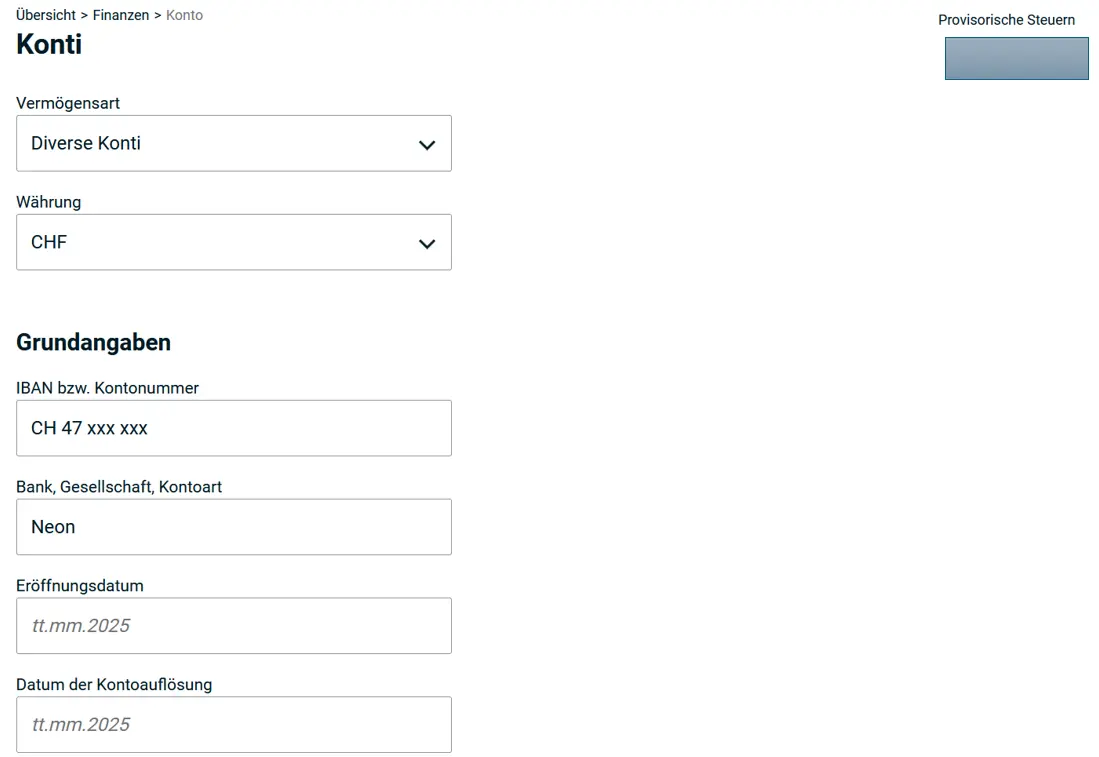
Now declare all bank accounts. In January, banks send you the account certificates or you can download them from your online banking.
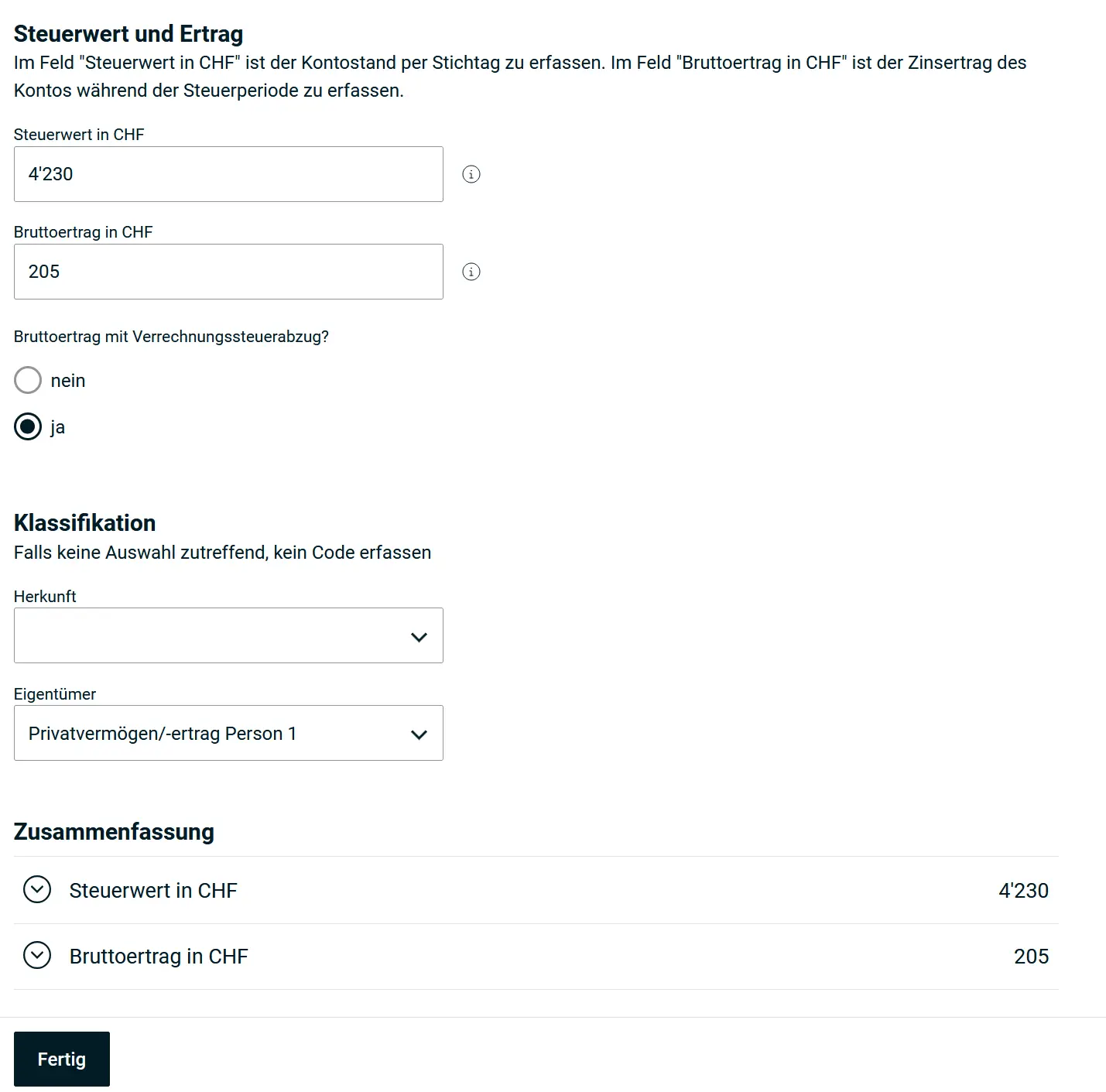
Enter the data from the certificate here. You need the bank name, account number and account domicile. Then your balance as of December 31 and the income (interest) on the account.
Very important: here, the form distinguishes between with and without withholding tax. Typically, this tax (35%) is only levied from CHF 200 of income onwards. Once the account is declared, the withholding tax is credited back to you.
Securities
If you’re reading this article, you probably own some stocks. And here you can reveal your entire investment strategy to the tax office.
As an example, let’s take a simple strategy, all of course with my favorite broker IB:
- 200 VT, of which 40 bought during the tax year
- 100 CHSPI ETF
First, you add a new security.
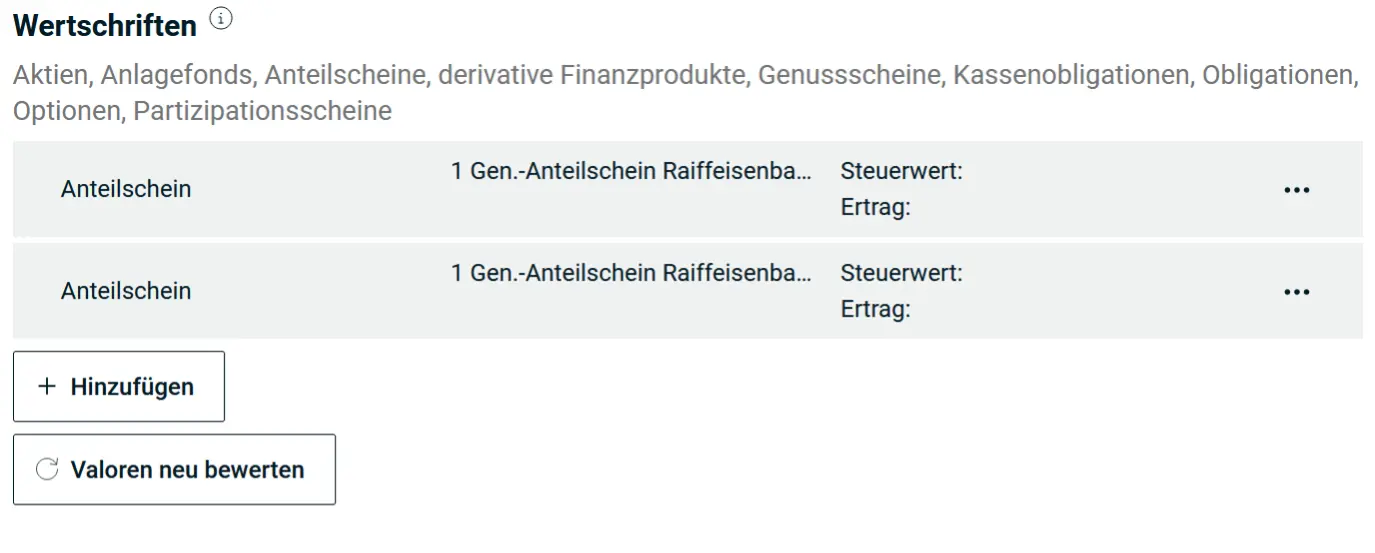
Now you use the search to find your security. If you know the valor number or ISIN, it’s easiest. Otherwise, you have to browse through a (potentially) long list.
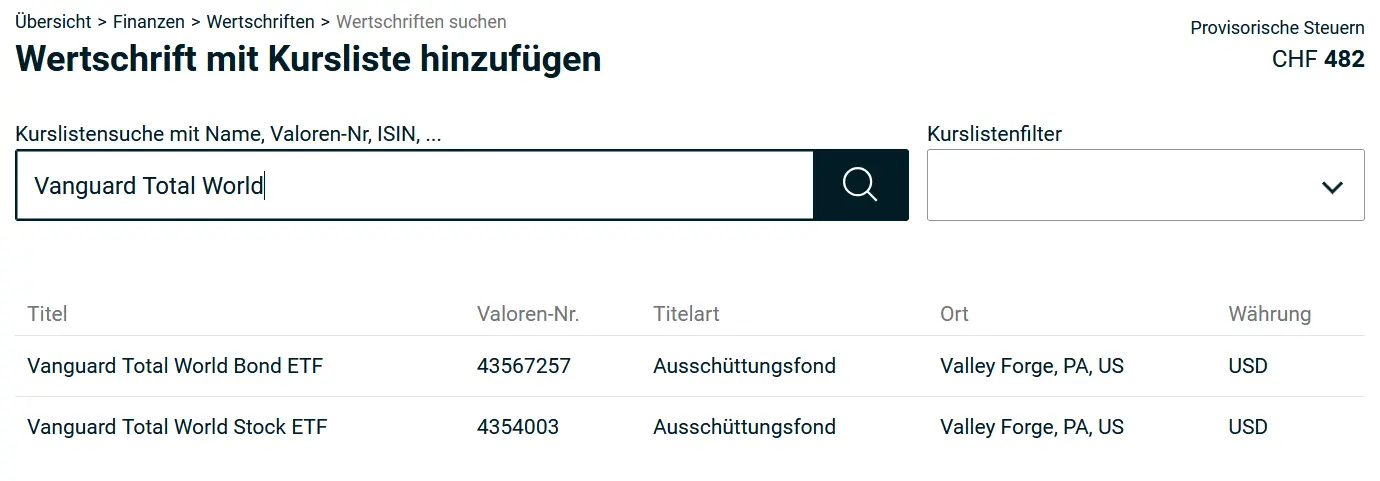
The tax office already knows a lot about VT, this data is pre-filled and you don’t need to type it. That means currency conversions, value at the beginning and end of the period, dividends, everything is included. What you still need:
- Opening balance. How many shares did you have at the beginning of the year? Normally, this number is carried over from the last tax return.
- Closing balance. How many shares do you have at the end of the year?
- All purchases and sales should be listed. Since VT pays dividends (taxable income!), the tax office needs the exact details of how many shares you owned at any given time.
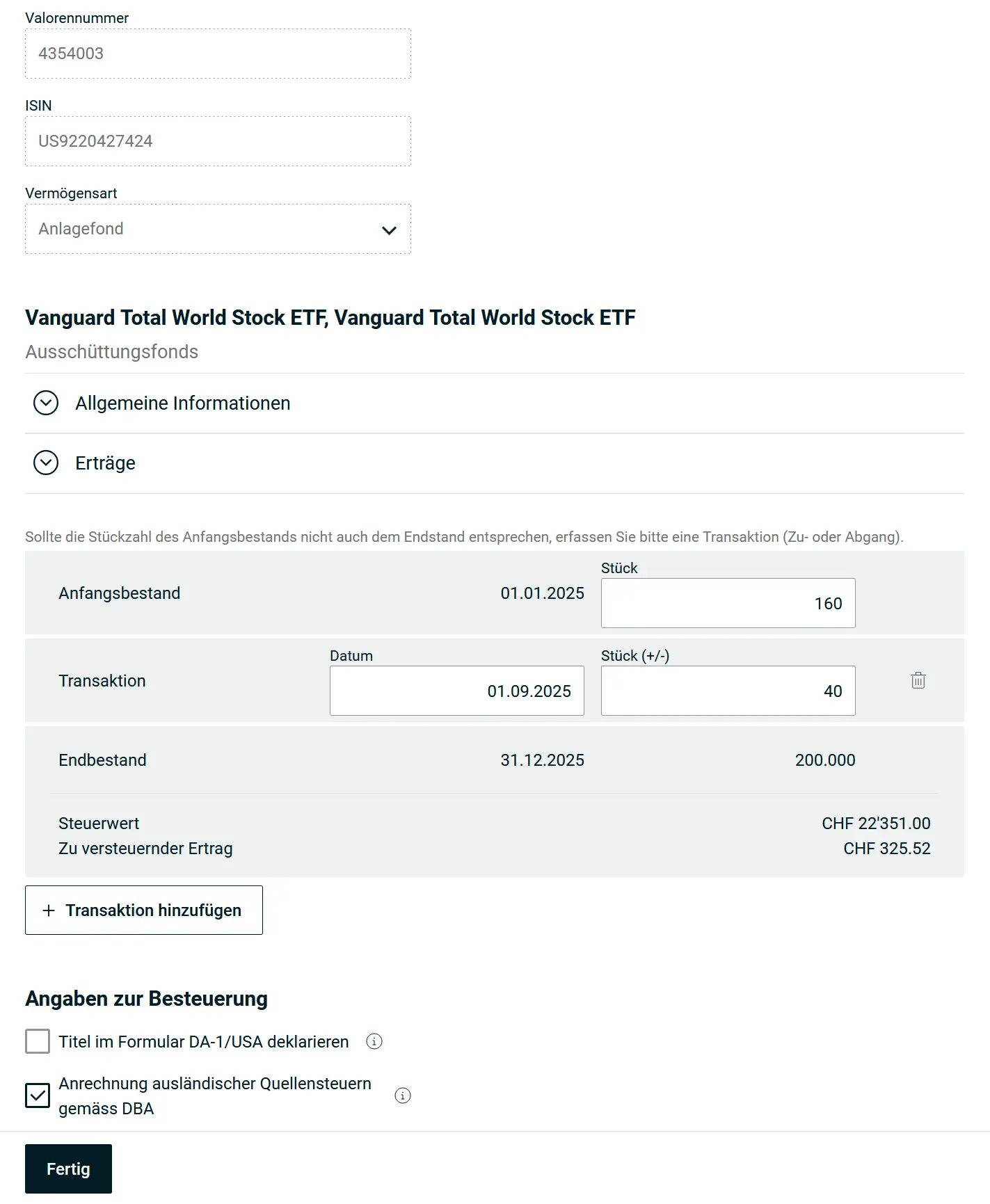
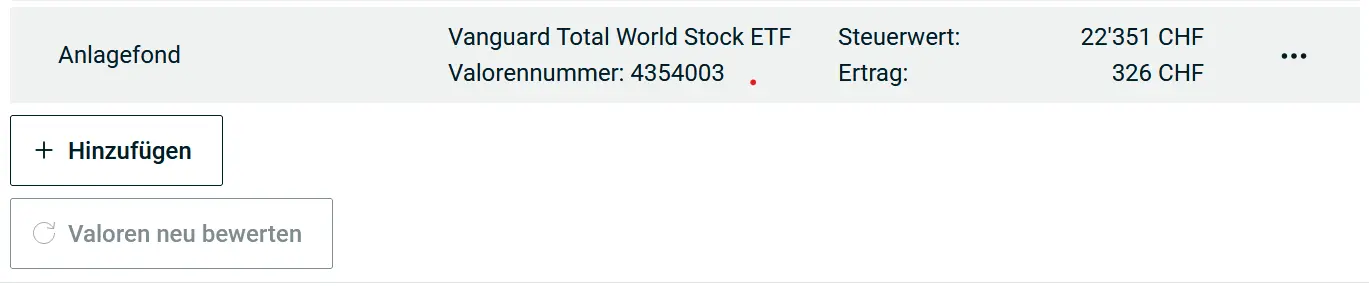
With VT, it’s a US security subject to US withholding tax. These belong in the DA-1 form, as soon as at least CHF 100 of withholding tax (total) is claimed. You can move securities from the main directory to the DA-1 at any time.
Unfortunately, the reverse doesn’t work, you can only delete and re-add. That’s why it’s recommended to move US securities to the DA-1 only at the end (if needed).
Asset Management Costs
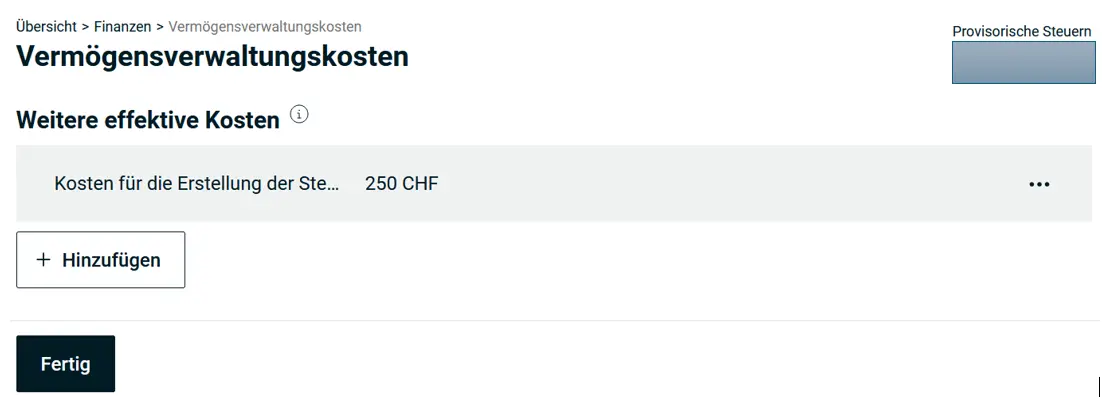
You can deduct asset management costs here. As a Mustachian, you’ve certainly invested your money and you can deduct the corresponding costs. Note that these are management costs for securities (i.e., ETFs and stocks), not purchase/sale costs. But as a frugal investor, you shouldn’t have high management costs anyway. There are two options:
- Your broker provides you with a cost statement: you can enter these costs here
- Flat-rate deduction: 0.3% of the value of your securities, up to max. CHF 6'000
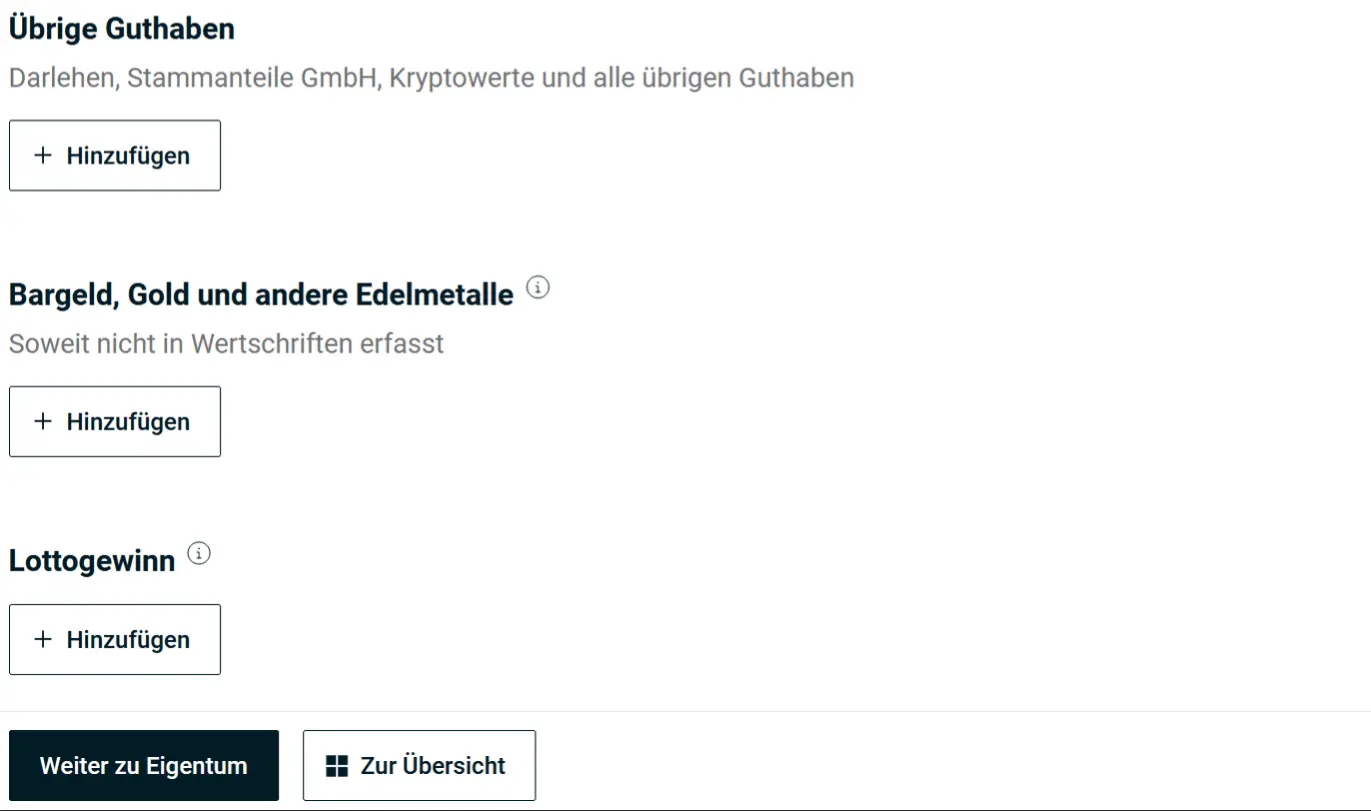
Other Assets / Cash, Gold and Other Precious Metals as Well as Lottery Winnings
All other valuables, loans, shares, cash, gold etc. and also lottery winnings are listed in the corresponding category. You can depreciate the value of your car (if not leased) by up to 40% each year.
Private Debts
If you have debts because you borrowed money from acquaintances or companies, you can list them here. Or simply because you paid your credit card bill late or accidentally overdrew your bank account.
But in principle, you should only have debts in exceptional cases. The only debts that cannot be deducted are car leasing. This deduction serves two purposes: it reduces your assets by the debt amount, and it reduces your income by the interest amount.
Mortgages. If you have mortgages, you can list them here and deduct the interest.

Special case Federal tax. The federal tax is always due the following year: the federal tax for 2025 is due in March 2026, since no advance payment is made.
This means that on December 31 of the year, you actually have a debt towards the federal government, because you haven’t yet paid the federal tax. And conveniently: while you’re filling out your tax return, the administration sends you the documents for the federal tax due. You can directly enter this amount and the provisional tax estimate as a supporting document.
And one more thing: if your bank sends an electronic tax statement, your loans and mortgages are probably already recorded there and will be automatically captured when you upload the document.
Next Step
In the next article, we’ll cover the following sections:
- Real estate (as a tenant, owner or real estate investor)
- Inheritances and donations
- Supporting documents and submitting the tax return
And if I missed a tax savings opportunity in the screenshots above (or if you have questions), let me know in the comments section below.