
In the second part of the eFisc-Thurgau guide, we have completed the following sections of our Swiss tax return (for the canton of Thurgau): real estate, professional deductions, debts, pension provision and insurance.
Let’s move on to the other categories, and in particular to the most interesting part, our stock market investments!
Step 1: Donations
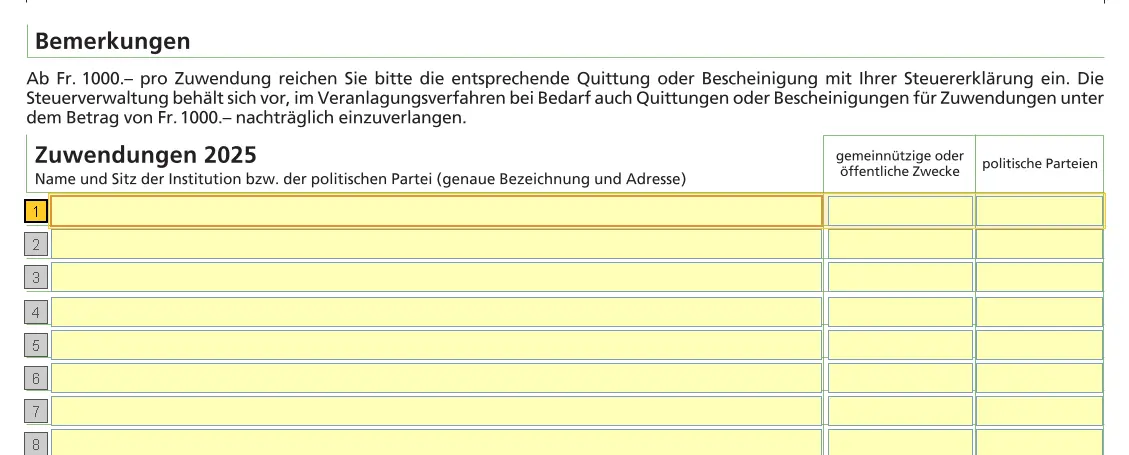
Donations to charitable organizations based in Switzerland are tax-deductible up to a total of CHF 100.
Step 2: Bank accounts

All bank accounts must be declared. Use your bank’s tax certificate.
In principle, you only declare your share (often 50%). Details are explained in the general FAQ here: FAQ Swiss tax return (2026).
Be sure to save the form explicitly (so that you don’t lose the information you entered).
Step 3: Securities
If you invest in ETFs or stocks (US, Europe, Ireland), the tax side quickly gets confusing: dividends, withholding tax, DA-1, R-US 164, etc. I’ve put everything together in a clear, jargon-free guide, with concrete examples from my own tax returns:
Swiss Investor Tax Guide 2026: US, Europe, Ireland ETFs
We assume you have this portfolio of stock market investments:
- VT ETF
- “Huber and Suhner” stock
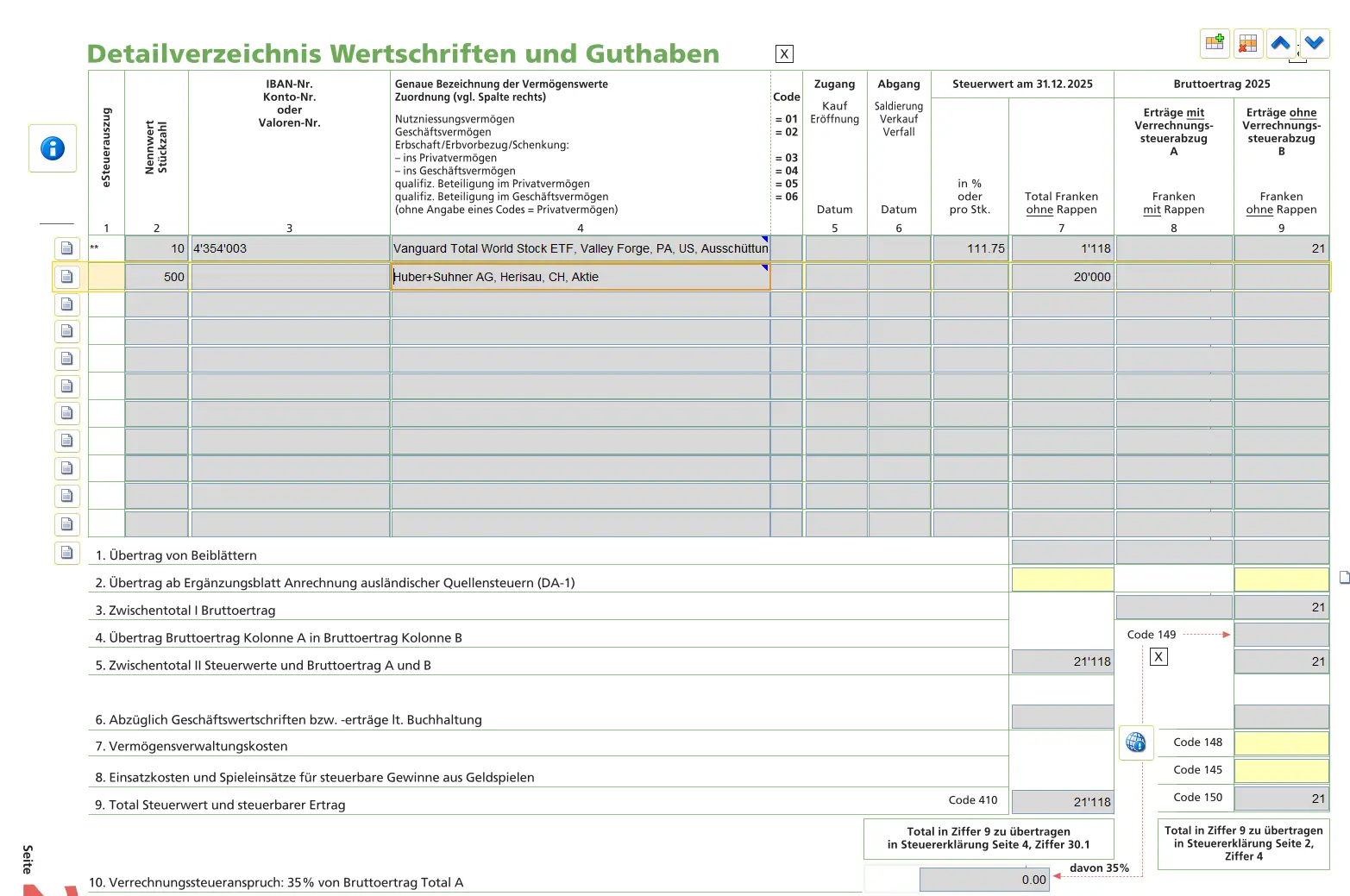
Adds each security individually. Search by ISIN or name.

Most of the data is taken over automatically. All you have to do is specify:
- Initial number of shares
- Final number of shares
- Enter purchases and sales
US securities with withholding tax are part of the DA 1 form if required:
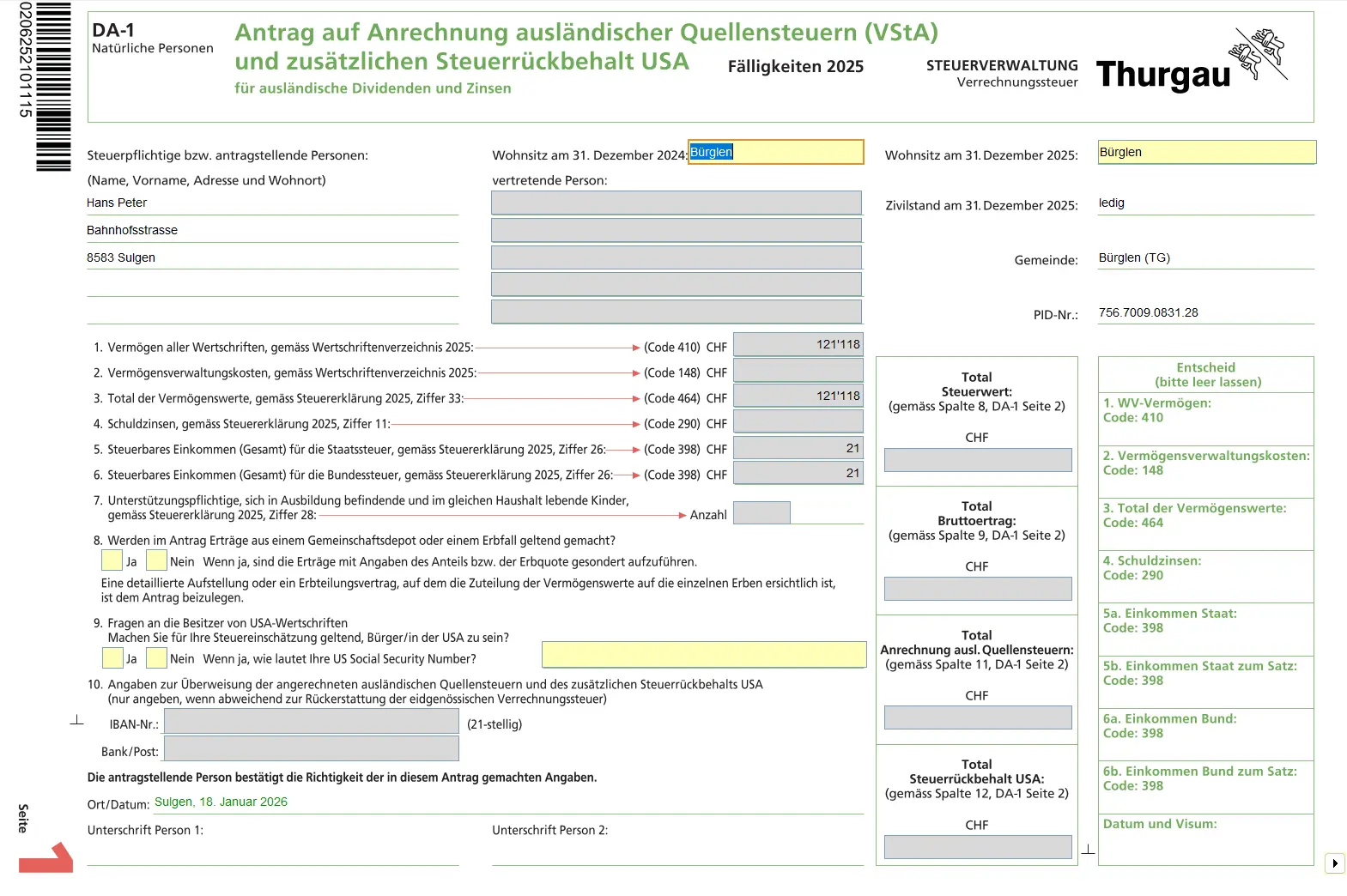
DA-1 form for crediting foreign withholding taxes and the U.S. additional withholding tax on dividends and interest
Step 4: Electronic tax statement
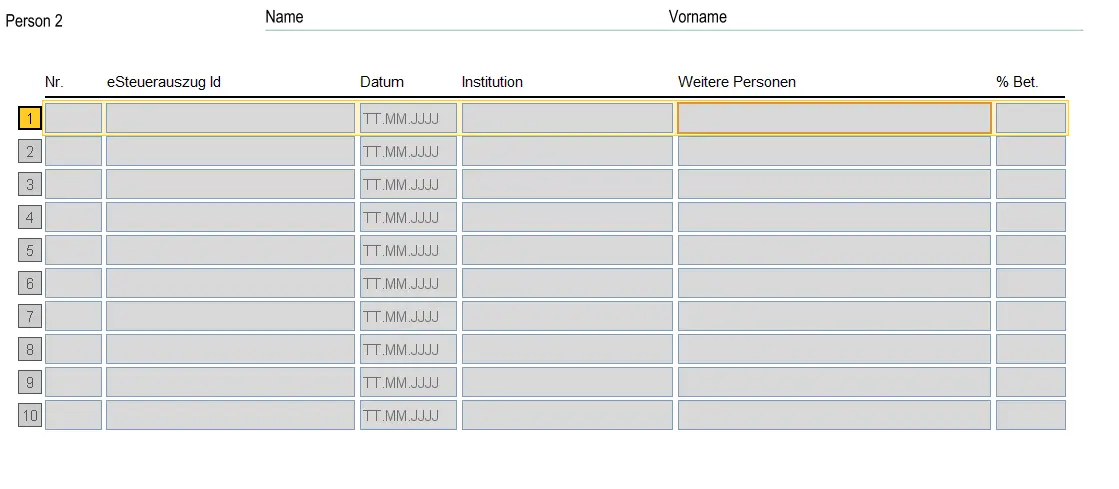
If your bank offers an electronic tax statement, the data it contains can be transferred automatically. This is done via the tax barcode and requires an electronic interface between the bank and the tax system.
If the electronic tax statement is empty, it doesn’t mean that the tax return is wrong. It simply means that there is no automatic interface, or that there has been no electronic delivery by the bank. In this case, the field remains empty and the information must be entered manually.
And for the record: the tax barcode is never manipulated or entered by the taxpayer himself. It is either transmitted automatically by the bank, or is not available at all.
Step 5: Other assets

Include here:
- Cars without leasing
- Boats
- Other valuables
The value of the vehicle can be written off each year.
Step 6: Conclusion
Tax allocation
Relevant in case of real estate or income in other cantons or abroad.
Remarks
Here you can add comments for the tax authorities, if there is anything that needs further explanation.
Submission
Check everything again with your spouse. Then you can either submit the tax return electronically, or print it out, sign it and send it by post. You can also drop the documents directly into the tax authorities’ mailbox or hand them in.
After a few weeks or months, you’ll receive the final tax assessment. Depending on the result, you’ll either receive an invoice or a refund.
Congratulations, you’ve completed your tax return.
And as always, if you find any other (legal!) tax optimization ideas in the screenshots above, don’t hesitate to let me know.